
If you are deploying or refreshing an MX appliance and need Meraki switch optics that actually work on the first boot, you are in the right place. This article helps network engineers choose compatible SFP modules, validate optics behavior (including DOM), and avoid the common “link up but no traffic” traps. You will get a practical comparison, a decision checklist, and troubleshooting steps you can apply in the field.
Meraki switch optics vs generic SFPs: what changes in MX appliance links?
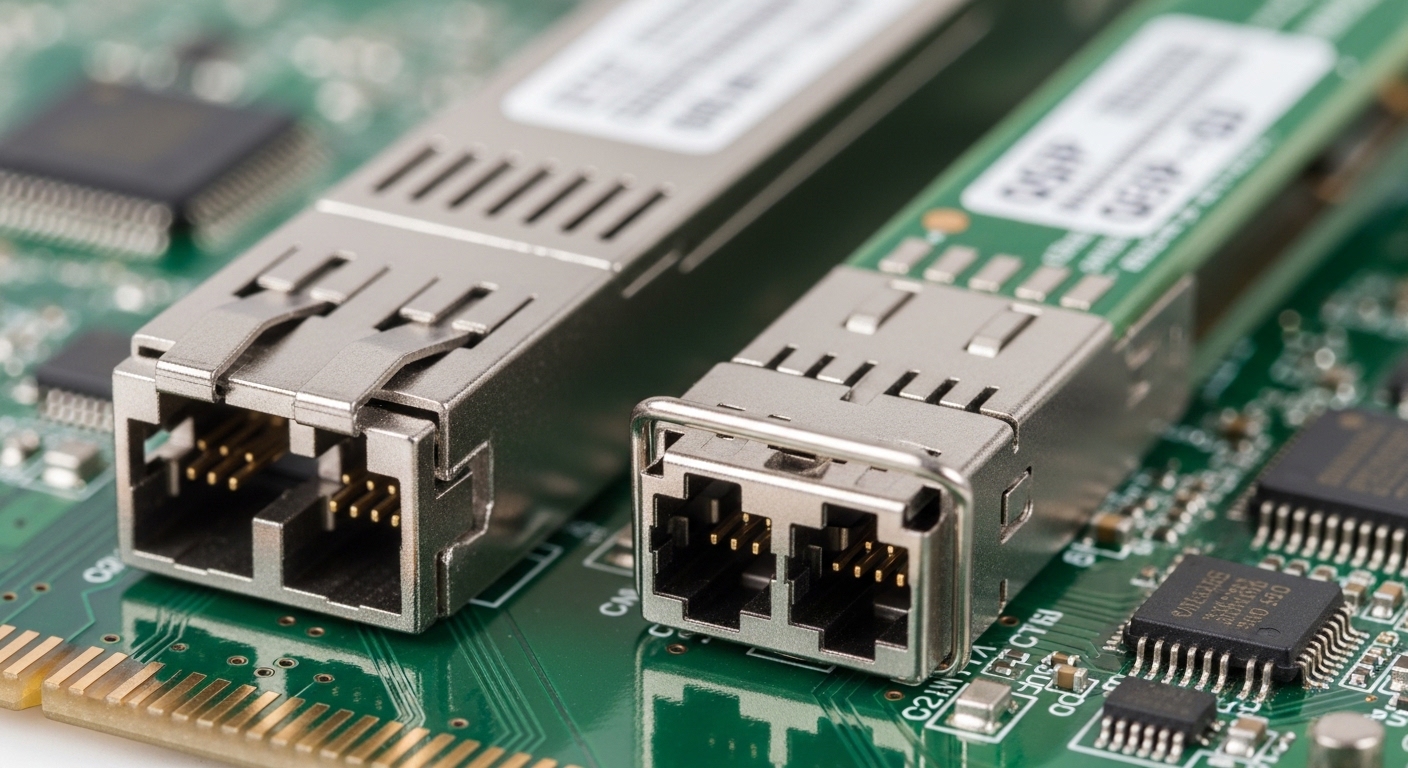
With Meraki MX appliances, optics compatibility is not only about matching data rate and fiber type. Field teams often discover that DOM support, transceiver EEPROM identifiers, and vendor-specific electrical tolerances can affect link negotiation and monitoring. Generic SFPs may light the link LED, yet still fail telemetry, power budgeting, or alarm thresholds that Meraki dashboards rely on.
In hands-on deployments, we typically see success when the module’s Wavelength, reach class, and connector type align with the MX port’s expectations and when the module’s DOM is readable and stable. When those conditions are not met, you can get intermittent CRC errors, port flaps, or “unsupported optics” events that slow down change windows.
Baseline matching rules engineers verify first
- Data rate alignment: e.g., 1G SFP modules on 1G ports; 10G SFP+ only where the port supports it.
- Optical wavelength: 850 nm for short-reach multimode, 1310 nm for long-reach multimode, 1550 nm for single-mode.
- Reach class vs fiber plant: verify OM3/OM4 vs OS2 and estimated link loss.
- Connector type: LC is common; make sure you do not mix SC-to-LC patching assumptions.
Pro Tip: In many MX rollouts, the fastest proof of compatibility is not just “does the link come up,” but whether the dashboard reports DOM values consistently (laser bias, received power, temperature) over several polling intervals. If DOM readings oscillate or show blanks, expect telemetry-based alarms and harder troubleshooting later.
Head-to-head: common SFP optical choices for Meraki MX ports
Below is a practical comparison of the optics profiles engineers commonly evaluate for Meraki MX appliances. Use it to map your fiber plant (MM vs SM), link distance, and operational constraints like temperature and power class. Note that exact supported part numbers depend on Meraki’s published compatibility lists and the specific MX model and interface type.
| Optics profile | Typical wavelength | Fiber type | Target reach class | Connector | Form factor / data rate | DOM | Operating temp |
|---|---|---|---|---|---|---|---|
| 10G SR (multimode) | 850 nm | OM3 / OM4 | ~300 m (OM3) or ~400 m (OM4) | LC | SFP+ / 10G | Usually supported | 0 to 70 C typical (verify) |
| 10G LR (single-mode) | 1310 nm | OS1 / OS2 | ~10 km | LC | SFP+ / 10G | Usually supported | -5 to 70 C typical (verify) |
| 1G SX (multimode) | 850 nm | OM3 / OM4 | ~550 m (OM3) or ~600 m (OM4) | LC | SFP / 1G | Usually supported | 0 to 70 C typical (verify) |
| 1G LX (single-mode) | 1310 nm | OS1 / OS2 | ~10 km | LC | SFP / 1G | Usually supported | -5 to 70 C typical (verify) |
For concrete examples, field teams often source modules like Cisco SFP-10G-SR or third-party equivalents such as Finisar FTLX8571D3BCL and FS.com SFP-10GSR-85 when matching wavelength and reach. Even then, compatibility hinges on MX port type, DOM behavior, and Meraki’s supported module guidance for your exact interface.
What to check on the label before you install
- Speed rating (1G vs 10G; some optics are SFP, others SFP+).
- Wavelength (850 nm vs 1310 nm vs 1550 nm).
- Fiber spec (OM3, OM4, OS2) and stated reach in meters.
- DDM/DOM capability (Digital Diagnostics Monitoring must be reliably readable).
- Laser safety class (for handling and compliance in your facility).
Compatibility workflow: validate SFPs for Meraki MX appliances without downtime
A reliable compatibility workflow prevents “schedule slip” during maintenance windows. Start by confirming the MX appliance model and the exact port speed, then match optics parameters to the fiber plant. After that, verify DOM visibility and monitor link stability for a short burn-in period.
Step-by-step checklist used during change control
- Confirm port capability: ensure the MX interface supports the optics data rate and expected electrical signaling.
- Match wavelength and fiber: e.g., 850 nm SR for OM4; 1310 nm LR for OS2.
- Estimate link loss: account for fiber attenuation plus patch cords and connectors.
- Validate DOM behavior: after insertion, check that temperature and received power populate and remain stable.
- Monitor errors: watch CRC and link flaps during the first 30 to 60 minutes.
If you are following a “Compatible Modules Guide” approach, treat it as a filter, not a guarantee. Even within the same optics profile, vendors can differ in DOM implementation, EEPROM identifiers, and transmitter power defaults. This is why Meraki’s compatibility list (and the specific MX model) matters.
Pro Tip: When you need to test a new third-party SFP, do it in a low-risk spare port first and compare DOM values to a known-good module. If the received power readings shift by more than a small margin at the same fiber end, you may still pass basic link tests while failing monitoring thresholds.
Selection criteria engineers actually use (decision checklist)
When choosing Meraki switch optics for MX appliance SFP ports, engineers weigh multiple constraints. The goal is to reduce both operational risk (telemetry and link stability) and procurement risk (returns and vendor lead times).
- Distance and fiber type: MM vs SM, OM3 vs OM4, OS2 vs older OS1.
- Budget and procurement: OEM optics are typically pricier but often lower risk.
- Switch and MX compatibility: use Meraki’s guidance for your exact MX model and port type.
- DOM support and reliability: confirm DDM/DOM works consistently after insertion.
- Operating temperature: verify datasheet range matches your rack environment (especially near top-of-rack heat zones).
- Vendor lock-in risk: assess whether your future spares strategy depends on one supplier.
Common mistakes and troubleshooting tips for Meraki MX optics
Even experienced teams hit optics issues. The key is to identify the failure mode quickly and fix the root cause instead of swapping blindly during a maintenance window.
Link comes up, but dashboard shows alarms or missing DOM
Root cause: the SFP’s DOM implementation is incompatible, partially readable, or unstable due to EEPROM variations. Solution: replace with a known-good module from the compatible list and confirm DDM values populate and stay consistent.
Port flaps under load with rising CRC errors
Root cause: marginal optical power budget, fiber contamination, or connector damage causing intermittent receive signal. Solution: clean LC connectors using approved fiber cleaning tools, re-terminate if needed, and validate power levels against the transceiver datasheet limits.
“Unsupported optics” or repeated link negotiation failures
Root cause: wavelength or reach mismatch (e.g., using an SR module on a fiber run that behaves like long-reach needs), or wrong data rate (SFP vs SFP+). Solution: verify the module label (data rate and wavelength), then reselect optics aligned to the fiber plant.
Temperature-related failures in warm racks
Root cause: using optics with a tighter operating temperature range than your environment. Solution: validate the module’s operating temperature spec, improve airflow, and re-test during peak ambient conditions.
For standards context, transceiver behavior and diagnostics align with industry expectations for optical transceivers and monitoring; see IEEE Ethernet guidance for physical layer operation and vendor-specific DOM behavior. References: IEEE 802.3 and vendor datasheets for the specific transceiver models you deploy. [Source: IEEE 802.3]
Cost and ROI note: OEM vs third-party optics for MX deployments
In real procurement cycles, OEM optics can cost roughly 1.5x to 3x compared to third-party equivalents, depending on speed and reach. Third-party SFPs can reduce upfront spend, but the total cost of ownership (TCO) rises if you factor in return shipping, failed acceptance tests, and increased troubleshooting time. If DOM stability and monitoring accuracy matter for your operations team, OEM or tightly validated compatible modules usually deliver better ROI through fewer incidents.
A practical approach is to standardize on one or two suppliers for each optics profile and buy spares sized for your change cadence. Also include power and cooling considerations: failed or flapping optics can increase retries and error-driven retransmissions, creating a subtle but real performance tax.
Which option should you choose?
If you are running a mission-critical MX environment where change windows are short and telemetry visibility is required, choose OEM optics or only those third-party modules explicitly validated for your MX model and port type. If you are optimizing cost for a lab, staging, or low-risk site with spare capacity, you can consider third-party SFPs, but only after DOM and power-budget validation against a known-good reference.
| Reader type | Priority | Recommended optics strategy | Why |
|---|---|---|---|
| Enterprise operations team | Monitoring reliability and predictable incidents | OEM or Meraki-validated compatible modules | DOM stability and fewer troubleshooting cycles |
| MSP running many customer sites | Repeatable deployments at scale | Standardize 2 to 3 approved SFP profiles per speed | Consistent acceptance tests across sites |
| Cost-focused rollout | Lower upfront optics spend | Third-party only after DOM and link stability tests | Protects TCO by avoiding failed change windows |
FAQ
Which Meraki switch optics work best for MX SFP ports?
The safest choice is to follow Meraki’s published compatibility guidance for your specific MX model and interface type. Then match the optics label for data rate, wavelength, and reach, and validate DOM readings after insertion.
Can I use third-party SFPs with Meraki MX appliances?
Often yes, but compatibility is not guaranteed by optics profile alone. You must verify DOM behavior and stability, and you should prefer modules that match the compatible modules guidance for your MX model. [Source: Meraki vendor guidance]
What happens if DOM is not supported or unstable?
You may still see a link, but monitoring and alerting can degrade. This can cause missing visibility for received power and temperature, making troubleshooting harder and potentially triggering optics-related alarms.
How do I choose between 10G SR and 10G LR optics?
Choose SR (850 nm) for short runs on multimode fiber like OM3 or OM4. Choose LR (commonly 1310 nm) for longer runs on single-mode fiber like OS2; confirm link loss and the module’s stated power budget.
Why do I get CRC errors after installing a new SFP?
Common causes include fiber contamination, marginal optical power budget, or connector damage. Clean connectors, verify the fiber type and distance, and compare DOM received power values against the datasheet thresholds.
Should I worry about operating temperature for optics in racks?
Yes. If your rack runs hot, optics with limited operating temperature range can fail intermittently. Validate the module datasheet and improve airflow before blaming the network.
Deploying Meraki switch optics for MX appliances becomes straightforward when you treat compatibility as a measurable process: match specs, validate
