
If your network upgrade plan is blocked by optics budget, you are probably stuck between paying upfront capex for SFP modules or spreading costs via leasing and managed inventory. This article helps network and facilities teams compare leasing vs buying using real SFP capex opex drivers: compatibility, DOM behavior, spares, MTBF, and downtime risk. You will also get an implementation checklist you can run in a week, plus a troubleshooting section for the top failure modes.
Step-by-step: turn “leasing vs buying” into measurable SFP capex opex
Prerequisites (do this before you compare vendors)
- Inventory your current optics: switch model, port speed, connector type (LC/SC), and fiber type (OM3/OM4/OS2).
- Confirm platform optics requirements: check vendor compatibility and whether your switch enforces Digital Optical Monitoring (DOM) and vendor checks.
- Pick one deployment target to model: for example, 10G SR across a leaf-spine fabric or 25G SR for a new ToR rollout.
Expected outcome: a short list of module part numbers that are truly “plug-compatible” with your exact switches, not just your general interface type.
Model capex for buying optics (include lifecycle spares)
For buying, SFP capex opex starts with the unit price, but you should also include spares and replacement lead time. In practice, teams often buy 5% to 10% extra modules for hot swaps during initial ramp, then reduce to 1% to 3% steady-state spares once the fleet stabilizes.
Example inputs you can use: 10G SR SFPs commonly come in the $30 to $90 range depending on vendor, reach (e.g., 300 m OM3 vs 400/500 m OM4), and DOM grade. If your spares sit for 18 to 24 months before use, you still pay inventory carrying cost (capital cost and storage handling).
Expected outcome: a realistic “buy cost per activated port” that includes spares, shipping, and receiving time.
Model opex for leasing (include service credits and SLA scope)
Leasing converts SFP capex opex by shifting payment to monthly fees and usually bundling logistics and advanced replacement. The hidden cost is downtime coverage: verify whether the lease includes expedited replacement (same day or next business day) and whether you get credits if a module fails during an installation window.
In field deployments, leasing is strongest when you have a tight cutover window or uncertain demand for new racks. A common pattern is leasing for the first 6 to 12 months while you validate optics budgets, then buying once the traffic pattern and error rates are stable.
Expected outcome: a lease “effective cost per port per month” with clear replacement SLAs and no ambiguous exclusions.
Compare compatibility risk (DOM, vendor enforcement, and optics telemetry)
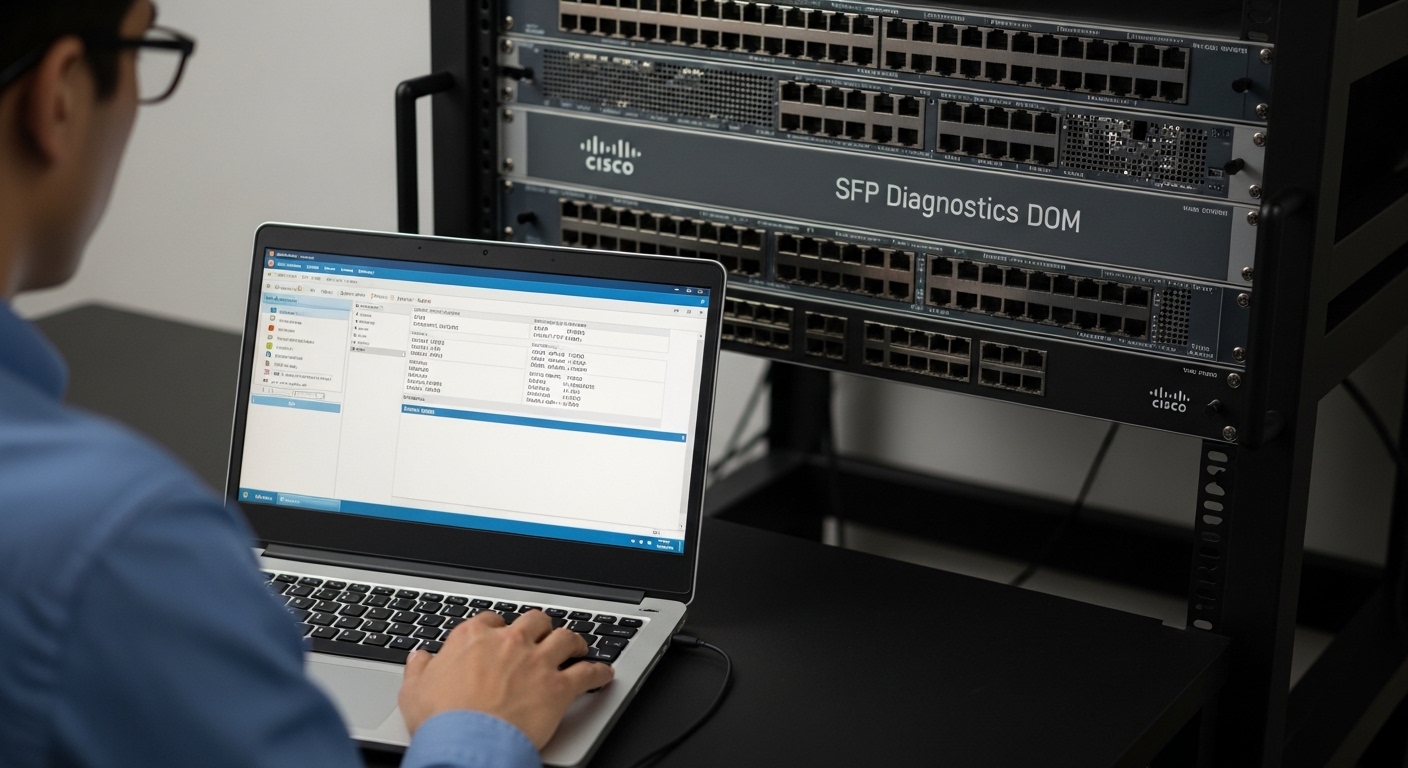
Switches often read DOM data over I2C and expect certain thresholds for transmit power, received power, and temperature. Even if a module is electrically compatible, strict platforms can reject optics if DOM calibration data or vendor identifiers do not match expectations.
Concrete examples of widely deployed optics families include Cisco-branded SFPs such as Cisco SFP-10G-SR and third-party options like Finisar FTLX8571D3BCL or FS.com SFP-10GSR-85 (exact part behavior varies by switch). Always validate in your target chassis/firmware.
Expected outcome: a compatibility score that predicts whether “cheap optics” will burn time during staging.
Decide with a structured checklist (the real selection criteria)
- Distance: OM3 vs OM4 vs OS2, budget margin, and expected attenuation.
- Switch compatibility: vendor support lists and DOM enforcement behavior.
- Data rate and optics type: SR vs LR, 10G vs 25G, and required standards.
- DOM support and telemetry: temperature and power fields your ops tools can parse.
- Operating temperature: verify industrial grade if you have hot aisles or poor airflow.
- Vendor lock-in risk: whether leasing forces you into one optics supplier.
- Failure handling: MTBF expectations, RMA turnaround, and whether replacements ship before you open tickets.
Expected outcome: a decision that is defensible during procurement reviews, not just preference-based.
What “good” looks like: specs and cost levers for common SFP upgrades
Before you compare leasing vs buying, align on the optics profile. IEEE 802.3 governs Ethernet PHY behavior; the optics must meet the electrical and optical requirements for your speed and reach. Use vendor datasheets and your switch transceiver matrix to confirm wavelength, reach, connector, and DOM support. For reference on Ethernet over fiber behavior, see IEEE 802.3 standard pages“>IEEE 802.3 standard pages [Source: IEEE].
[[IMAGE:Close-up photography of an SFP module seated in a network switch cage, showing the LC fiber connector end, with a technician’s gloved hands in a server rack aisle under bright overhead lighting; shallow depth of field, realistic lighting, high detail on the label and pins.]
| Parameter | 10G SR SFP (example) | 10G LR SFP (example) |
|---|---|---|
| Wavelength | 850 nm | 1310 nm |
| Typical reach | 300 m OM3 / 400-500 m OM4 | 10-20 km over OS2 (varies) |
| Connector | LC | LC |
| Data rate | 10G | 10G |
| DOM | Usually supported (vendor dependent) | Usually supported (vendor dependent) |
| Operating temperature | Commonly 0 to 70 C or extended variants | Commonly 0 to 70 C or extended variants |
Expected outcome: a clean baseline so your leasing contract or purchase order targets the correct optical class and reach.
Leasing vs buying in a real data center cutover
In a 3-tier data center leaf-spine topology with 48-port 10G ToR switches and a planned rollout of 96 new servers, the team had a two-week window to light up new racks. They sized optics for the full deployment (192 active ports for downlinks), but traffic engineering and cable rework were uncertain. They leased the first batch of SR optics for 9 months, staged them across 8 racks, and measured link error counters after each cabling revision.
By week three, they had stable BER and no DOM alarm events, so they converted the remaining leased quantity into purchases for the steady-state. Net effect: less idle inventory risk, faster replacement during cabling churn, and fewer “wrong optic” surprises because compatibility validation happened early.
Expected outcome: reduced cutover friction while still controlling long-term SFP capex opex.
Pro Tip: During staging, monitor not just link up/down but also DOM telemetry trends (tx power, rx power, and temperature) over 24 to 72 hours. A marginal optic can pass initial bring-up yet drift into alarm thresholds later, which makes leasing seem “expensive” until you compare the hidden cost of a late-stage rollback.
Common mistakes and troubleshooting when SFP capex opex goes sideways
Failure point 1: “It fits” but the switch rejects the module
Root cause: DOM enforcement, vendor ID checks, or firmware-level compatibility rules. Some platforms also apply stricter optics thresholds than others.
Solution: validate against your vendor’s optics compatibility list, then test the exact firmware version in a staging environment before ordering in bulk.
Failure point 2: Passes link but shows CRC errors and flaps
Root cause: fiber mismatch (OM3 vs OM4 assumptions), dirty LC connectors, or insufficient optical power budget from patch panel losses.
Solution: clean connectors with proper lint-free wipes and inspect with a fiber scope; then verify attenuation and power levels using your switch’s optical diagnostics.
Failure point 3: Temperature-related intermittent failures in hot aisles
Root cause: modules operating beyond their rated temperature due to airflow imbalance or blocked vents.
Solution: measure inlet temps at the switch and cage; if you cannot guarantee airflow, choose extended temperature optics variants and add cooling or airflow baffles.
Cost and ROI note: where SFP capex opex usually lands
Buying typically wins when you have predictable growth and stable compatibility, because you can amortize inventory over multiple refresh cycles. Leasing can win when your cutover window is tight or when you expect churn in cabling, rack placement, or switch firmware.
Realistic price planning: third-party SFPs may reduce unit cost, but you must budget staff time for compatibility testing and potential rework. Leasing fees vary widely by SLA tier, but the ROI often comes from reduced downtime risk, faster replacements, and lower inventory carrying cost. A practical approach is “lease for validation, buy for steady-state” to balance SFP capex opex without betting your project timeline.
