
Leaf-spine upgrades and storage traffic spikes are great—until your link aggregation goes sideways and half your flows start tromboning across the wrong member. This article helps data center and enterprise network engineers choose fiber transceivers for a LAG fiber optic build that actually stays stable with LACP. You will get practical spec comparison points, procurement-focused cost and lead-time guidance, and field-tested troubleshooting steps.
Why LAG fiber optic behaves differently with fiber transceivers
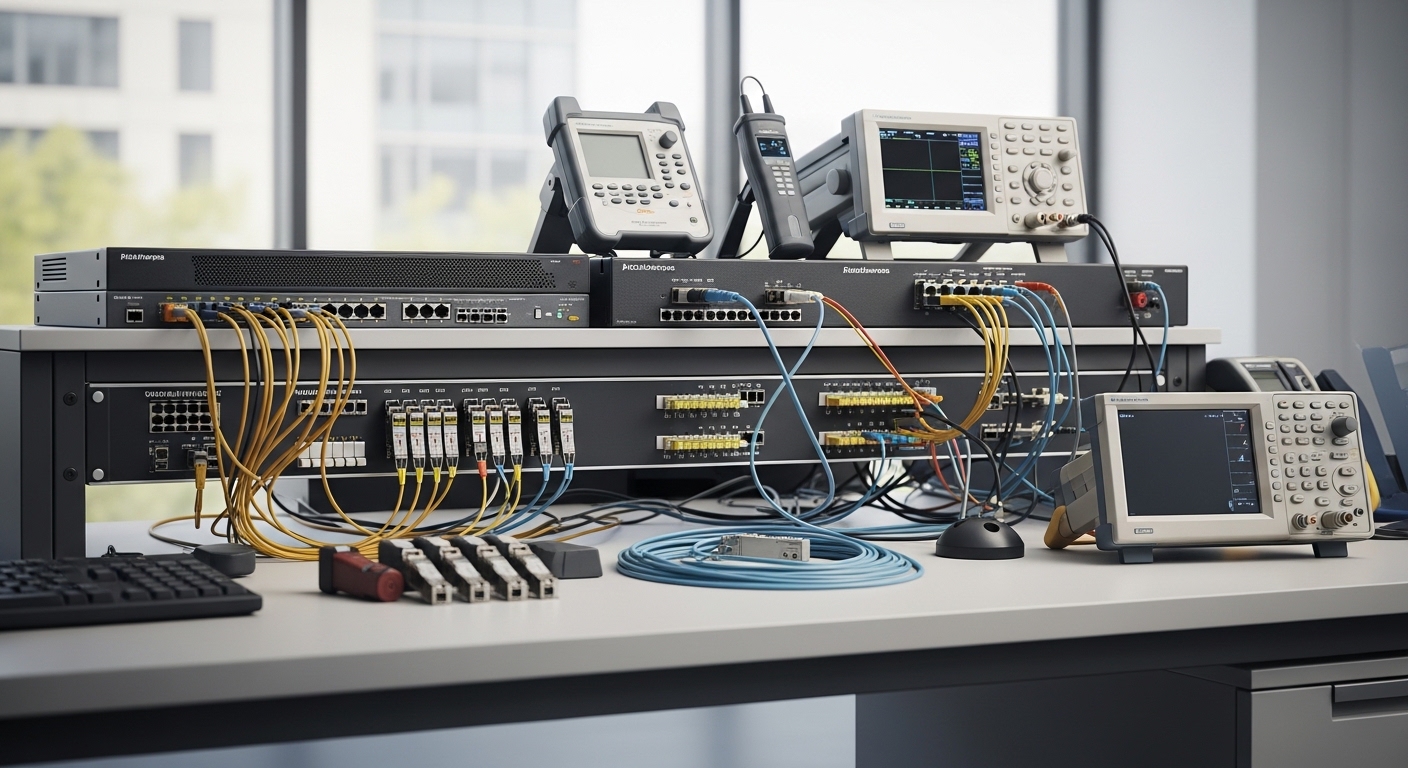
In a LAG fiber optic design, you are not just bundling two cables; you are bundling timing, optics behavior, and error characteristics across multiple physical members. With LACP, the switch selects a hashing method (often based on L2/L3/L4 fields) and expects each member to present consistent reach, latency, and link quality. If transceivers differ materially—wavelength class, optical power budget, DOM reporting, or even temperature behavior—you can trigger asymmetric error rates that look like “random” packet loss.
IEEE 802.3 defines the electrical and optical interfaces for specific media types, while LACP itself is covered by IEEE 802.1AX. For procurement and field operations, the practical implication is simple: transceiver parameters must match the port profile and should be within the vendor’s stated compatibility window. Otherwise, you may still establish links, but your aggregated traffic can suffer from intermittent CRC bursts, which makes troubleshooting feel like chasing fog with a flashlight.
Fiber optic transceiver compatibility: specs that matter for LAG
Engineers often shop by reach and connector type, then wonder why LAG member imbalance shows up during peak load. For LAG fiber optic, the “gotchas” tend to hide in optics power budgets, wavelength tolerance, and DOM behavior. Below is a comparison of common 10G SR and LR options used in LAG bundles; the exact model matters, but the spec categories drive compatibility.
| Spec Category | 10G SR (Example Models) | 10G LR (Example Models) | 25G SR (Example Models) | Procurement Impact for LAG |
|---|---|---|---|---|
| Data rate | 10G (10.3125 Gbps line rate) | 10G | 25G (25.78125 Gbps line rate) | All members should be same PHY speed; avoid mixed-speed members |
| Wavelength | 850 nm nominal (MMF) | 1310 nm nominal (SMF) | 850 nm nominal (MMF) | Mismatch can prevent link or degrade optics margin |
| Reach | Typically 300 m OM3 / 400 m OM4 (varies by vendor) | Typically 10 km (varies) | Typically 100 m OM3 / 150 m OM4 (varies) | Ensure all members have identical optical budget and fiber class |
| Connector | LC duplex (typical) | LC duplex (typical) | LC duplex (typical) | Adapter/patch panel cleanliness must be consistent |
| DOM / monitoring | Supported on most modern SFP+/SFP28 modules | Supported | Supported | Switch may enforce DOM thresholds; mismatched DOM can alarm |
| Operating temperature | 0 to 70 C (typical) | 0 to 70 C (typical) | 0 to 70 C (typical) | Data center heat gradients can widen link margin differences |
| Power class / budget | Tx power and Rx sensitivity must fit link budget | Tx power and Rx sensitivity must fit link budget | Tx power and Rx sensitivity must fit link budget | Member with tighter margin becomes “the weak link” under load |
Field rule: when building a LAG fiber optic, treat each member as if it were a critical single link with its own optical budget. If one path runs hotter, has a slightly dirtier LC interface, or uses a different transceiver batch with lower Tx power, it can produce higher BER that the LACP bundle hides until you hit a traffic pattern that increases entropy.
DOM, thresholds, and why “same part number” is not always same behavior
Many switches validate transceivers using vendor-specific logic: DOM presence, temperature ranges, and sometimes measured Tx/Rx values compared to expected thresholds. Even when two modules are “both SR,” one may be a compatible vendor model with slightly different calibration constants. That can still pass link-up, but DOM-based alarms may cause the switch to treat the member as unstable.
In procurement terms, request the datasheets for the exact module models you will deploy, including DOM support details. If you are using third-party optics, verify the vendor provides compatibility guidance for your switch platform model, and confirm how DOM thresholds are interpreted on your firmware revision.
Pro Tip: During LAG fiber optic bring-up, compare per-member optical metrics (Tx bias, Rx power, temperature) and interface counters immediately after traffic ramps. If you only check “link is up,” you will miss the member with 2 to 3 dB less optical margin that later becomes the CRC hotspot.
Best practices for LAG fiber optic with LACP: deployment steps that reduce risk
Let’s make this real. In a 3-tier data center leaf-spine topology with 48-port 10G ToR switches feeding 4 spine uplinks via a 2x LAG per leaf (meaning each aggregated uplink has multiple physical members), you typically configure LACP active on both sides. You then install identical transceivers in each member port and ensure the patching path is consistent across members.
Example environment: assume each leaf has 4 aggregated 10G members to a spine, each member uses 10G SR 850 nm LC over OM4, and the planned reach is under 100 m per patch run. After installation, you verify that each member shows similar Rx power and low error counters, then you run a traffic test such as iperf3 at line rate with multiple flows. When the LAG is stable, you should see consistent throughput with no member flaps and no CRC/discipline events beyond baseline.
Procurement and configuration checklist (what engineers actually weigh)
- Distance and fiber type: confirm OM3 vs OM4 vs SMF, then match module reach claims to your measured link loss.
- Switch compatibility: verify transceiver support on your exact switch model and firmware; some platforms are picky about DOM and vendor IDs. Switch compatibility and transceiver validation
- Optical budget symmetry: ensure all members have similar Tx power and Rx sensitivity margin; avoid mixing batches with different calibration.
- Connector and cleaning consistency: LC duplex cleanliness and patch panel hygiene are repeatable, but only if you standardize cleaning and inspection.
- DOM and telemetry support: confirm DOM is enabled and thresholds won’t trigger member suppression under normal temperature variation.
- Operating temperature: compare transceiver temperature behavior; a hotter member can drift closer to thresholds.
- LACP hashing expectations: understand your switch’s hash fields so you can test with traffic patterns that exercise ECMP-style distribution.
- Vendor lock-in risk: evaluate OEM vs third-party total cost; include replacement lead time and RMA friction.
anchor-text: IEEE 802.1AX LACP overview
anchor-text: IEEE 802.3 Ethernet physical layer standards
Cost, lead time, and supply chain risk: OEM vs third-party optics for LAG
Procurement reality: OEM optics are often more expensive but come with smoother compatibility validation and shorter escalation loops during outages. Third-party optics can be cheaper, but you are buying time and engineering effort to validate DOM behavior, firmware compatibility, and optical performance under your specific link loss.
Typical price ranges in many enterprise markets: a compatible 10G SR SFP+ module might land around $30 to $120 for third-party and $80 to $250 for OEM, depending on brand and warranty terms. For 25G SR SFP28, third-party could be $70 to $200 and OEM might be $150 to $400. Your actual TCO should include failure rate assumptions, spares strategy, and the cost of downtime during lead-time gaps.
Risk model you can use during sourcing
- Compatibility risk: third-party optics may require firmware updates or specific module variants to pass DOM validation.
- Lead time risk: OEM might be 2 to 6 weeks; third-party can be 1 to 4 weeks but less predictable during supply shocks.
- RMA and logistics risk: OEM RMAs are usually smoother; third-party RMAs may involve longer troubleshooting cycles and return shipping delays.
- Operational risk: if you discover a marginal optic only after production load tests, the “savings” evaporate into engineer hours and potential packet loss.
For LAG fiber optic specifically, the supply chain angle is that you need consistent optics across all members. Buying modules from different lots without validation increases the chance that one member has lower optical margin. If you must mix sources, require a burn-in and a DOM telemetry sample before deployment.
Common mistakes and troubleshooting tips for LAG fiber optic
Even seasoned teams get bitten by optics-related LAG issues. Below are concrete failure modes I have seen in the field, with root causes and solutions you can apply during an incident.
Member flaps only under load (CRC bursts on one member)
Root cause: one member has tighter optical budget due to higher patch loss, a slightly dirty connector, or a transceiver with lower Tx output margin. Under load, the switch’s hashing and traffic mix increases the number of packets sent through that member, revealing the weakness.
Solution: inspect and clean all LC connectors on that member, measure Rx power at the switch DOM/telemetry level, and compare per-member error counters (CRC, FCS, symbol errors). Replace the lowest-margin module first, not the “random” one.
Link comes up, but LAG stays degraded (member suspended by DOM thresholds)
Root cause: transceiver DOM readings or vendor-specific compliance checks do not align with the switch’s firmware expectations. Some platforms will keep the link up but log repeated “optics out of range” events and may treat the member as unreliable.
Solution: confirm transceiver model and revision, check switch logs for DOM threshold messages, and test with a known-good OEM module in the affected port. If the issue correlates with a third-party supplier, standardize on one validated vendor batch.
Mixed media assumptions (SR configured but fiber path behaves like a lossier link)
Root cause: the patch run is longer than expected, uses the wrong fiber type, or has extra splices not accounted for in the original design. Because LAG bundles multiple links, the problem can appear “intermittent” as some members see more traffic.
Solution: verify fiber type at the patch panel, perform an OTDR or link loss test, and compare measured loss to the module’s optical budget. If you are near the edge, upgrade to a higher-reach module class or reduce patch length.
Patch panel polarity or connector mix-ups (duplex swapped)
Root cause: LC polarity mismatch can reduce Rx power enough to cause intermittent errors rather than immediate link failure. In some cases the link trains but remains unstable.
Solution: confirm polarity with a continuity test, re-terminate or re-patch using the correct polarity method, and verify Rx power after changes. Make cleaning and inspection part of the re-patch workflow, not an optional side quest.
FAQ: buying and deploying LAG fiber optic transceivers with LACP
Q: Can I mix OEM and third-party optics in the same LAG fiber optic bundle?
A: It is possible, but not recommended without validation on your exact switch model and firmware. Even if both are “10G SR,” DOM behavior and optical margin can differ. Test in a staging environment and compare per-member Rx power and error counters under load.
Q: What fiber specs should I confirm before ordering?
A: Confirm fiber type (OM3 vs OM4 vs SMF), connector type (LC duplex), and your measured link loss using OTDR or certified link tests. Then match to the module’s stated reach and optical budget. For LAG fiber optic, ensure all members have similar loss characteristics.
Q: Does LACP require identical transceiver models on all members?
A: LACP does not inherently validate transceiver optics, but the switch does validate PHY link stability and may use DOM thresholds to decide member reliability. For best results, use identical module models and ideally identical revision/lot for all member ports.
Q: How do I detect a “bad” member quickly during an outage?
A: Check per-member interface counters and optics telemetry right after the issue starts. Look for a single member with elevated CRC/FCS errors or noticeably lower Rx power. Replace or re-clean that member first to avoid a week of swapping the wrong boxes.
Q: What is the safest approach for spares and future expansions?
A: Stock spares that match the deployed optics model and, if available, the same supplier and revision. For expansions, buy modules in one procurement lot and validate compatibility before installing into production LAG member ports.
Q: Are there switch firmware gotchas with LAG fiber optic?
A: Yes. Some firmware versions change transceiver compatibility checks, hashing behavior, or DOM interpretation. If you plan a firmware upgrade, coordinate it with optics validation so you can separate “optics issues” from “firmware changes.”
Procurement for LAG fiber optic is less about shopping by wavelength and more about ensuring optical margin symmetry, DOM compatibility, and consistent supply lots across every member. If you want fewer outages and less midnight spelunking, start by validating transceiver compatibility on Switch compatibility and transceiver validation before you place the full order.
Author bio: I am a hands-on procurement and field validation specialist who has supported optics bring-up across leaf-spine and storage fabrics, including measured Rx power and error-counter driven acceptance tests. I write with the assumption that your network will be tested under real load, not just made to blink successfully in a lab.
