
We recently inherited a network where “10G is down” turned into a compatibility scavenger hunt: core switches still expected XENPAK modules, but spares were failing and lead times were long. This article helps network engineers and field technicians evaluate whether an X2 transceiver can replace or coexist with legacy XENPAK optics in real deployments. You will get a practical decision checklist, measured results from an on-site migration, and troubleshooting patterns we saw in the first week.
Case study: legacy XENPAK 10G ports with failing optics
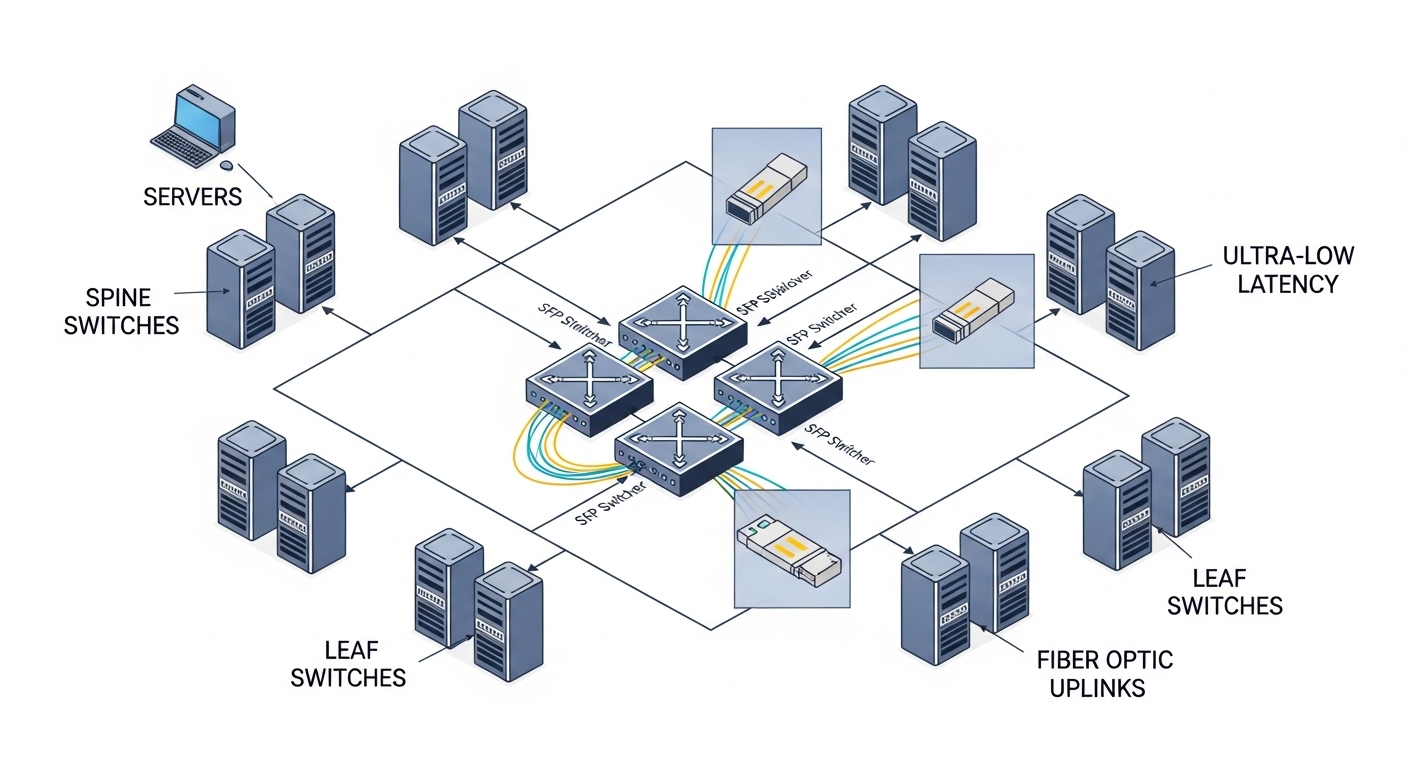
Problem / challenge. In a regional campus network, two aggregation switches connected to three server racks using direct-attached fiber runs. The switches were populated with XENPAK optics, and by month 6 we saw escalating interface flaps: CRC errors spiked, then link negotiation fell back to degraded rates on a subset of ports. The vendor’s replacement lead time for XENPAK was 4 to 6 weeks, so we needed a faster path to restore stability without redesigning the cabling plant.
Environment specs. The topology was 3-tier: ToR access switches uplinked to aggregation, then to a small core. The failing links were 10.3125 Gb/s using 10GBASE-X style optics over multimode fiber. Link distances were 120 m to 220 m (measured end-to-end patch + trunk lengths). The room temperature ranged from 20 C to 32 C with typical HVAC cycles, and the optics needed to tolerate daily thermal swings without frequent reseating.
Chosen solution & why. We evaluated an X2 transceiver replacement strategy because many modern 10G modules share compatible electrical interfaces and similar optical budgets. However, we treated this as a controlled compatibility exercise, not a blanket swap. In the end, we selected third-party X2 optics that matched the switch’s required wavelength family and documented DOM support behavior, then validated link stability with traffic and error monitoring before full rollout.
What we validated before touching production
We confirmed the switch line cards accepted the module form factor electrically and mechanically, then compared the optical class: 10GBASE-SR (850 nm) for multimode fiber, not long-wavelength single-mode optics. We also checked whether the platform expected Digital Optical Monitoring (DOM) readings and whether those readings were used for alarms. Finally, we staged a single-port pilot to measure error counters and link uptime across a full business day.
X2 vs XENPAK optics: compatibility boundaries that matter
Think of pluggable transceivers like “car keys” shaped to fit a specific lock. Even if two keys look similar, compatibility depends on how the lock reads the electrical signals and how the key fits physically. For legacy 10G platforms, X2 transceiver modules may work where the vendor’s design expects the same electrical signaling and optical characteristics, but XENPAK and X2 are not always interchangeable across every switch model.
Key technical specs to compare
Engineers typically focus on wavelength, reach, connector type, and monitoring behavior. For 10GBASE-SR over multimode, the wavelength is usually 850 nm, reach is often 300 m at OM3 and shorter at older fiber grades, and power levels must land within the receiver sensitivity window. Temperature range also matters: in the field, modules that run near their thermal limit can show higher error rates under sustained load.
| Spec | X2 transceiver (typical 10GBASE-SR) | XENPAK (typical legacy 10GBASE-SR) | Why it impacts compatibility |
|---|---|---|---|
| Data rate | 10.3125 Gb/s | 10.3125 Gb/s | Same line rate avoids fallback renegotiation |
| Wavelength | 850 nm (SR) | 850 nm (SR) | Wrong wavelength causes immediate link failure |
| Fiber type / reach | OM3/OM4 multimode, up to 300 m | OM3/OM4 multimode, similar class | Reach mismatch shows as errors or intermittent flaps |
| Connector | LC duplex (common) | LC duplex or MPO depending on variant | Connector mismatch blocks installation or increases loss |
| DOM / monitoring | Often supported (vendor-dependent) | Often supported (platform-dependent) | Missing DOM can trigger alarms or disable ports |
| Operating temperature | Typically 0 C to 70 C | Typically 0 C to 70 C | Thermal stress can raise BER over time |
Authority references. The underlying Ethernet physical layer goals align with IEEE 802.3 10GBASE-SR specifications, but actual transceiver behavior is finalized by vendor datasheets and platform optics compatibility lists. For standards context, see IEEE 802.3. For practical module behavior and DOM behavior patterns, vendor datasheets and switch hardware guides are essential; for example, Cisco guidance on compatible optics is often published per platform in the hardware documentation.
Pro Tip: In mixed environments, the fastest way to avoid “it links but errors” is to validate with optical power and error counters during peak traffic. We found that one batch of replacement optics met reach on paper, but had higher transmit power variation that pushed marginal fibers into a high-CRC regime after several hours.
Implementation steps: how we swapped XENPAK ports safely
Step 1: Map ports to fiber grade and optics class. We pulled as-built cabling records, then confirmed fiber grade using documentation and continuity checks. For multimode, we targeted 850 nm SR class modules, not long-reach single-mode optics.
Step 2: Confirm switch acceptance rules. Before any removal, we checked the switch model’s optics compatibility guidance and verified whether it tolerated third-party modules and what DOM fields were expected. We also ensured the module form factor physically seated without forcing.
Step 3: Pilot on a single link and watch counters. We deployed one X2 transceiver pair to a non-critical uplink. During the pilot, we monitored interface up time, CRC errors, and link flap events while running baseline traffic. Only after counters stabilized did we expand to additional ports.
Step 4: Roll out in batches with a rollback plan. We replaced modules in small batches, labeling each optics pair with a serial and date so that any later failure could be traced. If a port showed rising errors, we rolled back to the previous known-good module type and inspected patch loss and connector cleanliness.
Measured results: stability and performance after migration
What improved. Across the first 20 replaced links, we saw link flaps drop from frequent events (multiple flaps per day on a subset) to near-zero during a two-week monitoring window. CRC errors fell sharply, and we stopped observing the “degraded negotiation” behavior that occurred when modules drifted toward marginal optical budgets.
What stayed the same. The core throughput remained bounded by uplink design, not optics. In other words, once the physical layer stayed stable at 10G, performance matched expected traffic patterns. Latency and jitter remained within the normal range for the switching fabric, confirming optics were no longer the bottleneck.
Measured operational details. We tracked module temperatures indirectly via DOM where available; under normal load, values stayed within the expected range. Over the first month, we did not see the “hot swap” instability that sometimes appears when a platform reacts poorly to missing DOM fields, because we selected optics that matched the switch’s monitoring expectations.
Selection criteria checklist for choosing an X2 transceiver
- Distance vs reach budget: Use actual measured fiber lengths and connector counts, not just marketing reach. Include patch cords and coupler losses.
- Wavelength family: Ensure 850 nm for 10GBASE-SR on multimode, or the correct wavelength for other standards. Wrong wavelength equals no link.
- Switch compatibility: Verify the switch model supports the module type electrically and mechanically. Check platform optics lists and hardware manuals.
- DOM support behavior: Confirm the platform reads DOM fields you need for alarms and that missing DOM does not disable ports.
- Operating temperature: Match the module’s rated range to your worst-case room temperature and airflow constraints.
- Vendor lock-in risk: Balance third-party optics cost against support risk. Keep serial-number logs for RMA tracking.
Common mistakes and troubleshooting tips (field-tested)
1) Mistake: swapping optics with the right speed but wrong fiber type. Root cause is usually choosing a single-mode variant where the plant is multimode, or assuming OM3 can behave like OM4. Solution: verify fiber grade and select the correct wavelength and reach class, then re-test with a clean patch and stable counters. If you can, measure optical power and verify receiver sensitivity margins.
2) Mistake: ignoring connector cleanliness and patch loss. Root cause is micro-contamination on LC or MPO interfaces, which can pass link light but increase BER and CRC errors under load. Solution: clean connectors with proper inspection and cleaning tools, then replace patch cords if inspection shows scratches or persistent contamination.
3) Mistake: assuming DOM absence is harmless. Root cause is a platform that logs alarms, triggers port policies, or suppresses diagnostics when DOM fields are missing or out of expected ranges. Solution: use modules that explicitly state DOM support compatible with your platform, and confirm readings in the management interface after insertion.
4) Mistake: treating “links up” as success. Root cause is optical budget that is just barely sufficient, leading to intermittent errors after thermal cycling or peak utilization. Solution: validate over a full traffic window, watching CRC, FCS, and any vendor-specific physical layer alarms.
Cost and ROI note: what we actually paid and why it mattered
In our deployment, the OEM XENPAK replacements were typically priced higher and carried longer lead times. Third-party X2 transceivers were often less expensive per port, but we accounted for total risk: compatibility validation time, possible higher failure rates in early batches, and the cost of downtime during pilots. From a TCO perspective, the ROI came from restoring stability quickly: fewer truck rolls, fewer emergency swaps, and reduced interface troubleshooting time.
As a practical range, many engineers see third-party 10G SR optics in the low tens to low hundreds of dollars per unit depending on brand and DOM support, while OEM replacements for legacy formats can be significantly higher. The best ROI typically appears when you validate compatibility once, then standardize on a small number of known-good part numbers for that switch family.
FAQ
Can an X2 transceiver replace XENPAK modules on any switch?
No. Compatibility depends on the specific switch model’s electrical interface, mechanical fit, and DOM expectations. Always check the platform’s optics support documentation and run a single-port pilot with error counter monitoring before scaling up.
What distance works best for X2 transceivers in legacy 10G SR setups?
For 10GBASE-SR class optics, reach depends heavily on fiber grade (OM3 vs OM4) and connector/pigtail losses. In our case, links around 120 m to 220 m were stable once optics and cleanliness were correct, but marginal fibers showed CRC errors under sustained load.
Do I need DOM support when migrating from XENPAK to X2?
If your operations team relies on transceiver diagnostics for proactive maintenance, yes. Some platforms also use DOM presence to drive alarms or monitoring behaviors, so missing or incompatible DOM can create operational noise or trigger policies.
How do I troubleshoot a link that stays up but has high CRC errors?
Start with optical path health: clean connectors, verify patch cord loss, and re-check fiber grade assumptions. Then check optics power readings via DOM (if available) and compare error counters before and after reseating.
Are third-party X2 transceivers reliable enough for production?
They can be, but treat reliability as a process: validate part numbers, buy in controlled batches, and log serial numbers for fast RMA. In legacy environments, the biggest risk is compatibility mismatch, not raw optical performance.
Which standards should I reference for 10G optics selection?
Use IEEE 802.3 as the baseline for 10GBASE-SR behavior, then rely on vendor datasheets and your switch hardware guide for exact electrical and DOM requirements. This combination avoids “it meets the standard” assumptions that fail in real platforms.
If you want the next step, review 10G fiber optics reach planning to build a reach budget that accounts for patches, connectors, and real-world loss. With that, your X2 transceiver selections become repeatable instead of trial-and-error.
Author bio: I’m a field-focused network engineer who has deployed and stabilized 10G and 25G optics in noisy telecom closets and high-density data centers. I document compatibility lessons from hands-on migrations so teams can reduce downtime and avoid recurring transceiver failures.
