
If your network is seeing intermittent CRC errors, link flaps, or “link up but no throughput,” the root cause is often not the fiber or the switch port, but the transceiver signal quality. This article helps network engineers and IT directors validate a jitter test SFP workflow using eye-diagram metrics, DOM evidence, and switch compatibility checks. It is written for teams that must make repeatable acceptance decisions across multiple vendors and sites.
Confirm the test setup matches the IEEE electrical interface
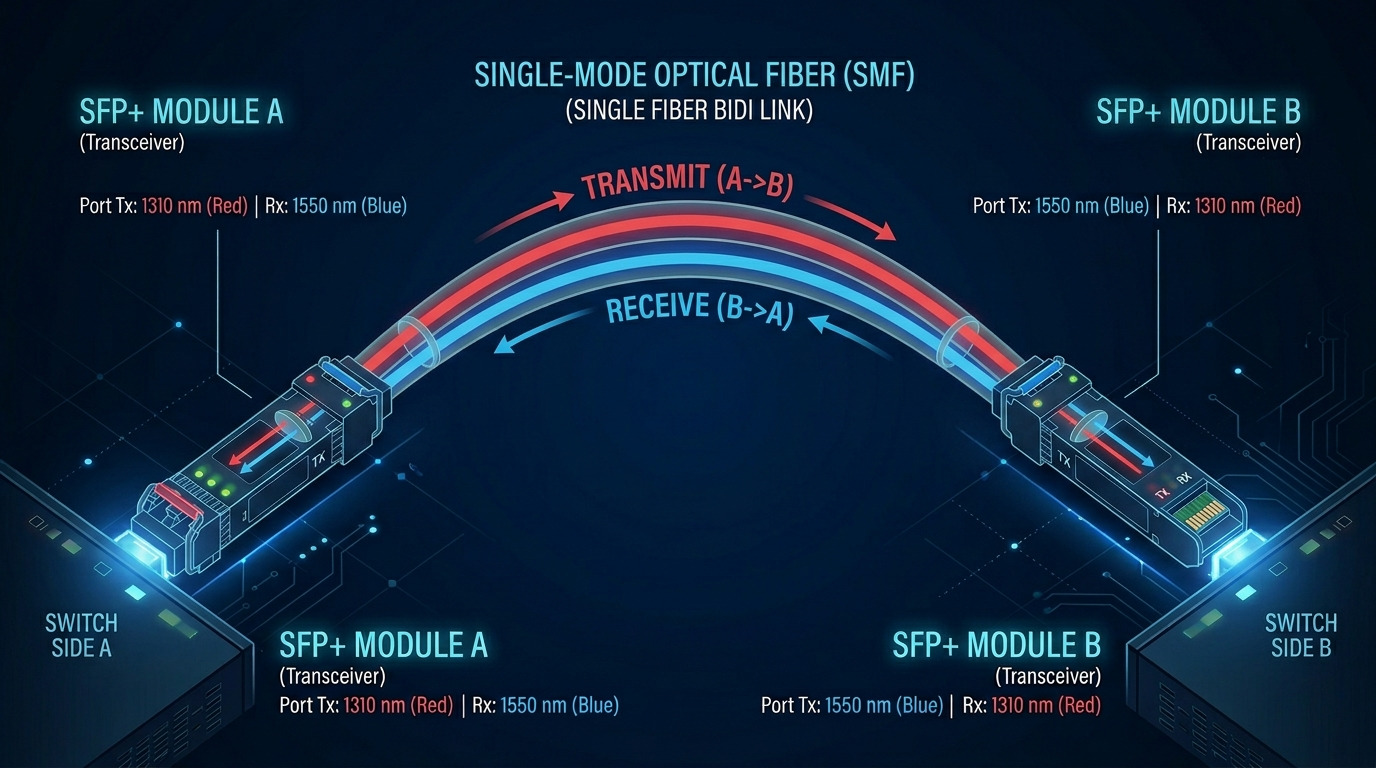
A jitter test SFP is only as reliable as the measurement chain that drives it. Start by aligning the test method with the actual physical layer characteristics of the host interface and the transceiver class you are validating. For Ethernet and common optical links, the relevant optical/electrical behavior is anchored in IEEE 802.3 optical PHY specifications and the vendor’s module datasheet. In practice, mismatches show up as “clean” eye diagrams that fail under real switch traffic patterns.
What to verify before you press Start
- Signal reference: Use the correct test fixture or breakout that preserves impedance and minimizes reflections.
- Sampling bandwidth: Ensure the oscilloscope and sampling head bandwidth support the data rate being measured (for 10G, 25G, and 40G, the required bandwidth scales steeply).
- Acquisition mode: Capture enough traces to stabilize the statistical eye (not a single-shot view).
- Clocking: Confirm whether you are measuring with a recovered clock or reference clock, and document the mode.
Best-fit scenario: You are validating 10G SR modules across 48 ToR switches in a leaf-spine fabric and need consistent acceptance across ports.
Pros: Reduces false negatives/positives caused by fixture or bandwidth errors. Cons: Requires disciplined lab documentation and sometimes a dedicated fixture.
Measure jitter using eye-diagram statistics, not a single screenshot
Eye diagrams summarize the combined effects of deterministic jitter (DJ) and random jitter (RJ), which directly impact BER margin. A jitter test SFP workflow should therefore capture the eye over time and report metrics aligned to your acceptance criteria. While “eye height” and “eye width” are common visual heuristics, operationally you want the quantified timing margin that correlates with BER in your environment.
Eye metrics engineers actually use
- Eye height: Relates to vertical noise margin.
- Eye width: Relates to timing uncertainty and sampling aperture.
- Crossing probability: Statistical measure of how often the signal crosses a threshold at sampling time.
- Jitter distribution: Separate DJ and RJ when your tool supports it, or at least characterize total jitter consistently.
Pro Tip: In the field, teams often accept an eye diagram based on a “pretty” opening, then get failures under real traffic. The non-obvious cause is that a static pattern can hide worst-case inter-symbol interference. Use a traffic pattern that stresses the link (or at least the vendor-recommended test pattern) and capture multiple acquisitions to stabilize the statistical eye.
Best-fit scenario: You are troubleshooting marginal links where the BER counters climb only during specific workloads (for example, bursty east-west flows).
Pros: Better correlation with BER margin than visual inspection alone. Cons: Requires more time per module and consistent test automation.
Compare key transceiver specs that affect jitter and eye closure
Jitter and eye quality are strongly influenced by the transceiver’s optical and electrical characteristics. When you run a jitter test SFP, treat the module datasheet as a design constraint, not a marketing document. Pay attention to wavelength, reach, launch power, receiver sensitivity, and optical interface type (for example, SR vs LR). Also confirm the operating temperature range and whether the module supports DOM telemetry, since DOM data often explains “it was fine on Monday” behavior.
Quick spec comparison table (typical 10G SFP)
The table below shows the kinds of parameters that commonly correlate with link stability and measurement repeatability. Exact values vary by vendor and revision; always validate against the specific part number you test.
| Parameter | Example SFP-10G-SR (850 nm) | Example SFP-10G-LR (1310 nm) | Example 10G SFP+ (if applicable) |
|---|---|---|---|
| Wavelength | 850 nm | 1310 nm | Varies by SKU |
| Typical reach | 300 m (OM3) | 10 km (single-mode) | Varies |
| Connector | LC (common) | LC (common) | LC (common) |
| DOM | Often supported (verify) | Often supported (verify) | Varies |
| Operating temperature | 0 to 70 C or extended variants | -5 to 70 C or extended variants | Varies |
| Power (typical) | ~0.5 to 1.0 W | ~0.7 to 1.5 W | Varies |
| Key jitter risks | Launch/receive margin, temperature drift | Chromatic effects and link budget margin | Host compatibility and equalization behavior |
Best-fit scenario: You standardize across multiple vendors and want a consistent acceptance envelope for jitter test SFP results.
Pros: Links measurement outcomes to physical layer constraints. Cons: Requires careful BOM control and revision tracking.
For concrete part examples, teams frequently reference vendor-specific optics such as Cisco transceivers and third-party compatible modules (for example, Finisar/FtLX families and FS.com SFP listings). Validate your exact part numbers, since revisions can change DOM behavior and optical characteristics. [Source: IEEE 802.3; Source: vendor datasheets]
Use DOM telemetry as an early warning system during jitter testing
DOM (Digital Optical Monitoring) does not directly measure jitter, but it can explain why jitter changes between tests. During a jitter test SFP workflow, record DOM fields such as transmit power, receive power, bias current, and temperature. Then correlate those values with eye closure events and any increase in total jitter. If the module is operating near its optical budget limit, small temperature shifts can reduce receiver margin and increase timing uncertainty.
DOM data fields to capture and trend
- Tx optical power: Watch for out-of-family levels.
- Rx optical power: Correlate with error counters during stress tests.
- Module temperature: Identify drift across repeated captures.
- Bias current: Helps detect aging or marginal laser drive behavior.
Best-fit scenario: You are validating modules for a multi-floor campus where ambient temperature swings and airflow differ by rack row.
Pros: Turns “mystery jitter” into traceable telemetry. Cons: Requires switch or test controller access to DOM readings and consistent logging.
Validate host switch compatibility and equalization behavior
Even if the SFP optics meet the optical budget, the host port’s electrical interface and receiver settings can change the measured eye. Many switches and routers apply adaptive equalization or have specific expectations for signal amplitude and timing. If you run a jitter test SFP in a generic lab fixture but deploy into a different switch model, you can see a gap between lab eye diagrams and production performance.
Compatibility checks that prevent surprises
- Confirm supported transceiver list: Check vendor interoperability guidance for your exact switch model and OS version.
- Check link negotiation: Verify speed mode, FEC settings (if applicable), and any vendor-specific training behavior.
- Compare DOM interpretation: Ensure the host reads temperature and power fields correctly and does not mis-map units.
- Repeat test across multiple ports: One “good” port can mask a host-side issue.
Best-fit scenario: You are rolling out a mixed-vendor transceiver program and need repeatable acceptance across multiple switch generations.
Pros: Prevents deployment regressions. Cons: Requires broader test matrix coverage.
Run a deterministic stress pattern and capture the worst-case eye
Jitter and eye closure are pattern-dependent. A jitter test SFP acceptance process should include a deterministic or vendor-recommended stress pattern that exercises the encoding and timing extremes. In real networks, bursty traffic, MAC-layer framing, and upstream/downstream scheduling can effectively create worst-case sequences that are not always represented by simple lab patterns.
Practical steps for repeatable stress captures
- Use a known PRBS or vendor test pattern: Document polynomial and length.
- Capture multiple windows: For each module, record at least a baseline and a worst-case window.
- Log temperature and DOM during capture: Identify when eye closure correlates to thermal changes.
- Record BER or error counters: Even if your primary metric is jitter, BER is the operational truth.
Best-fit scenario: You are commissioning a new leaf-spine fabric and need confidence that the transceivers hold up during microbursts and hash-driven traffic.
Pros: Reduces “lab passes, field fails.” Cons: Requires careful test duration and logging discipline.
Common mistakes and troubleshooting paths for jitter test SFP failures
Here are real failure modes engineers see when they implement jitter test SFP validation. Each includes a likely root cause and a practical solution you can apply quickly.
-
Pitfall 1: Eye looks great at first, then collapses after warm-up
Root cause: Temperature drift increases laser bias variation or receiver sensitivity margin decreases as optics warm.
Solution: Run captures after thermal stabilization; track DOM temperature and bias current; reject modules that drift beyond your tolerance. -
Pitfall 2: Different results between lab and switch deployment
Root cause: Host port equalization/training differs, or the lab fixture is not impedance matched to the switch electrical interface.
Solution: Repeat jitter test SFP using the actual switch model and the same cabling/attenuation profile; verify fixture impedance and probe loading. -
Pitfall 3: “Jitter is high” but BER counters show no errors
Root cause: Measurement thresholding or clock recovery settings misrepresent timing uncertainty; the tool may be analyzing the wrong signal edge.
Solution: Re-check trigger source, threshold level, and measurement bandwidth; compare multiple acquisition settings; confirm with BER-based validation. -
Pitfall 4: Works on short patch cords, fails on production fiber runs
Root cause: Optical budget mismatch or end-face cleanliness causing higher attenuation and reduced receiver margin, increasing effective jitter.
Solution: Clean connectors with proper procedures; verify receive power with calibrated meters; validate fiber grade and attenuation vs spec.
Best-fit scenario: You are triaging intermittent CRC/PHY errors and need a structured way to separate optical margin issues from electrical jitter measurement artifacts.
Pros: Speeds root cause isolation. Cons: Requires careful interpretation of correlated telemetry.
Cost and ROI: choose OEM vs third-party with a governance model
Budget pressure is real, but transceiver failures are operationally expensive. Typical pricing ranges vary by speed and reach: OEM SFP modules are often higher upfront, while third-party compatible options can be significantly cheaper. The ROI comes from reducing downtime and avoiding repeated rollbacks, not just reducing unit cost.
What to include in TCO
- Unit price: OEM often costs more per module than third-party compatible units.
- Spare strategy: How many spares you need depends on early failure rates and warranty terms.
- Labor and downtime: Each failed module can trigger field visits, extended maintenance windows, and change management overhead.
- Testing labor: A mature jitter test SFP acceptance process adds lab time, but it prevents production incidents.
- Risk of incompatibility: Some modules may be “electrically compatible” but not functionally stable across firmware revisions.
Practical governance approach: Create an approved vendor list, require DOM compliance evidence, and store jitter test results per lot or manufacturing date code. For ROI justification, track the delta in incident counts before and after implementing acceptance gates. [Source: vendor warranty policies; Source: industry reliability practices reported by tech media]
Best-fit scenario: You are standardizing transceivers across multiple sites and need a governance framework that balances cost, risk, and measured signal quality.
Pros: Protects uptime while enabling cost optimization. Cons: Requires process ownership and evidence retention.
Top 8 jitter test SFP checks ranked by impact
Use this ranking table to prioritize what to implement first. The order assumes your goal is fewer link instabilities and better production predictability.
| Rank | Check | Primary value | Typical ROI driver |
|---|---|---|---|
| 1 | Host compatibility and equalization behavior | Prevents lab pass / field fail | Avoids rollbacks and maintenance windows |
| 2 | Eye metrics with statistical captures | Correlates with BER margin | Reduces intermittent errors |
| 3 | DOM telemetry correlation | Explains drift and thermal effects | Improves acceptance confidence |
| 4 | Stress patterns and worst-case eye capture | Reveals pattern sensitivity | Prevents workload-specific failures |
| 5 | Spec alignment to wavelength, reach, and temperature | Ensures optical budget integrity | Reduces return and rework |
| 6 | Measurement setup alignment to interface | Improves measurement validity | Prevents false decisions |
| 7 | Troubleshooting playbook for common failure modes | Speeds root cause isolation | Shortens incident MTTR |
| 8 | Cost governance model (OEM vs third-party) | Balances spend and risk | Reduces TCO volatility |
FAQ
What exactly does a jitter test SFP validate?
A jitter test SFP validates that the transceiver’s electrical signal quality supports the timing margin needed for reliable decoding. In practice, you confirm eye-diagram metrics under controlled stress patterns and correlate them with BER or error counters.
Do I need an expensive oscilloscope to do this?
You need measurement equipment that supports the data rate bandwidth and sampling requirements for the PHY you are testing. Budget oscilloscopes can work for basic checks, but statistical eye quality and reliable jitter decomposition usually require higher-end tools and proper fixtures.
Can DOM telemetry replace jitter testing?
No. DOM telemetry helps explain drift and margin issues, but it does not measure jitter directly. The strongest governance combines DOM evidence with eye-diagram and BER-based acceptance.
Why do some modules pass lab tests but fail in the switch?
Host port equalization, training behavior, and electrical interface details can differ from the lab fixture assumptions. A module can look fine in a generic test setup yet produce an eye that closes under the specific switch’s signal processing.
Are third-party compatible SFP modules safe to use?
They can be safe when there is a strong acceptance process: validated part numbers, DOM behavior checks, and documented jitter/BER test results. Without governance, the risk of incompatibility across switch firmware or temperature drift increases.
What is the fastest way to troubleshoot intermittent link errors?
Start by correlating error counters with DOM telemetry trends and temperature. Then confirm connector cleanliness, optical power levels, and finally re-run jitter-related measurements using the actual host and cabling profile to rule out fixture artifacts.
As an IT director focused on enterprise architecture and operational governance, I treat transceivers like critical system components: measurable, auditable, and repeatable. I have deployed eye-diagram and jitter validation workflows across multi-site fabrics to reduce incident rates and improve change confidence.
