
If you run metro networks, you have probably seen the same debate repeat during link bring-up: do you standardize on a gray optics colored optics transceiver because it is “safer,” or do you allow colored optics to unlock faster stocking and tighter vendor alignment. This article helps network engineers, procurement leads, and field ops teams choose the right optics for 10G, 25G, and 100G metro spans without getting burned by compatibility, temperature, or DOM quirks.
We will compare gray vs colored optics in terms of wavelength control, fiber type expectations, transceiver compliance, and operational realities like DOM polling and alarm thresholds. You will also get a practical troubleshooting checklist pulled from common bring-up failures in leaf-spine, metro aggregation, and regional core deployments.
What “gray” and “colored” really mean in metro optics
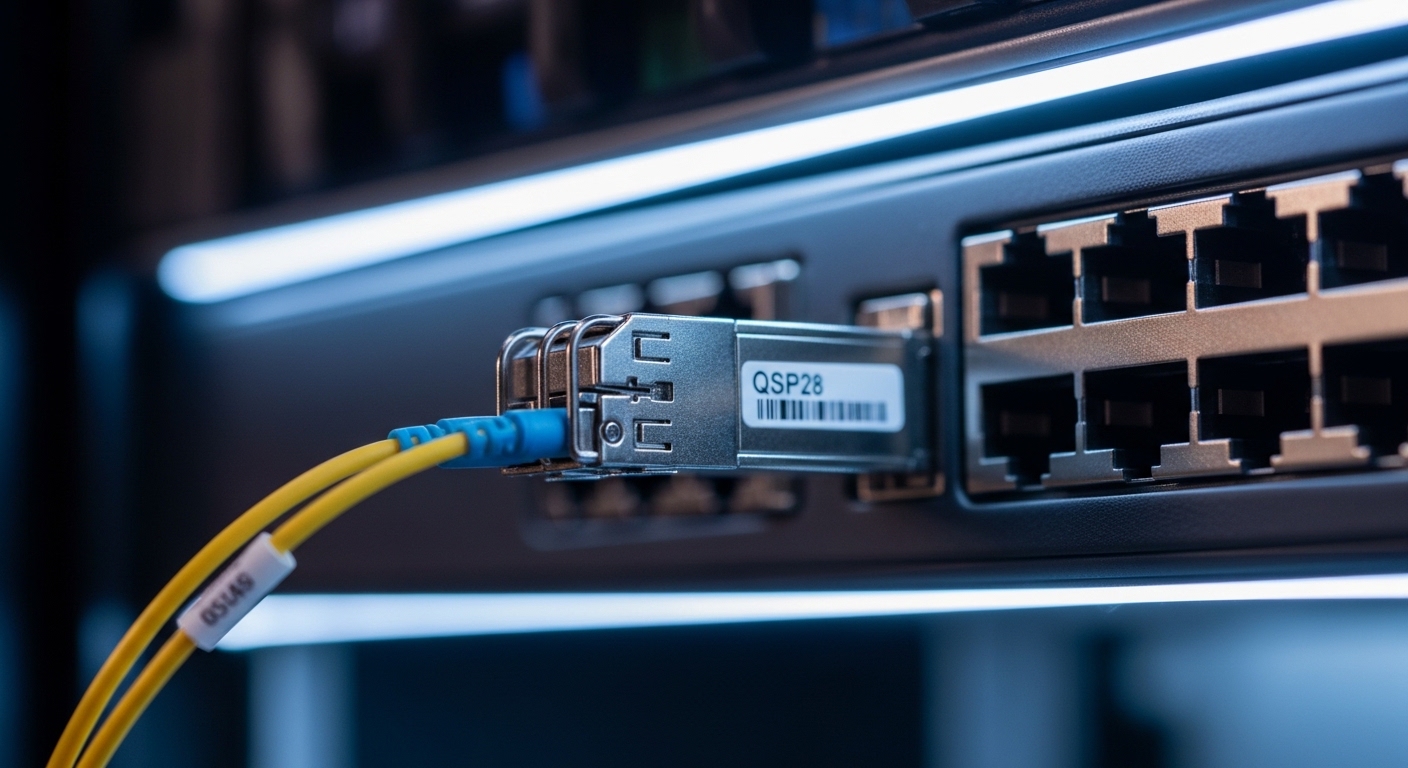
In practice, “gray optics” and “colored optics” usually refer to the transceiver housing color and the vendor’s internal mapping of that housing to specific wavelength and performance bins. The important part for metro design is not the plastic color itself; it is whether the module’s laser wavelength, reach class, and optical budget match your plan and whether the switch vendor accepts the module.
Most metro deployments rely on standards from IEEE 802.3 for electrical interfaces (like 10GBASE-R, 25GBASE-R, 100GBASE-R) and on optics vendor datasheets for optical parameters. For wavelength discipline, you typically see ITU-T grids for DWDM contexts, and for CWDM you will see vendor-specific band allocations. For short-reach optics, the “color” is often a convenience label rather than a strict standard.
Two real-world examples you will recognize: first, a data center interconnect engineer may prefer gray optics across multiple switch brands to reduce surprises during spares swaps. Second, a metro operator might accept colored optics when a specific vendor’s inventory system ties a housing color to a known wavelength bin and reach class.
Spec comparison that matters for link budget and interoperability
Metro links are often a mix of short-reach and long-reach segments. The optics decision changes dramatically depending on whether you are using SR optics over multimode fiber, LR over single-mode, or coherent/DWDM in the regional core. Even within “colored” vs “gray,” what matters is the laser wavelength (nm), reach class, optical power, and whether the module supports DOM (Digital Optical Monitoring).
Below is a practical comparison template for common metro-friendly transceiver families. Exact values vary by vendor and part number, so treat these as engineering reference points and verify against the datasheet before purchase.
| Parameter | Typical gray optics (example: 10G LR) | Typical colored optics (example: 10G LR) | Why it matters in metro |
|---|---|---|---|
| Data rate | 10.3125 Gbps (10GBASE-R) | 10.3125 Gbps (10GBASE-R) | Electrical compliance depends on switch PHY |
| Wavelength | 1310 nm (nominal) | 1310 nm (nominal) | Must match fiber type and planned loss |
| Reach class | Up to 10 km over SMF | Up to 10 km over SMF | Determines allowable span loss and margin |
| Connector | LC | LC | Physical compatibility with patch panels |
| DOM support | Yes (I2C serial, vendor-specific thresholds) | Yes or No (varies by vendor) | Monitoring affects alarms and NOC visibility |
| Operating temperature | 0 to 70 C (commercial) or -40 to 85 C (extended) | Often similar, but confirm SKU | Metro huts and remote cabinets can run hot |
| TX optical power | Typical around -8 to 0 dBm | Typical around -8 to 0 dBm | Impacts receiver margin and aging tolerance |
| RX sensitivity | Typical around -14 to -12 dBm (varies) | Typical around -14 to -12 dBm (varies) | Determines whether you can tolerate extra splice loss |
For concrete part numbers, you will often see LR and ER modules like Cisco-compatible optics (for example Cisco SFP-10G-SR is SR, while LR/ER are different SKUs) and third-party optics such as Finisar-style and FS.com-style long-reach parts. Always cross-check wavelength and reach class rather than trusting the housing color. Vendor datasheets and switch compatibility lists are the source of truth. [Source: IEEE 802.3 (optical/electrical base specifications)] [[EXT:https://standards.ieee.org/standard/802_3]]
Decision checklist: choosing the right module for metro operations
Here is the ordered checklist engineers actually use when selecting a gray optics colored optics transceiver for metro links. The goal is to reduce surprises during deployment and spares replacement.
- Distance and fiber loss budget: confirm span loss, number of connectors/splices, and whether you have aging margin. For SR on multimode, verify MMF type and link reach class; for LR/ER on SMF, confirm core diameter and patching cleanliness.
- Wavelength and reach class: match nominal wavelength (e.g., 1310 nm) and reach class (e.g., 10 km LR). Do not assume housing color implies wavelength correctness.
- Switch and platform compatibility: check the switch vendor’s optics compatibility list. Some platforms enforce stricter vendor IDs or require specific DOM behavior.
- DOM support and alarm behavior: verify that DOM is implemented and that the platform reads it correctly. If DOM is absent or nonstandard, you may lose temperature/laser aging alarms.
- Operating temperature and link cabinet conditions: confirm module temperature range (commercial vs industrial). Remote cabinets can exceed 50 C during summer.
- Vendor lock-in risk: gray optics are sometimes treated as “universal,” but colored optics from a specific vendor can still be fine if compatibility is verified. The real risk is unplanned replacement mismatch.
- Lead time and spares strategy: metro ops care about stocking. If colored optics map cleanly to a known wavelength bin, procurement can move faster—if the switch accepts them.
Pro Tip: In the field, the fastest way to de-risk gray vs colored optics is not to compare box color—it is to run a pre-install validation that includes DOM polling and optical measurements (TX power and RX receive level) at the target ambient temperature. A module that passes at room temperature can still drift under hot-cabinet conditions, especially if it sits near the edge of the vendor’s temperature spec.
Real-world metro deployment scenario: what changes day two
Consider a metro aggregation site with a leaf-spine core edge: 48-port 10G ToR switches feed a pair of aggregation switches using 10G LR links. Each switch has 24 active uplinks plus 4 spares, and the site runs in a small outdoor cabinet where internal air temperature hits 55 to 62 C in peak summer. The fiber plan uses single-mode links with an estimated 2.5 dB budget margin for connector aging and patch rework.
In this environment, teams often start with gray optics because procurement assumes “generic compatibility.” But during day two, they discover that some colored optics SKUs have slightly different DOM threshold defaults, so the NOC dashboard shows higher “warning” counts even when the link stays stable. The operational fix is to standardize module part numbers by wavelength bin and update monitoring thresholds—or to select a consistent vendor family where DOM implementations are known to match the platform.
When you plan for this upfront, you reduce truck rolls. When you do not, “weird alarms” become the time sink, and the team spends hours reseating modules or swapping optics instead of checking the actual optical budget.
Common mistakes and troubleshooting tips
Here are failure modes that show up specifically when teams treat gray optics colored optics transceivers as interchangeable based on housing color.
Wrong wavelength assumption masked by “looks the same”
Root cause: The housing color is mistaken for a wavelength label, but the actual part has a different nominal center wavelength or reach class. This can happen when spares are sourced from multiple vendors or when a warehouse re-bins modules.
Solution: Scan and verify the full part number and wavelength from the label and datasheet, then confirm with an OTDR/optical power reading at install. Keep spares in labeled bins tied to switch port type and wavelength.
DOM mismatch causing false alarms or missing telemetry
Root cause: Some third-party colored optics implement DOM differently (or omit it). The switch may read garbage values, trigger threshold alarms, or fail to show temperature/laser bias.
Solution: Validate DOM readout after insertion. Compare switch-reported temperature and TX/RX levels against expected ranges from the module datasheet. If needed, standardize on a module family with known DOM behavior for that platform.
Temperature edge failures in remote metro cabinets
Root cause: Modules rated for commercial temperature (0 to 70 C) are deployed in cabinets that regularly exceed the spec, especially near power supplies or with restricted airflow.
Solution: Use industrial/extended-temperature SKUs where required (often -40 to 85 C). Measure cabinet ambient temperature and airflow, not just the module case temperature.
Connector hygiene and patch panel loss surprises
Root cause: Even if the optics are correct, dirty LC connectors add insertion loss that eats your margin. This is common after patching changes during maintenance windows.
Solution: Use lint-free cleaning tools and check with a fiber microscope. Re-measure link optical power after every patch change and keep a documented loss budget.
Cost & ROI note: what gray vs colored means for TCO
Pricing varies by data rate and reach, but a realistic rule of thumb for many metro-friendly optics is: OEM-branded modules often cost 1.3x to 2.5x third-party pricing, while third-party can be 20% to 50% cheaper if compatibility is proven. Total cost of ownership depends less on purchase price and more on failure rates, stocking complexity, and how much time the NOC spends on telemetry noise.
If gray optics help you standardize spares across multiple switch families, they can reduce operational overhead and shorten MTTR. If colored optics from a specific vendor reduce lead time and map cleanly to a known wavelength bin, they can also improve uptime. The ROI hinge is the same: compatibility verification plus monitoring alignment, not the module color.
For authoritative baseline specs, rely on IEEE 802.3 for interface expectations and the module datasheets for optical and temperature parameters. [Source: IEEE 802.3] [[EXT:https://standards.ieee.org/standard/802_3]]
FAQ
Are gray optics colored optics transceiver choices really different?
They can be operationally different, but the housing color is not a technical standard for wavelength or reach. The real differences come from part number, laser wavelength bin, DOM implementation, and how the switch vendor validates the module. Always verify datasheet specs and platform compatibility.
Does my switch require OEM optics for metro links?
Not always, but many platforms maintain compatibility lists and may enforce vendor ID behavior. If you use third-party modules, test DOM readout and optical thresholds before scaling. If you cannot validate, OEM optics reduce risk at higher cost.
What should I check during pre-install validation?
Confirm part numbers, expected wavelength, reach class, connector type, and temperature rating. After insertion, read DOM values and measure TX optical power and RX received power at the target ambient temperature. Then compare against datasheet ranges to ensure you have margin.
How do DOM issues show up in day-to-day monitoring?
You might see missing temperature/laser bias data, false “warning” alarms, or inconsistent thresholds after a reboot. These symptoms often indicate DOM implementation differences rather than an actual optical link failure. Align thresholds or standardize module families.
Can I mix gray and colored optics on the same metro backbone?
Yes, if they are the same wavelength and reach class, and if the platform accepts both. The main risk is operational: mixed vendors can create inconsistent DOM behavior and stocking confusion. Standardize by wavelength bin and maintain a tight spares labeling process.
Where do I find the authoritative specs for a specific transceiver?
Use the module datasheet for wavelength, reach, TX/RX ranges, connector type, and temperature. For interface expectations, refer to IEEE 802.3 and your switch vendor’s optics guidance. Combine both to build a compliant link budget.
If you want the next step, use this selection checklist alongside your existing link budget and monitoring requirements, then test a small batch before scaling. For more context on module form factors and compatibility, see optics transceiver compatibility checklist.
Author bio: I’ve deployed and validated metro optics across real switch platforms, focusing on DOM telemetry, optical power margins, and hot-cabinet reliability. I write from field experience where the “right” optics are the ones that stay stable under measurement, monitoring, and maintenance realities.
