
If you have ever watched a single uplink flap take a whole service down, you know why redundancy must be more than “two cables.” This article helps network engineers and field techs implement LACP fiber optic dual-path links using SFP transceivers so traffic can fail over without manual intervention. You will get a step-by-step deployment plan, a specs checklist for common optics, and practical troubleshooting that matches how gear behaves in real racks.
Prerequisites: what you must verify before touching optics
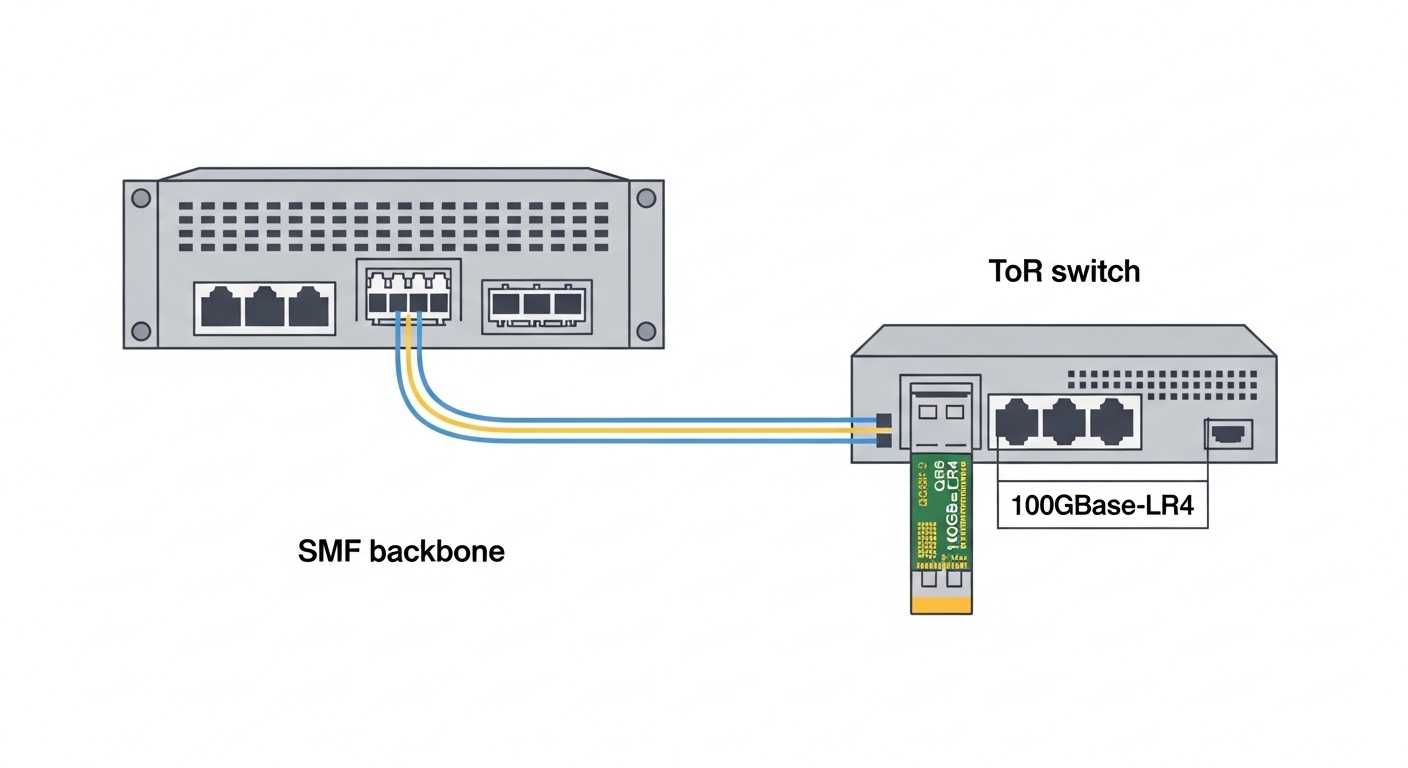
Before you mount a second SFP pair, confirm your switching platform and optics ecosystem support LACP and dual-homing. In most enterprise and data center switches, LACP requires the two physical ports to terminate on the same logical aggregation (an EtherChannel or port-channel) and to share identical speed and media characteristics. I recommend starting with a short lab validation using a spare port-channel and two known-good SFPs, then scaling to production once you can reproduce stable link behavior.
Hardware and feature prerequisites
- Switch feature support: LACP enabled on the relevant interfaces (often “802.3ad” under the hood). Verify with vendor CLI documentation and ensure the platform supports the number of member links you plan to aggregate.
- Optics compatibility: SFP transceivers must match the switch’s DOM expectations and optical type (SR vs LR vs ER). If your switch enforces vendor-specific optics or DOM thresholds, plan the procurement accordingly.
- Fiber plant readiness: Both paths must be on separate physical routes (different patch panels, trays, and splices). For true redundancy, avoid “two fibers that share the same damaged splice.”
- Spanning Tree and routing design: With LACP, you typically reduce link instability, but you still need to ensure upstream/downstream protocols converge properly after a failure event.
Expected outcome: You confirm the switch ports can form a stable port-channel, and you know which optics types and wavelengths your transceivers must use before any fiber is re-terminated.
Step-by-step implementation: dual-path LACP fiber optic with SFPs
This section is written as a field-ready sequence. The goal is to build a single logical interface (port-channel) that uses two physical paths through separate optics and fiber routing, so a cut in one path does not collapse the logical link.
Identify the exact ports and confirm identical link characteristics
Pick two member ports on the same switch pair (example: Te1/1 and Te1/2 on Switch A, and Te1/1 and Te1/2 on Switch B). Ensure both ports are the same speed, same interface mode, and same media type (for example, both SFP+ at 10G using 850 nm SR). If one port uses a different transceiver type, LACP may refuse to aggregate or will behave inconsistently.
Expected outcome: Member ports are “aggregation-compatible,” meaning no speed/duplex mismatch and no optics-type mismatch.
Configure LACP port-channel settings on both switches
Use vendor CLI to create a port-channel and set LACP parameters. Many platforms default to LACP active or passive; choose a consistent mode on both ends. Also select the same hashing method if your vendor exposes options (some use source/destination MAC, some incorporate IP). For an IEEE-aligned LACP behavior, the underlying concept maps to IEEE 802.3ad link aggregation.
Expected outcome: Both switches agree on LACP formation and show the port-channel in a “up” state with member links bundled.
Install and validate SFP transceivers with DOM checks
Insert the correct SFP modules (example: Cisco SFP-10G-SR in both ends, or a third-party equivalent that your switch accepts). If DOM is supported, the switch will display real-time values like transmit power, receive power, temperature, and voltage. In production, I target a healthy receive power window as specified by the transceiver datasheet; if receive power is near the edge, you may pass link-up but fail under temperature variation.
Expected outcome: Each link shows “link up” and DOM readings within the specified operating range.
Route fibers for true dual-path redundancy
Connect Path 1 from Switch A to Patch Panel A to Switch B, and connect Path 2 from Switch A to Patch Panel B to Switch B using separate physical routes. Label fibers clearly. In the field, I often see “redundancy” that still shares a single splice case; a single accident then kills both fibers.
Expected outcome: A single route failure impacts only one member link, not the whole port-channel.
Verify hashing, member distribution, and failover behavior
After the port-channel is up, confirm traffic distribution across members and validate failover. Generate traffic (for example, a controlled iperf stream) and then simulate a failure by pulling one patch cord or temporarily disabling one member interface. With LACP, the port-channel should remain operational, and the remaining member should carry traffic. Confirm no excessive packet loss and that your application timeouts remain within acceptable bounds.
Expected outcome: Traffic continues during a single-path failure, with stable port-channel state and predictable convergence.
Optics selection: matching wavelength, reach, and connector type
Optics are where “it should work” becomes “it does work.” For LACP fiber optic dual-path links, both member links should use optics that are functionally equivalent: same data rate, same wavelength family, same connector type (commonly LC), and similar launch/receive characteristics. Prefer transceivers that your switch vendor lists as compatible, especially if the platform uses strict DOM validation.
Quick spec table for common 10G SFP choices
Below is a practical comparison for typical 10G SFP deployments over multimode fiber and single-mode fiber. Always confirm exact requirements in the transceiver datasheet and your switch documentation.
| Transceiver type | Wavelength | Typical reach | Fiber type | Connector | Data rate | Operating temperature | Notes |
|---|---|---|---|---|---|---|---|
| 10G SR (e.g., Cisco SFP-10G-SR) | 850 nm | Up to 300 m (OM3) / 400-550 m (OM4) | Multimode | LC | 10G | 0 to 70 C (typical for many SFPs) | Great for short data center runs; sensitive to patch cord quality and cleanliness. |
| 10G LR (e.g., 1310 nm SM) | 1310 nm | Up to 10 km | Single-mode | LC | 10G | -5 to 70 C (typical varies by vendor) | Better for longer campus paths; ensure SM fiber is truly single-mode. |
| 10G SR-85 style (OM4, extended) | 850 nm | Up to 400 m (vendor dependent) | Multimode | LC | 10G | 0 to 70 C (typical) | Common in data centers; verify the switch supports this class and DOM limits. |
Example part numbers you may see in the field: Cisco SFP-10G-SR, Finisar FTLX8571D3BCL (varies by revision), and FS.com SFP-10GSR-85. For standards context, LACP behavior is defined by the IEEE aggregation mechanisms, referenced under IEEE 802.3 and LACP concepts in vendor implementations.
Expected outcome: You choose optics that match the physical layer budget and are aggregation-compatible across both member links.
Pro Tip: why LACP can look “up” while optics are silently unhealthy
Pro Tip: On many switches, a port can show “link up” even when receive power is marginal; LACP aggregation will still form, but you will see intermittent CRC errors only under load. I routinely check DOM receive power and interface counters after the port-channel is up, then again after a controlled traffic burst, because transient link degradation often hides during idle periods.
Selection criteria and decision checklist for LACP fiber optic
Use this ordered checklist to avoid the most common procurement and compatibility issues. In practice, engineers often finalize optics too early and then discover DOM or temperature constraints late in the project.
- Distance and fiber type: Confirm OM3 vs OM4 vs single-mode, and measure loss if possible. If you are near the edge of reach, favor optics with margin and shorter patch cord lengths.
- Switch compatibility: Validate that your exact switch model accepts the transceiver family and supports DOM thresholds without error logs.
- Data rate and lane speed: Ensure both member links run at the same rate (for example, both 10G). Mixing 1G and 10G optics on LACP members is a common failure mode.
- DOM and monitoring support: Prefer transceivers that expose consistent DOM behavior. Some platforms reject or alarm on non-standard DOM formats.
- Operating temperature: If your racks run hot or you have enclosed cabinets, select optics with a suitable temperature range and verify airflow.
- Vendor lock-in risk: OEM optics can be expensive; third-party optics may reduce cost but can increase compatibility risk. Plan a pilot with the exact switch and firmware version.
Expected outcome: You can explain why each optics choice will work technically and operationally, not just “it should link up.”
Real-world deployment scenario: dual-homing in a leaf-spine fabric
In a 3-tier data center leaf-spine topology with 48-port 10G ToR switches, I have deployed LACP fiber optic dual-path uplinks between each leaf and two spine switches. Each leaf used a port-channel with 2 x 10G member links to each spine pair, totaling 20G effective capacity per leaf uplink set, while maintaining continuity when one physical route failed. The fiber plant used OM4 with two separate patch panels and two distinct trays per path to avoid shared splice points. During acceptance testing, we pulled one patch cord at peak traffic (about 6 to 8 Gbps sustained per leaf) and confirmed the port-channel remained up, with traffic continuing over the remaining member and no service restart.
Expected outcome: The design survives single-path failures during production-like load, with measurable stability and predictable convergence.
Common mistakes and troubleshooting: top failure points
Even solid designs fail if installation details are off. Below are the top three issues I see during LACP fiber optic rollouts, including root cause and direct fixes.
Failure point 1: LACP members refuse to aggregate
Root cause: Member ports have mismatched speed, duplex, VLAN/encapsulation mode differences, or optics are not functionally equivalent (for example, SR on one side and LR on the other). Some switches also treat “different optics class” as incompatible for aggregation.
Solution: Confirm both ends have identical transceiver type and data rate. Re-check port configuration consistency and verify the port-channel sees both links in the same aggregation group. Update firmware if your vendor notes known LACP optics compatibility issues.
Failure point 2: Port-channel stays up but you get CRC errors and micro-outages
Root cause: Dirty connectors or marginal receive power. Multimode SR links are especially sensitive to patch cord cleanliness and dust on LC interfaces, and near-threshold optics can pass idle traffic but fail during bursts.
Solution: Inspect and clean LC connectors with a proper fiber inspection scope. Replace patch cords if needed, and compare DOM receive power across both members. If the receive power is near the limit, shorten the patch path or move to optics with more margin.
Failure point 3: Failover is not “zero downtime” in practice
Root cause: The control plane converges slower than expected due to higher-layer configuration gaps. For example, upstream routing or firewall state tracking may drop flows when link characteristics change, even if LACP keeps the port-channel up.
Solution: Validate end-to-end behavior: confirm routing protocol timers and ECMP behavior, and test with real application traffic. If your environment uses stateful firewalls or load balancers, ensure session handling aligns with expected failover events.
Cost and ROI note: what you should budget for LACP fiber optic
Pricing varies by vendor and region, but in many enterprise markets, OEM 10G SFP optics often cost roughly $60 to $120 per module, while reputable third-party options may land around $25 to $70. The total cost of ownership depends on failure rates and maintenance overhead: if third-party optics trigger frequent alarms or are rejected by strict DOM policies, “savings” can vanish quickly. For ROI, consider the operational benefit: stable dual-path continuity reduces incident tickets, lowers MTTR, and prevents costly outages during upgrades or fiber repairs.
Expected outcome: You balance module cost with compatibility risk, then justify the spend with reduced downtime and fewer support escalations.
FAQ
What does LACP fiber optic redundancy actually protect against?
LACP mainly protects against a single member link failure while keeping the logical port-channel operational. It helps with link flaps and physical path issues, but it does not automatically solve higher-layer session handling problems; that depends on your routing and application behavior.
Can I mix different SFP models in the same LACP port-channel?
In most designs, you should not. Even if both are “10G,” mismatched reach class, wavelength family, or DOM behavior can cause aggregation issues or hidden CRC errors. Use identical or vendor-approved equivalent optics on both member links.
How do I verify optics health beyond link-up?
Check DOM values like receive power, temperature, and operating voltage, then monitor interface counters for CRC errors and link flaps. I also run a short traffic burst test and re-check counters, because marginal optics can fail only under load.
What fiber cleaning and inspection steps matter most?
LC connector cleanliness is the big one. Use a fiber inspection scope to check for dust or scratches, then clean with lint-free methods designed for fiber connectors. After cleaning, re-seat the connectors firmly and re-test optical levels.
Do I need to change spanning tree or routing when using LACP?
Often you do not need major changes, but you must confirm convergence behavior. Validate that your upstream/downstream protocols and ECMP hashing policies behave correctly when a member link drops.
Where can I confirm LACP standards and behavior?
Start with IEEE documentation covering link aggregation concepts and LACP behavior, then cross-check your switch vendor’s LACP configuration guide. For general standards reference, see [Source: IEEE 802.3] and your vendor’s port-channel documentation.
Sources: [Source: IEEE 802.3] [Source: Vendor switch LACP configuration guides and transceiver datasheets]. For optics examples, consult specific vendor datasheets such as Cisco SFP-10G-SR documentation and compatible module listings from switch vendors.
If you want the next step, plan a small pilot: build one port-channel with two member links, validate DOM and traffic failover, then roll out to the rest of the fabric. For related planning, see redundant fiber topology planning to align physical routing with logical aggregation.
Author bio: I am a field-focused photographer and network implementer who documents optics, connectors, and rack-level deployment details from live rollouts. I translate vendor datasheets and IEEE behaviors into practical checklists you can execute under time pressure.
