
Direct Attach Cable vs AOC, DAC, and Transceivers: Cost Reality
In modern racks, connectivity choices can quietly turn into a budget leak or a reliability adventure. This article helps network and data center teams decide between a direct attach cable, active optical cable (AOC), DAC, and discrete transceivers by focusing on real cost drivers: optics procurement, power, cooling impact, optics supportability, and swap time during outages. If you have leaf-spine links, TOR uplinks, or server-to-switch interconnects and you are tired of “it depends” answers, you are in the right place.
What you are actually buying: signal path and cost levers
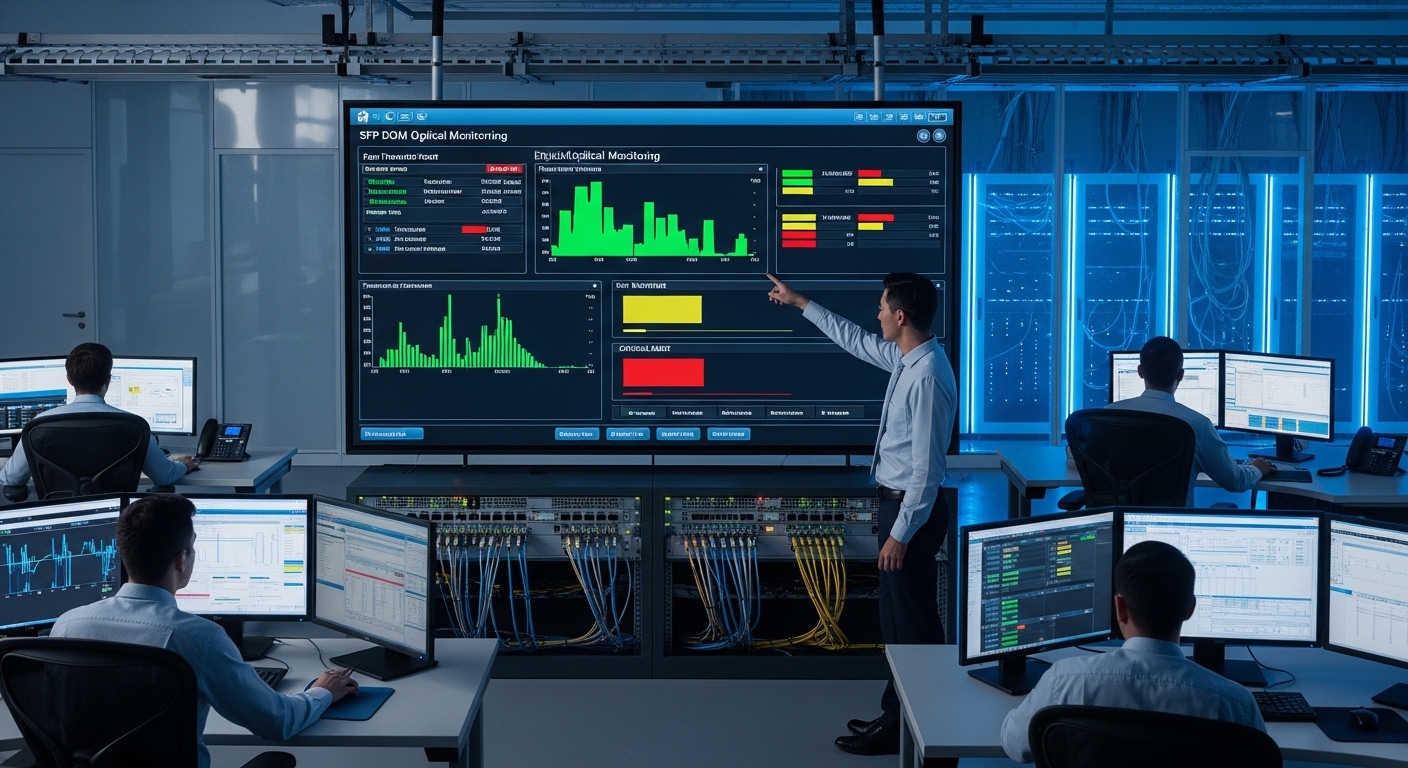
A direct attach cable typically refers to a copper cable assembly with integrated high-speed electronics (for some lengths/standards) or passive copper for short runs, depending on the vendor and data rate. A DAC is usually a copper cable assembly as well, but the term DAC is more commonly used for short reach copper with matched impedance and integrated connectorized transceivers. An AOC uses active electronics to convert electrical signals to optical for longer reach without fiber splicing. Discrete transceivers split the system into optics modules plus patch cords, which adds operational steps during install and troubleshooting.
Cost drivers that show up on real invoices
Three levers dominate total cost of ownership (TCO): module price, power per link, and operational friction (time-to-replace, spares strategy, and compatibility constraints). For example, if you run 10G or 25G links at scale, even a small power delta multiplied by thousands of ports becomes a measurable cooling load. Also, vendor-specific EEPROM handling and DOM support can change whether your support team can swap parts at 2 a.m. without starting a blame party.
Specs that matter: reach, connector type, and operating limits
Engineers often compare only reach, then discover later that temperature range, connector compatibility, and optics diagnostics are the real deal-breakers. The table below compares typical classes you will see in enterprise and data center deployments. Exact values vary by vendor and data rate, so always confirm against the switch vendor compatibility list and the specific part datasheet.
| Option | Typical data rate | Reach (typical) | Medium | Connector style | Power profile (typical) | Operating temperature |
|---|---|---|---|---|---|---|
| Direct attach cable | 10G to 25G (common) | Up to ~5 m for passive; longer with active designs | Copper | Integrated twin-ax ends (often SFP/SFP+ style forms) | Low to moderate; depends on active electronics | Often around 0 to 70 C (check vendor) |
| DAC (copper) | 10G to 100G (varies) | ~1 to 7 m typical (varies heavily) | Copper | Integrated twin-ax ends (QSFP/SFP form factors) | Low power vs optics + fiber | Often 0 to 70 C (check vendor) |
| AOC (active optical cable) | 25G to 100G (varies) | ~10 m to 100 m typical | Optical (pluggable cable) | Integrated optical ends (no patch cords) | Moderate; optical electronics consume power | Commonly 0 to 70 C or wider |
| Discrete transceivers + fiber | 10G to 400G (varies) | From 100 m to kilometers based on optics | Optical | LC or MPO connectors; modules in cages | Moderate; optics power plus fiber plant | Often 0 to 70 C (or extended) |
Standards context: Ethernet physical layers define link behaviors and electrical/optical characteristics, including reach and signaling requirements. Relevant baselines include IEEE 802.3 Ethernet physical layer standards and vendor-specific implementation details. For diagnostics and module management, IEEE and vendor documentation around digital optical monitoring (DOM) and management interfaces matter in practice. [Source: IEEE 802.3 series]
Pro Tip: don’t ignore diagnostics and EEPROM behavior
Pro Tip: Before you standardize on any direct attach cable, validate that your switch supports the cable’s digital diagnostics and that it tolerates the exact EEPROM layout. In the field, “compatible” parts sometimes train at first boot but fail after a firmware update because the DOM data model or power class handling changes.
Cost comparison that matches how teams actually buy
Let’s talk numbers like a procurement system would. Pricing varies by speed, vendor tier, and volume, but typical street ranges in enterprise purchases are roughly: direct attach cable assemblies often cost less than discrete optics + fiber when the run length is short; DAC is similar or slightly higher depending on data rate and length; AOC tends to cost more than copper for short distances but can be cheaper than building fiber runs; discrete transceivers are usually cheapest per link when you already have a mature fiber plant and you buy in large quantities, but labor and patching steps can raise operational cost.
Example: 25G server-to-leaf in a leaf-spine data center
In a 3-tier data center leaf-spine topology with 48-port 25G ToR switches, imagine you have 960 server-facing links and each server-to-switch run is 2 to 3 meters. If you choose direct attach cable for that range, you avoid patch cords and reduce install time. If you instead pick discrete transceivers plus fiber, you pay for optics modules, LC/MPO patch cords, and additional handling during moves/adds/changes. If you pick AOC, you might gain flexibility for slightly longer runs, but you accept higher per-link cost and extra active electronics in the cable.
Power and cooling: the stealth ROI lever
Even when purchase price differences are small, power adds up. If a direct attach cable solution draws less power than optics plus fiber, the savings in server room cooling can matter over a 3 to 5 year horizon. Conversely, active copper and AOC both consume power in their electronics; you may see higher link power than passive copper, even if the cable is cheaper than optics.
When planning ROI, include: expected annual failure rate, swap time, and how many spares you need. Copper assemblies and active cables can fail from connector wear, mechanical stress, or heat exposure, while discrete optics can fail from dust, fiber contamination, or latch wear in cages.
Selection criteria checklist: choose the right tool before the outage
Use this ordered checklist when deciding between a direct attach cable, DAC, AOC, or transceivers. It is designed for real engineering review meetings where someone inevitably asks, “Why did we buy this again?”
- Distance and margin: verify the actual run length and add a safety margin for worst-case routing, not just “bench length.”
- Data rate and target standard: confirm the exact Ethernet speed and physical layer type your switch supports.
- Switch compatibility: check the switch vendor compatibility list and confirm the cable/module form factor is supported.
- DOM or diagnostics support: validate link monitoring features, alarm thresholds, and how the switch interprets DOM.
- Operating temperature and airflow: confirm the cable/module temperature rating and whether your rack airflow meets vendor guidance.
- Budget and spares strategy: compare not just purchase price but also stocking cost and replacement logistics.
- Vendor lock-in risk: evaluate whether third-party parts will remain compatible across firmware upgrades.
Common pitfalls and troubleshooting tips from the field
Connectivity failures are rarely “random.” They are usually the predictable result of physics, thermals, and human optimism. Here are concrete failure modes and what to do instead of panicking.
Pitfall 1: Cable length looks fine on paper, but routing breaks link training
Root cause: Excess bend radius violations, poor cable management, or unexpected slack creates additional attenuation and reflections, causing marginal signal integrity. Solution: re-route with gentle bends, keep the bundle away from power cabling, and validate link training at cold and warm temperatures.
Pitfall 2: DOM mismatch leads to intermittent “link flaps” after upgrades
Root cause: The switch firmware expects a particular diagnostics behavior or power class encoding. Some direct attach cable assemblies behave differently across revisions. Solution: test the exact part number with the target firmware in a staging environment, then lock the BOM for production.
Pitfall 3: Thermal hotspots near dense ports throttle performance
Root cause: In high-density racks, connector and cable electronics can exceed comfortable operating limits, especially when airflow is blocked by blank panels or misconfigured fan trays. Solution: measure inlet and outlet temps, ensure correct fan direction, and prioritize airflow paths that keep transceivers and active cables within their rated ranges.
Pitfall 4: Discrete optics fail due to fiber cleanliness, not electronics
Root cause: Dirty LC or MPO endfaces cause high insertion loss and intermittent link loss. Solution: use approved cleaning tools, inspect with a microscope/inspector, and document cleaning steps as part of the change process.
Cost and TCO note: what to budget beyond the initial purchase
Price ranges vary, but a typical pattern is: direct attach cable and DAC are cost-effective for short distances, while AOC becomes attractive when you cannot run fiber easily. Discrete transceivers can be cheapest at scale if your fiber plant is already built and you can reuse patch cords efficiently. For TCO, include labor for installation, time-to-replace, and downtime impact. On a mature fleet, the biggest hidden cost is not the optics; it is the operational overhead of managing multiple part numbers and compatibility quirks.
OEM modules and OEM-qualified assemblies generally have lower “surprise incompatibility” risk, but third-party options can be viable when you buy from reputable vendors with strong compatibility testing and clear DOM behavior. Always check vendor datasheets and switch compatibility guidance before committing.
FAQ
When should I choose a direct attach cable instead of DAC?
Choose direct attach cable when your run length is within the supported copper reach and your switch vendor lists that specific cable type for your port. In many deployments, the practical difference is naming and form factor, but compatibility and diagnostics behavior are the real deciding factors.
Is AOC worth it for short distances like 5 to 10 meters?
Often, no, if you can reliably use copper. AOC can be worth it when copper reach is marginal due to routing constraints, or when you want to avoid fiber patching labor while still gaining optical-like immunity to electromagnetic noise.
Do I need DOM support for cost reasons?
DOM support can reduce operational cost by improving troubleshooting speed. If you lack diagnostics, you may swap parts longer than necessary, increasing downtime and spare inventory.
What is the most common cause of link instability?
For copper and direct attach cable solutions, the most common issues are signal integrity loss from routing/bend violations and marginal training at temperature extremes. For fiber, cleanliness and connector seating issues dominate.
Should I standardize on OEM parts to avoid vendor lock-in?
Standardizing helps, but OEM-only is not always required. The best approach is to standardize on part numbers that are verified on your switch firmware baseline, then keep a controlled compatibility test process for upgrades.
How do I estimate TCO for these options?
Model purchase price plus expected spares cost, power per link, and labor for install and swaps. Include downtime cost based on your change windows and incident response time, not just hardware cost.
If you want the smoothest path to predictable uptime, start by matching reach and diagnostics support to your switch compatibility list, then validate in a staging rack. Next step: compare your current transceiver and cabling BOM against the selection checklist in direct attach cable selection.
Author bio: I design and troubleshoot high-availability network fabrics in real data centers, from port bring-up to firmware-safe cabling standards. I have spent far too many nights chasing “mystery flaps” that were actually bend radius and DOM expectations.
