
When a QSFP transceiver link goes “marginal” under load, the root cause is often not the optics but the module management: thresholds, diagnostics, and control plane behavior. This article helps network engineers and field operations teams implement QSFP CMIS standard transceivers using CMIS 5.0 advanced management so you can instrument, validate, and safely operate at scale. You will get a step-by-step deployment checklist, a compatibility decision guide, and concrete troubleshooting for the most common failure modes.
Prerequisites: what you must have before enabling CMIS 5.0
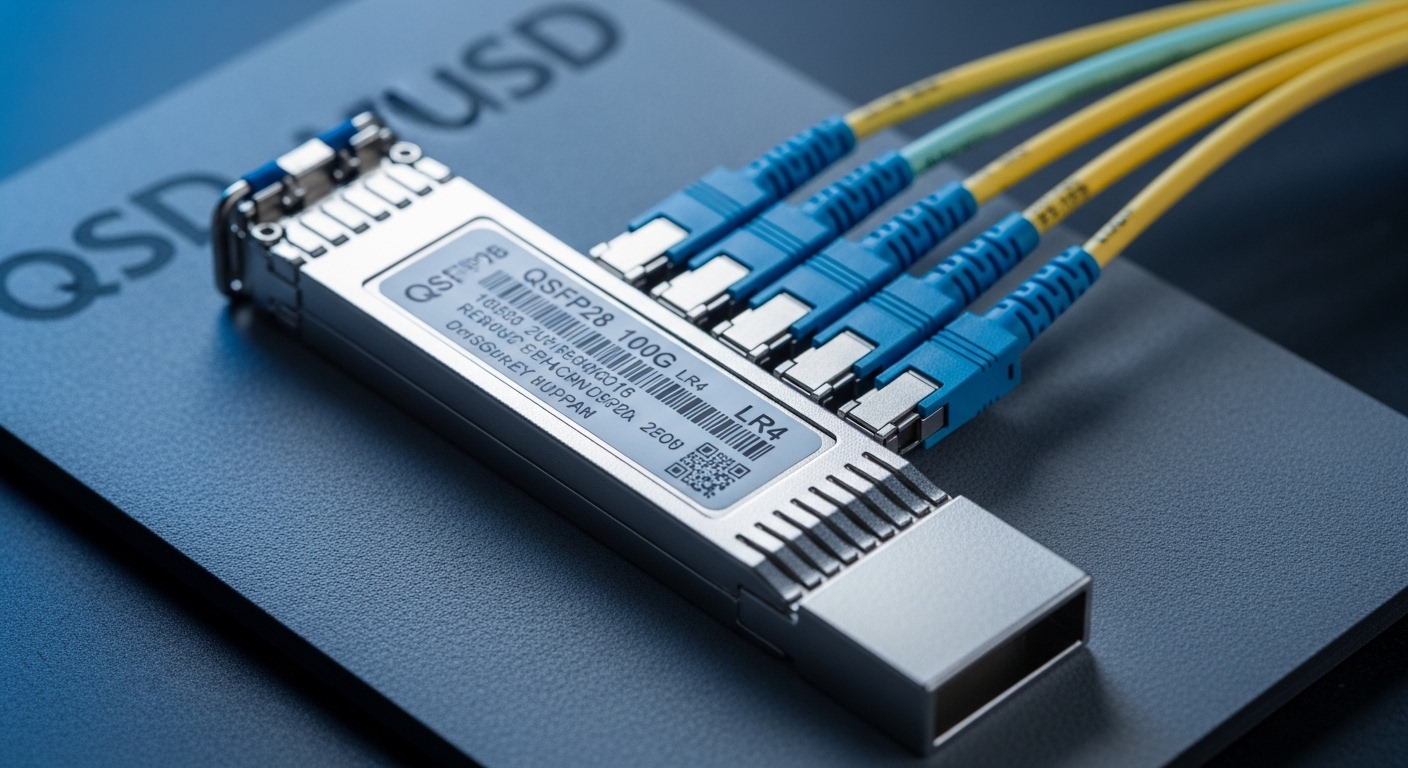
Before you touch configuration, confirm your switch platform supports the required management model and that your optics are truly CMIS-capable. For CMIS 5.0, you are not just reading DOM-style values; you typically rely on a higher fidelity control/telemetry interface, including channel-level diagnostics and management objects defined by CMIS revisions. Use vendor release notes for your specific ASIC and OS build, because “CMIS support” can mean different feature subsets.
-
Switch and OS compatibility: Verify the exact software version and transceiver management feature set. For example, Cisco IOS-XR platforms may require a specific XR release where the driver exposes CMIS objects through the switch telemetry stack. Document the release and the supported transceiver management type.
Expected outcome: You can query module management state through the CLI or telemetry without errors.
-
Transceiver part numbers: Select modules with explicit CMIS support, not only generic “DOM” support. Examples of common QSFP CMIS standard optics families include 100G QSFP28 SR modules such as Finisar FTLX8571D3BCL or FS.com equivalents like FS QSFP-100G-SR4 (exact CMIS claim varies by SKU).
Expected outcome: Datasheets or vendor documentation explicitly reference CMIS (and ideally CMIS 5.0).
-
Test optics and cabling: Prepare known-good fiber, patch cords, and attenuators if you will validate power/BER margins. For SR links, confirm OM4/OM3 class and measure end-to-end loss if your environment is tight.
Expected outcome: You have controlled conditions to separate optical issues from management issues.
-
Telemetry and logging path: Ensure you can collect module events (alarm/warning), interface counters, and management object reads. Use SNMP, streaming telemetry, or gNMI where supported by your platform.
Expected outcome: You can correlate link health with CMIS-managed thresholds during stress tests.
Implementation steps: enable and validate QSFP CMIS standard management
This section is written as an implementation guide you can follow during a maintenance window. The goal is to confirm that the switch loads CMIS objects correctly, then validate that the module control plane behaves as expected under typical operational load.
inventory and confirm CMIS object exposure
Insert a single known-good CMIS-capable QSFP module into a test port. On the switch, confirm the management interface is recognized and that you can read module identity, calibration data, and diagnostic fields. If your platform distinguishes between “DOM” vs “CMIS,” ensure the CMIS path is active rather than a legacy DOM shim.
Expected outcome: The module reports CMIS-managed identity and diagnostic objects without read timeouts or “unknown transceiver type.”
baseline link performance and module thresholds
Before you change any control parameters, establish a baseline for optical power, temperature, and error counters. For Ethernet, use interface counters to confirm BER-related behavior indirectly through CRC errors, FEC status (if applicable), and link flaps. Record the initial values of key fields you will later compare against CMIS-managed thresholds.
Expected outcome: You have a baseline dataset for power, temperature, and error counters that you can compare after CMIS enablement.
validate CMIS 5.0 advanced control behavior
CMIS 5.0 advanced module control typically includes richer diagnostics and safer control actions than basic DOM. Validate that your switch can read the relevant management objects, and if your environment supports it, test controlled actions in a lab setting (for example, verifying that alarm thresholds and control states update correctly). Do not attempt to “force” optic parameters in production without a documented vendor-supported workflow.
Expected outcome: CMIS 5.0 objects are readable, and control state transitions (if used) are confirmed to match vendor guidance.
rollout with staged verification
Roll out in batches: one module per line card, then a small group of ports, then full scale. During each batch, confirm that telemetry ingestion does not degrade and that alarm thresholds behave consistently. If you use automated remediation, ensure your scripts handle “management unavailable” states gracefully.
Expected outcome: You avoid mass-impact events caused by unexpected platform driver differences or incompatible optics SKUs.
operationalize monitoring and alerting
Configure alerts for module temperature, bias current, Tx/Rx power, and link error indicators. For CMIS, prefer alerts tied to CMIS warning/alarm fields rather than hard-coded thresholds on raw DOM reads. Tie these alerts to your change management process so that when optics are replaced, you can quickly distinguish aging effects from misconfiguration.
Expected outcome: Your NOC can identify whether a degradation is optical, thermal, or management-related.
CMIS 5.0 vs legacy DOM: what changes for QSFP optics management
Legacy DOM focuses on basic diagnostics like temperature and optical power, often with limited calibration context. With the QSFP CMIS standard approach and newer revisions such as CMIS 5.0, the module management interface is more structured, with richer object models and improved support for advanced monitoring and controlled operations. The practical impact: you can build more accurate alerting and reduce time-to-root-cause during fiber or thermal issues.
Limitation to be aware of: the switch vendor and OS still determine which CMIS objects are exposed to operators. Two switches from different vendors can both claim “CMIS support” yet surface different fields, which affects your automation logic.
| Parameter | Legacy DOM-style (typical) | QSFP CMIS standard with CMIS 5.0 (typical) |
|---|---|---|
| Diagnostics granularity | Basic temperature and optical power | Richer object model with enhanced telemetry |
| Control plane | Limited or vendor-specific actions | More structured advanced module control workflow |
| Alarm handling | Often raw threshold comparisons | Module-defined warning/alarm fields preferred |
| Automation compatibility | Stable but less expressive | Requires accurate object mapping per platform |
| Operational risk | Lower risk if only read-only monitoring | Higher if you attempt control actions without vendor procedure |
Pro Tip: In the field, the biggest wins come from alerting on CMIS warning/alarm objects rather than raw temperature or power alone. Temperature drift can be misleading during short bursts; CMIS-managed fields often correlate better with the module’s internal control loops and calibration state, improving MTTR.
Selection criteria: how to choose QSFP CMIS standard optics for CMIS 5.0 control
Engineers often lose time by choosing optics based only on reach and price. For CMIS 5.0 control, the management interface compatibility and operational envelope matter as much as link budget. Use the checklist below during procurement and pre-staging.
-
Distance and optics type: Match wavelength and reach. For example, QSFP28 SR uses multimode optics (850 nm class) while LR4 uses single-mode (around 1310 nm). Confirm fiber type and budget for your rack layout.
-
Switch compatibility matrix: Confirm the switch OS exposes CMIS objects for your module type. Vendor documentation and tested optics lists are more reliable than generic “CMIS supported” claims.
-
DOM versus CMIS path: Validate that the platform uses the CMIS management path, not only a DOM compatibility layer. Test with one port before ordering spares.
-
DOM/CMIS data model mapping: Ensure your monitoring tooling knows the field names and scaling. CMIS telemetry fields may be encoded differently than legacy DOM reads.
-
Operating temperature: Verify module temperature range matches your environment (hot aisle, plenum, or adjacent thermal sources). For high-density deployments, derate assumptions may apply.
-
Vendor lock-in risk: If you rely on proprietary control workflows, consider how hard it will be to switch vendors later. Prefer read-only CMIS telemetry for long-term portability.
Common mistakes and troubleshooting for CMIS 5.0 module control
Below are the top failure points I see when teams roll out QSFP CMIS standard optics with advanced management. Each includes root cause and a practical remediation.
-
Failure mode: “Transceiver not recognized” or management reads time out
Root cause: The module is not truly CMIS-capable for that SKU, or the switch driver expects a different management revision behavior. Sometimes a compatible optics family fails due to a mismatch in the module EEPROM encoding.
Solution: Swap with a vendor-validated part number on the same port. Confirm OS/driver release notes for CMIS support and ensure you are not falling back to a legacy DOM compatibility mode.
-
Failure mode: link flaps under temperature load while telemetry looks “normal”
Root cause: You are monitoring only a subset of fields; CMIS warning/alarm objects may reveal bias current or internal control loop stress earlier than raw temperature readings.
Solution: Expand monitoring to include CMIS-managed alarm fields and correlate with interface error counters. Validate airflow and confirm that module temperature stays within the vendor specified operating range.
-
Failure mode: automation misinterprets thresholds after an optic swap
Root cause: Your alerting logic assumes a fixed scaling or field meaning that differs between DOM and CMIS object models, or between vendors’ implementations.
Solution: During rollout, run a calibration phase: capture field mappings from the first batch and update parsing rules. Prefer vendor-specified field identifiers and unit conversions.
Cost and ROI note: what to budget for QSFP CMIS standard deployments
In practice, CMIS-capable QSFP optics are typically priced above basic DOM-only equivalents, but the delta is often justified by reduced troubleshooting time and fewer escalations. As a rough market range, common QSFP28 optics (SR4 class) often land in the tens to low hundreds of USD per module depending on brand, speed, and reach; CMIS 5.0-compatible SKUs can be at the upper end of that range. Total cost of ownership depends on failure rates, spares strategy, and whether your monitoring team can operationalize CMIS telemetry without constant manual mapping.
ROI framing: If CMIS telemetry reduces average optics-related MTTR by even 20 to 40 percent, the savings in engineer time and downtime can offset higher module costs quickly, especially in high-density leaf-spine fabrics. Also consider that using CMIS-managed alarms can reduce repeat visits caused by late detection.
FAQ
What does QSFP CMIS standard actually change in day-to-day operations?
It changes how the switch and monitoring tools interact with the module: you get a richer, structured management object model rather than only basic DOM-style reads. In day-to-day operations, that typically means better correlation between module health and link errors, and more reliable alerting based on module-defined warning and alarm states.
Do I need CMIS 5.0 specifically, or is any CMIS version enough?
Any CMIS support may improve diagnostics, but CMIS 5.0 is where you typically see more advanced management object behavior. The right choice depends on what your switch platform exposes; verify your vendor’s CMIS revision support and test on a single port before scaling.
Will third-party optics work with CMIS 5.0 control?
Often yes for read-only telemetry, but control workflows and object mapping can be vendor-specific. Use a small pilot with your exact switch OS build, and require datasheets that explicitly reference CMIS support and—when available—CMIS 5.0 behavior. Keep an approved optics list to reduce compatibility surprises.
How do I verify that the switch is using the CMIS management path?
Query module management status and compare fields to your expected CMIS object set. If your platform has separate “DOM” versus “CMIS” reporting modes, confirm the CMIS mode is active. Also validate telemetry field names and units in your collector before you rely on alerts.
What are the best first alerts to configure for CMIS-managed QSFP links?
Start with module temperature, Tx/Rx power, and CMIS warning/alarm objects that reflect internal control loop stress. Then add interface-level error indicators like CRC/FEC status (where supported) so you can correlate management warnings with traffic impact.
Where should I look for authoritative CMIS and Ethernet references?
Use IEEE Ethernet standards for link behavior and vendor CMIS documentation for module management specifics. For CMIS concepts and object models, consult the CMIS documentation referenced by vendors and platform release notes; for Ethernet behavior, see [Source: IEEE 802.3].
For deeper Ethernet link behavior context, see [[LINK:10G to 400G
