
Azure ExpressRoute circuits over fiber often fail during install not because the fiber is wrong, but because the Azure ExpressRoute SFP transceiver is mismatched to the switch optics, DOM expectations, or link budget. This guide helps network engineers and field techs verify the exact optics profile before a cutover, with concrete compatibility checks and troubleshooting steps. You will leave with a practical selection checklist, a spec comparison table, and failure-mode fixes you can apply on-site.
What “ExpressRoute SFP over fiber” really means at the port
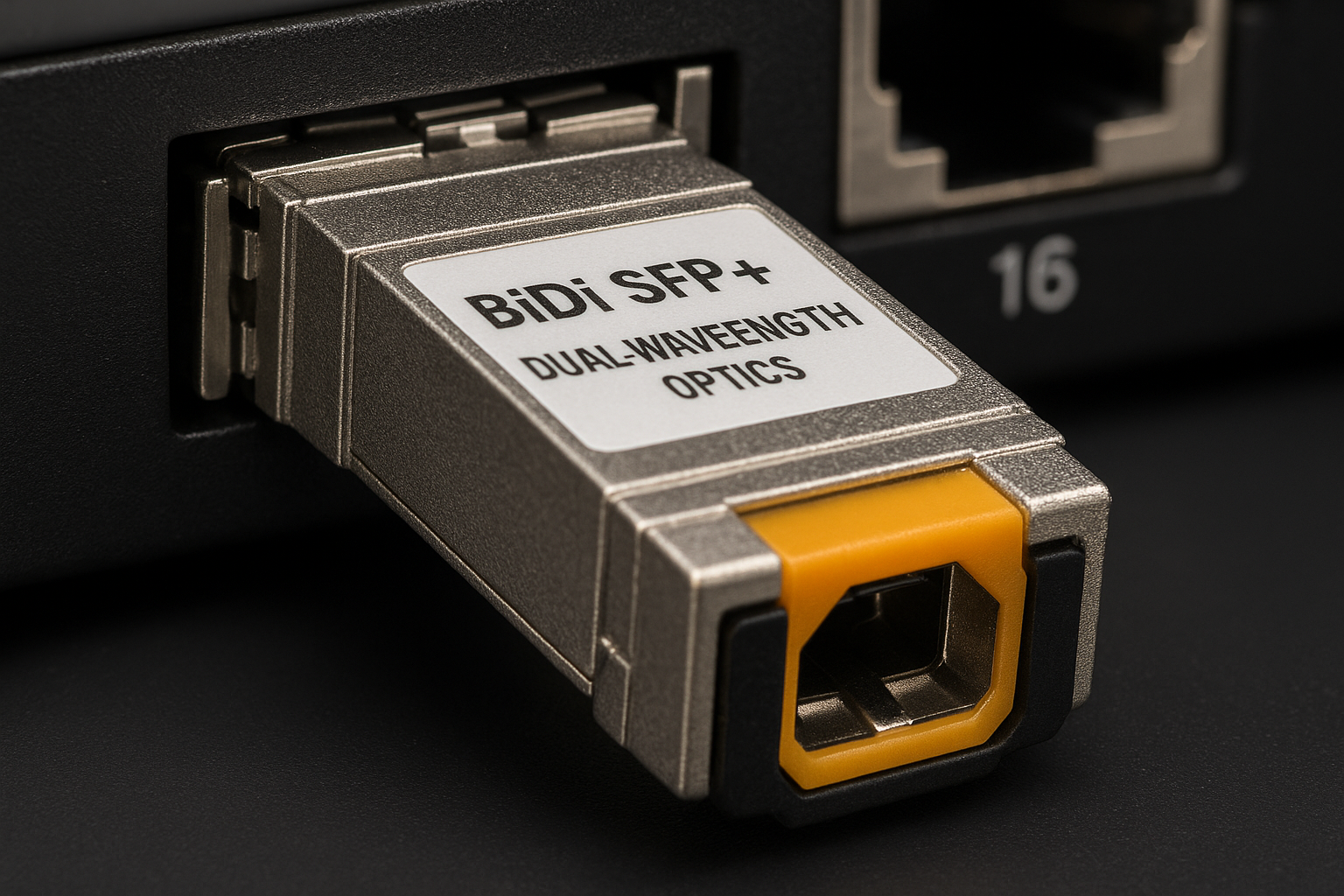
In practice, ExpressRoute fiber handoff depends on the physical interface at your edge (SFP/SFP+/QSFP, vendor-specific cages) and the optical standard used by the circuit. Even when both ends are “10G,” optics can still be incompatible if you mix SR with LR, use the wrong wavelength band, or exceed the receiver sensitivity margin. Treat the transceiver as part of a system: switch DOM behavior, optics vendor tolerances, and fiber plant cleanliness all affect link stability.
Start by confirming your edge switch port type and optics support matrix. Many enterprise switches accept third-party pluggables only if the module reports correct DDM/DOM values and passes vendor compatibility checks. For Azure ExpressRoute fiber scenarios, engineers typically target Ethernet rates that align with the ExpressRoute port speed, then choose optics that match the fiber type and reach.
For standards grounding, use IEEE optics and Ethernet references when validating electrical/optical parameters. The baseline Ethernet physical layer behavior is defined in IEEE 802.3 (10GBASE-SR/LR profiles for SFP/SFP+ optics), while DOM reporting behavior is commonly described in vendor documentation and SFF standards for pluggables. Authority: IEEE 802.3 and SFF pluggable ecosystem references like SFF/optical interface materials.
Key Azure ExpressRoute SFP optics specs: wavelength, reach, power, temperature
Engineers usually make the right choice by matching a few “hard” numbers: wavelength, target reach, and DOM-visible power. If those align, most remaining issues become cabling and switch configuration. Below is a field-friendly comparison of common SFP-family optics used for 10G fiber handoffs.
| Module type (typical) | Wavelength | Reach target (typical) | Connector | Data rate | Tx/Rx power handling | Operating temperature | DOM |
|---|---|---|---|---|---|---|---|
| 10GBASE-SR (SFP+) | ~850 nm (MM) | Up to 300 m on OM3 | LC | 10.3125 Gb/s | Tx power class varies by vendor; verify receiver sensitivity | Common: 0 to 70 C (commercial) or -40 to 85 C (extended) | Yes (DDM/DOM) |
| 10GBASE-LR (SFP+) | ~1310 nm (SM) | Up to 10 km | LC | 10.3125 Gb/s | Tx power class varies; verify link budget | Common: -5 to 70 C or extended variants | Yes (DDM/DOM) |
| 10GBASE-LRM (SFP+) | ~1310 nm (MM/legacy) | Up to ~220 m (legacy MM) | LC | 10.3125 Gb/s | Specialized receiver/overload limits | Vendor dependent | Yes (DDM/DOM) |
| FS.com / Cisco / Finisar compatible 10G SR examples | ~850 nm | 300 m (OM3) / 400 m (OM4) | LC | 10G | Verify with datasheet; typical Tx ~-6 to -1 dBm and Rx sensitivity around -11 to -14 dBm (varies) | Check exact part number | Yes |
Concrete examples you can cross-check against switch vendor lists and datasheets include Cisco SFP-10G-SR and vendor optics such as Finisar FTLX8571D3BCL and FS.com SFP-10GSR-85. Always validate the exact part number against your switch’s optics compatibility guide, because identical “SR” labels can still differ in DOM thresholds and vendor calibration.
Pro Tip: On-site, do not rely on “SR vs LR” alone. Pull the switch DOM readings immediately after insertion and compare them to the module’s datasheet typical ranges; a module can be electrically compatible yet fail receiver margin due to aging bias, dust contamination, or a mismatch between expected Tx class and actual launch power.
Selection criteria checklist for Azure ExpressRoute SFP fit
Use this ordered checklist before you ship optics or schedule a cutover. It is designed to minimize “swap-and-retest” cycles that waste field time and create circuit risk.
- Distance and fiber type: confirm MM vs SM, fiber core specs (OM3 vs OM4 vs legacy), and measured run loss using an optical power meter and light source.
- Optical standard match: choose SR (850 nm MM), LR (1310 nm SM), or LRM based on the actual fiber plant and required reach. Do not substitute wavelengths.
- Switch compatibility: verify your switch model’s SFP/SFP+ optics matrix. Many platforms block unsupported pluggables or apply stricter DOM thresholds.
- DOM/DDM support: confirm the switch reads and accepts DOM values. Check for “DDM unsupported” warnings and ensure the transceiver supports standard DDM/DOM.
- Operating temperature: validate the environment around the cage. In data centers with high airflow restrictions, local temperatures can exceed cabinet ambient; prefer extended-range optics for outdoor or constrained enclosures.
- Power budget and link margin: verify receiver sensitivity and expected Tx power from the exact datasheet. Add margin for connectors, splices, and patch cords.
- Vendor lock-in risk: if you use OEM optics, estimate replacement lead times. If you use third-party optics, validate at least one known-good module in the same switch chassis.
- Operational lifecycle: confirm warranty terms, DOM calibration stability claims, and return logistics for failed modules.
When you document the decision, capture the switch port speed, optics type, fiber run loss, and expected link margin. This becomes your rollback plan if the circuit does not come up after the ExpressRoute handoff.
Deployment scenario: leaf-spine data center with 10G ExpressRoute handoff
Consider a 3-tier data center leaf-spine topology where each leaf has 48x 10G access ports and uplinks to spines using aggregation. The ExpressRoute edge terminates at two redundant edge switches, each with two 10G SFP+ ports to the service demarc. The fiber run from the edge switch to the demarc is 220 m on OM4, with an estimated additional loss of 1.5 dB from patch cords and connectors.
In this scenario, engineers select 10GBASE-SR SFP+ at ~850 nm because the distance is within SR reach for OM4, and the connector type is LC. After insertion, they confirm DOM readings (Tx bias current and optical power) are within datasheet typical values and that the switch link comes up without “unsupported transceiver” errors. Finally, they verify optical receive power is above the receiver sensitivity threshold with a conservative margin, then lock the port config (speed/duplex) to avoid negotiation side effects.
Common mistakes and troubleshooting for ExpressRoute SFP links
Below are the failure modes that most often delay ExpressRoute bring-up. Each includes a root cause and a practical fix.
Link down after optics swap: wavelength or standard mismatch
Root cause: SR optics installed on a circuit expecting LR behavior (or vice versa), or the fiber type does not match the optical standard (SM fiber with SR, or MM fiber with LR). The switch may still detect the module but the link budget fails.
Solution: confirm module wavelength (850 nm vs 1310 nm) and fiber type (MM vs SM) using labeling and a quick continuity check. Replace with the correct standard and re-check receiver power via DOM.
“Unsupported transceiver” or intermittent flaps: DOM thresholds or cage compatibility
Root cause: third-party pluggables that report DOM values outside the switch’s acceptance window, or a switch firmware behavior that rejects certain optical vendors. This often appears as repeated link resets under load.
Solution: use vendor-approved optics for the exact switch model, or test one known-good module in the same chassis before scaling. Update switch firmware only if needed, and re-test DOM alarms after each change.
High error rate even when link is up: dirty connectors or excessive insertion loss
Root cause: contaminated LC endfaces or patch cords, leading to reduced optical power at the receiver. This can still show “link up” while causing CRC errors and retransmits.
Solution: clean connectors with lint-free wipes and approved cleaner tools, then inspect with a fiber microscope if available. Re-measure optical power and compare to expected values from the datasheet; replace patch cords if cleaning does not recover margin.
Works in one port, fails in another: port-level optics support differences
Root cause: some switch ports have different transceiver support profiles or different power budget. Engineers assume all cages behave identically within the same chassis.
Solution: validate the exact port’s supported module list. Move the transceiver between ports to isolate whether the issue is port configuration vs optics.
Cost and ROI note: OEM vs third-party optics for ExpressRoute
Pricing varies widely by region, but in typical enterprise procurement, OEM 10G SFP+ optics often land in the $80 to $250 per module range, while reputable third-party optics may be $30 to $120 depending on wavelength and vendor. TCO depends on failure rates, lead time, and downtime cost during circuit cutovers.
For ExpressRoute, the ROI of OEM optics is mostly operational: faster RMA processing, cleaner compatibility, and fewer “unsupported transceiver” surprises. Third-party optics can be cost-effective if you standardize on a tested part number (same switch model, same firmware, same fiber type) and keep at least one spare that you have validated in the field. In practice, the most expensive failure is not the module price—it is the time lost to troubleshooting during a scheduled change window.
When you compare options, include power and cooling impacts only if your environment is highly constrained. Most savings from optics power differences are negligible compared to avoiding outages and reducing truck rolls.
FAQ
Which SFP type should I choose for Azure ExpressRoute fiber: SR or LR?
Choose based on your fiber type and run length. For typical short intra-data-center runs on OM3/OM4, 10GBASE-SR (~850 nm) is common; for longer SM runs, use 10GBASE-LR (~1310 nm). Confirm with the exact module datasheet and your switch’s optics matrix.
Do I need DOM support for Azure ExpressRoute SFP modules?
Most modern switches require DOM/DDM to display diagnostics and may enforce acceptance thresholds. If the switch flags “DOM not supported” or repeatedly flaps, treat it as an incompatibility risk and test a vendor-approved module. Always compare DOM values to the module’s datasheet typical ranges.
Can I use third-party Azure ExpressRoute SFP transceivers?
Yes, but only after validation in the same switch chassis and firmware version. Third-party modules can differ in DOM calibration and sometimes get rejected. If you do third-party, standardize on one tested part number and keep spares that you have already validated on-site.
What measurements should I capture before cutover?
Record the module type and part number, port speed, DOM optical power/bias readings, and measured fiber loss. For fiber loss, use an optical power meter and light source, and include connector and splice loss. This documentation speeds up troubleshooting if the circuit does not stabilize after activation.
Why is the link up but the circuit is unstable?
Common causes are insufficient optical margin, dirty connectors, or excessive insertion loss from patch cords and splices. Validate receive power against the datasheet sensitivity and inspect connectors with a microscope if you see CRC or interface errors. If DOM values look abnormal, replace the transceiver first.
Where do I verify compatibility for my switch model?
Use your switch vendor’s optics compatibility guide and the transceiver datasheet. Also check your switch firmware release notes for transceiver handling changes. For authoritative baseline behavior, reference IEEE Ethernet physical layer documentation as needed.
Next step: build a small optics test plan for your exact edge switch model—then link it to your ExpressRoute change window using the checklist above. Use Azure ExpressRoute fiber design considerations to align optics choices with circuit risk controls.
Author bio: I design and validate high-density fiber and pluggable optics systems for enterprise and cloud edge networks, with hands-on bring-up experience in data center change windows. I focus on measurable link budgets, switch optics compatibility, and operational diagnostics that keep ExpressRoute handoffs stable.
