
Smart water meter networks fail in subtle ways: a link that comes up at install may degrade under seasonal temperature swings, or a transceiver may be electrically incompatible with the switch. This guide helps utilities and integrators choose the right AMI water fiber SFPs for meter concentrators, head-end aggregation, and remote pump or pressure sites. You will get a step-by-step implementation plan, a practical specs comparison, and troubleshooting actions a field team can execute.
Prerequisites before you touch any AMI water fiber SFP
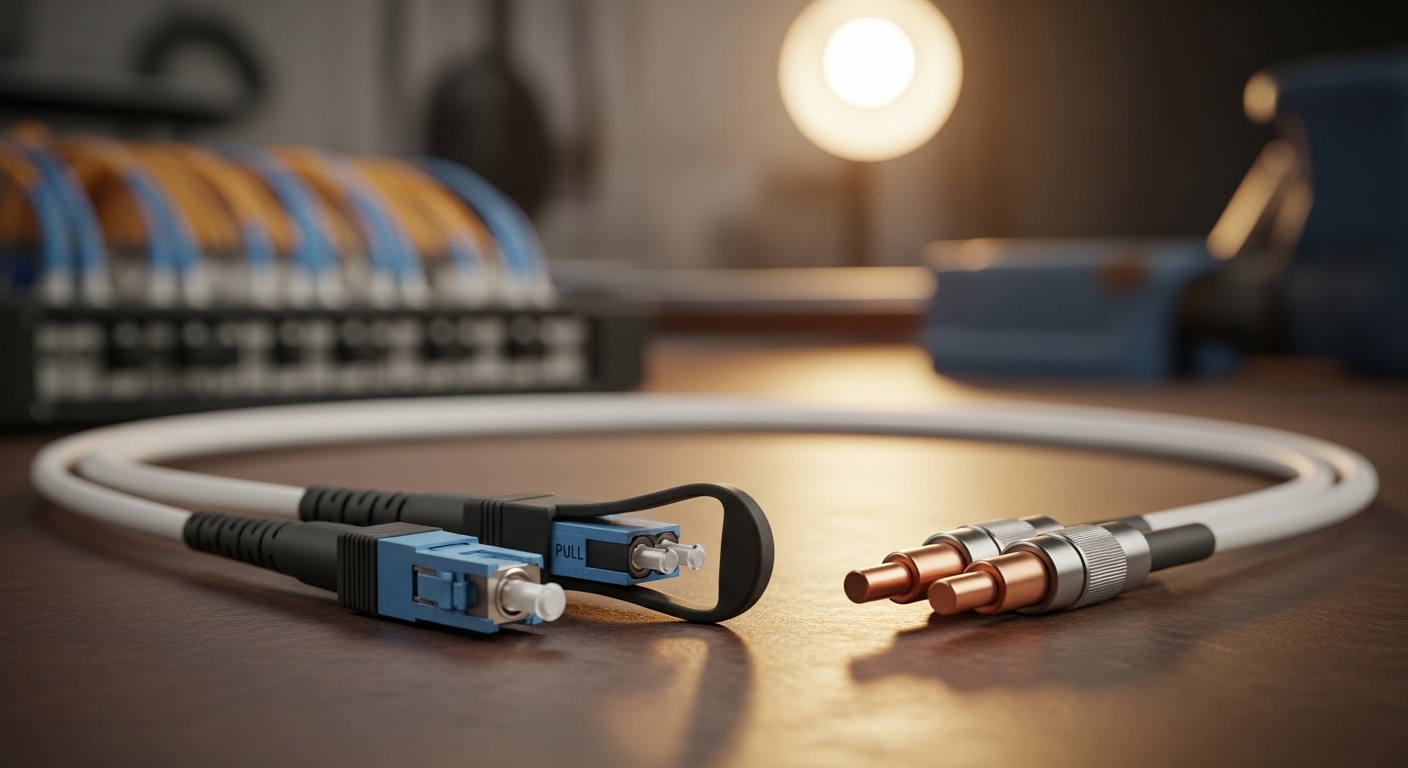
Before ordering optics, confirm your transport design and operational constraints. AMI water fiber SFPs are typically used between an access switch and an aggregation switch, or from a small edge switch into a fiber backhaul. You need optical budget inputs, switch interface requirements, and a plan for DOM monitoring (Digital Optical Monitoring) so you can detect early degradation.
Gather these inputs
- Switch model and transceiver slots: identify whether the switch is SFP (not SFP+) and whether it enforces vendor part number whitelists.
- Fiber type and link distance: single-mode (9/125) vs multi-mode (50/125), and the exact route length including patch panels.
- Optical connector standard: LC is common for SFPs; confirm your patch leads and bulkheads.
- Link speed requirement: most AMI backhaul uses 1G Ethernet today, but some pilots move to 2.5G or 10G.
- Environmental range: enclosure temperature in summer and winter, plus condensation mitigation strategy.
Field note: for AMI cabinets in exposed areas, you should plan for enclosure internal temperatures that can exceed ambient by 10 to 20 C when sun-load is high, even if the electronics are rated for a narrower range.
Step-by-step implementation: installing the right AMI water fiber SFP
This section is written as an execution checklist. Follow it in order to reduce rework and avoid “it links on the bench but fails in the field” issues.
Map your Ethernet and physical layer requirements
Determine the required data rate and whether you need full duplex always-on behavior. For typical meter concentrators, you will likely use 1000BASE-X over fiber with an SFP and LC connectors. Confirm whether your switch expects a specific cabling polarity or uses auto-negotiation at the Ethernet layer.
Expected outcome: You can state the target speed (example: 1G), the required link mode (1000BASE-X), and the connector type (example: LC).
Choose wavelength and reach based on fiber type
For single-mode fiber, most 1G SFPs use 1310 nm (often labeled “LX”) for longer reach, while multi-mode “SX” uses 850 nm for shorter runs. For AMI water fiber deployments, single-mode is common because it tolerates longer backhaul and reduces modal dispersion risk. Select a module whose rated reach exceeds your calculated loss by margin.
Expected outcome: You pick a candidate module family: for example, a 1G 1310 nm single-mode SFP with LC.
Verify optical budget with loss margin
Compute a conservative link budget using: fiber attenuation (dB/km), plus connector and splice losses, plus patch panel effects. Add a safety margin for aging and dirty connectors. A typical operational target is to keep the link’s “received power” comfortably inside the module’s specified range, not just within the nominal reach.
Expected outcome: Your plan shows you have at least 3 to 6 dB of margin after accounting for splices, connectors, and patching.
Confirm DOM support and monitoring workflow
DOM is crucial for AMI water fiber because remote sites may not get frequent maintenance. Choose modules that support DOM so you can read Tx bias, Tx power, and Rx power from the switch or via vendor tooling. Ensure your switch firmware supports DOM monitoring for third-party optics; some platforms read DOM but do not alarm consistently.
Expected outcome: You can query DOM values and set threshold alarms for abnormal Rx power drift.
Install, clean, and test with a repeatable procedure
Use proper fiber cleaning tools and inspect end faces before insertion. Even when the fiber is “new,” dust from patch leads can cause marginal links that only fail under heat cycles. After installation, run a link-up test and verify optical receive power readings if DOM is available.
Expected outcome: Link comes up reliably and stays stable during a short stress window (for example, 15 to 30 minutes) while verifying DOM values remain within normal bands.
Pro Tip: In smart water meter cabinets, “random” link drops often correlate with connector contamination rather than fiber damage. If you see Rx power hovering near the lower threshold or fluctuating by more than a few dB, re-clean and re-seat the LC connectors before replacing electronics.
AMI water fiber SFP spec comparison for common smart meter topologies
Below is a practical comparison framework you can use to select optics for 1G backhaul. Actual compatibility depends on switch firmware and optics vendor behavior, so validate with your specific model.
| Module example | Data rate | Wavelength | Typical reach | Connector | DOM | Operating temperature |
|---|---|---|---|---|---|---|
| Cisco SFP-10G-SR (example only) | 10G | 850 nm | ~300 m (MM typical) | LC | Varies by SKU | Vendor specified |
| Finisar FTLX8571D3BCL | 1G | 850 nm | ~550 m (MM typical) | LC | Often supported | Vendor specified |
| FS.com SFP-10GSR-85 (example only) | 10G | 850 nm | ~300 m (MM typical) | LC | Often supported | Vendor specified |
For AMI water fiber meter networks specifically, the most common “safe bet” is a 1G SFP LX 1310 nm single-mode LC module when you have longer rural backhaul. If you must use multi-mode, verify the installed MM grade and ensure the link budget matches the module’s nominal reach.
Standards context: Ethernet over fiber is defined in IEEE 802.3 for the relevant link types; the exact module behavior must match the switch’s supported SFP electrical and optical interface expectations. For background, review [Source: IEEE 802.3]. [[EXT:https://standards.ieee.org/standard/]]
Selection criteria checklist for AMI water fiber SFPs
Use this ordered list in procurement and field acceptance. It mirrors how engineers avoid dead-on-arrival optics and reduce truck rolls.
- Distance and fiber type: single-mode vs multi-mode; confirm 9/125 vs 50/125.
- Required Ethernet speed and SFP form factor: SFP vs SFP+; confirm switch port labeling.
- Wavelength match: 1310 nm for SM LX; 850 nm for MM SX; do not mix.
- Connector compatibility: LC vs SC; confirm patch panel adapters.
- Optical budget: include connectors, splices, aging margin; target at least 3 to 6 dB headroom.
- DOM support: confirm the switch can read and alarm on DOM telemetry.
- Operating temperature: choose a module rated for your cabinet environment; verify no derating beyond limits.
- Vendor lock-in risk: check whether your switch enforces optic part numbers; plan for validated third-party options.
- Power and thermal behavior: verify module power draw does not exceed enclosure cooling assumptions.
Real-world deployment scenario: AMI water fiber in a leaf-spine edge
Imagine a utility deploying smart water meter concentrators across a metro area. Each district has a small edge switch with 24x 1G copper access to meter concentrators and 2x 1G fiber uplinks to a regional aggregation cabinet. The fiber backhaul is 18 km of single-mode with roughly 6 splices and multiple patch panels, totaling about 5 to 7 dB of insertion loss including connectors. In this case, an AMI water fiber 1G 1310 nm single-mode LC SFP with DOM monitoring is installed on both sides, and the team uses DOM Rx power readings to confirm stable link margin after connector cleaning.
Common mistakes and troubleshooting in AMI water fiber SFP installs
Below are the top failure modes seen during field acceptance. Each includes root cause and a corrective action.
Pitfall 1: Wrong wavelength or fiber type mismatch
Root cause: Installing an 850 nm multi-mode optic on a single-mode route, or using a single-mode optic where the fiber plant is multi-mode with different modal behavior. Solution: Verify fiber core type and label the patch cords; match wavelength to fiber type before powering the link.
Pitfall 2: Marginal optical budget masked on the bench
Root cause: Bench tests often use short patch leads and clean connectors, while the field adds long fiber segments, additional splices, and dirty bulkheads. Solution: Recalculate budget with measured OTDR or insertion loss; ensure at least 3 to 6 dB margin and re-clean all end faces.
Pitfall 3: DOM alarms ignored until the link fails
Root cause: DOM is present but switch alarms are not configured, or thresholds are set too loosely. Solution: Enable DOM monitoring and set thresholds for Rx power drift and Tx bias changes; schedule proactive cleaning if Rx power trends downward.
Pitfall 4: SFP not electrically compatible with the switch
Root cause: Some switches enforce optic compatibility or require specific electrical characteristics and firmware expectations. Solution: Validate with a known-compatible optics list; if using third-party, test one slot first and confirm link stability under temperature swings.
Cost and ROI note for AMI water fiber optics
Typical street pricing varies by vendor and temperature grade. As a realistic planning range, 1G single-mode DOM-capable SFPs often land around $25 to $80 per module for OEM-like tiers, while third-party validated optics may be $15 to $50 depending on warranty and compatibility assurance. TCO depends more on truck rolls and downtime than on unit price: a single failed remote uplink can cost far more than the optics difference, especially if the site requires a scheduled meter or safety access window.
ROI improves when you standardize on a small set of validated optics models, keep DOM monitoring enabled, and enforce a cleaning-and-test procedure so early-life failures are caught before they spread.
FAQ: AMI water fiber SFP selection for smart meter networks
What SFP type should I use for AMI water fiber backhaul over long distances?
For longer rural or metro backhaul on single-mode fiber, a 1G 1310 nm single-mode LC SFP is commonly used. Confirm the switch supports the SFP speed and that your calculated optical budget includes adequate margin.
Do I need DOM for smart water meter network optics?
DOM is strongly recommended for AMI water fiber because it enables remote health monitoring of Tx power and Rx power. Without DOM, many degradation issues appear only after link instability.
Can I use third-party AMI water fiber SFPs in managed switches?
Often yes, but compatibility varies by switch firmware and whether the platform checks optic identifiers. Validate one module per switch model and confirm DOM telemetry reads correctly.
What is the most common cause of link flaps after installation?
Connector contamination and insufficient cleaning are frequent culprits, especially in outdoor cabinets. Re-clean with proper tools and re-seat LC connectors, then compare DOM Rx readings over time.
How should I set optical thresholds when using DOM?
Start with vendor guidance and your measured “healthy” baseline after commissioning. Then set alarms for significant Rx power drift and unusual Tx bias changes rather than only for total link down events.
Where do I find authoritative standards for fiber Ethernet behavior?
IEEE 802.3 documents Ethernet PHY behavior for
