
GPU clusters are hungry for bandwidth, and the wrong AI cluster optical transceiver choice can quietly throttle training runs, trigger link flaps, or force expensive hardware swaps. This article helps data center and network engineers compare 400G versus 800G optical options for leaf-spine and rack-to-top-of-rack connectivity, with practical selection criteria and field troubleshooting. You will leave with a decision checklist and a clear recommendation for different deployment profiles.
400G vs 800G: what changes for AI cluster optical transceivers
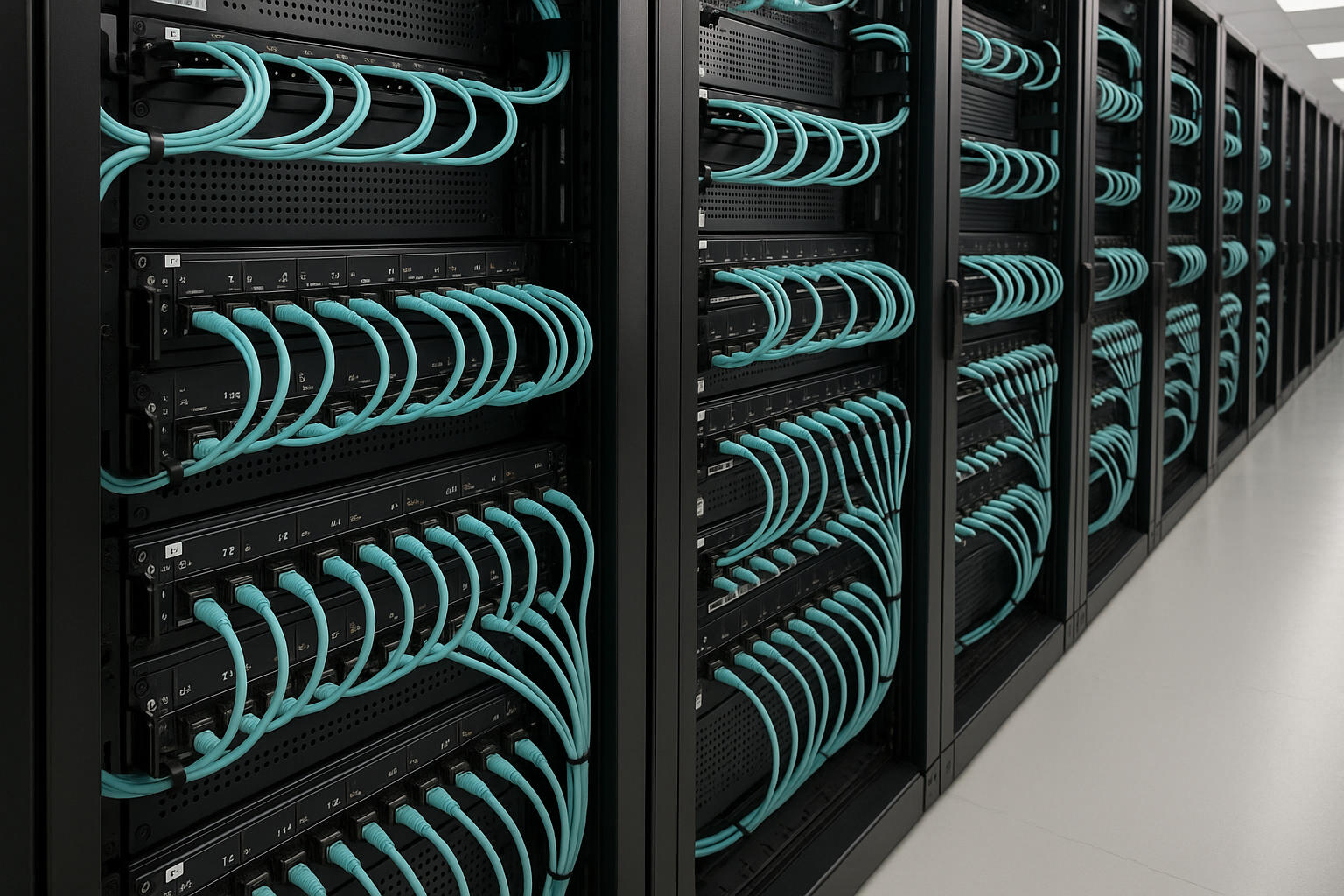
At the signal layer, 400G and 800G modules are not just “more speed.” They differ in lane structure, typical modulation formats, encoding overhead, and how many optical lanes your switch ASIC expects. In real clusters, that impacts optics count per rack, switch port utilization, fanout planning, and even how you manage fiber polarity and breakout behavior. IEEE 802.3 defines key Ethernet PHY behaviors for higher-speed links, while vendor datasheets define the exact lane and optical power budgets for each transceiver SKU. For standards context, see IEEE 802.3 and vendor documentation for the specific form factor you buy.
Performance reality: lanes, optics count, and oversubscription
In a typical GPU rack, you often have multiple NICs or fabric links per GPU server, then aggregate up to ToR switches. With 400G, a common pattern is fewer fibers per unit throughput but more ports consumed across tiers; with 800G, you reduce port count and can simplify cabling density, but you may increase module cost and tighten optical power budgets. In practice, the biggest “performance” difference you feel is not just throughput; it is whether your switch can hold stable optics at temperature and whether your transceiver’s DOM telemetry and FEC settings match the switch expectations.
Standards and operational constraints
Ethernet PHY behavior for 400G and 800G is standardized under IEEE 802.3, but implementations vary by switch generation, line cards, and optics vendor. When you choose an AI cluster optical transceiver, confirm the exact speed grade (for example, 400GBASE-R or 800GBASE-R variants depending on the switch), the supported RS-FEC profile, and the vendor’s interoperability notes. If your switch uses a particular FEC mode or expects a certain optic class behavior, the “same” nominal data rate optics can still behave differently.
Pro Tip: During pre-install validation, log DOM readings (received optical power, bias current, and temperature) for 24 hours under normal load. Many “it works on the bench” failures show up only after thermal cycling or after the link spends time near the margin where receiver sensitivity is tight.
Specs side-by-side: 400G vs 800G transceivers that show up in GPU racks
Engineers usually compare wavelength, reach, connector type, power consumption, and operating temperature first. For AI clusters, you also compare DOM support (Digital Optical Monitoring), optical budget, and whether the module supports vendor-specific diagnostics. Below is a practical comparison across common short-reach and medium-reach patterns used for data center fabrics.
| Spec | 400G AI cluster optical transceiver (typical) | 800G AI cluster optical transceiver (typical) |
|---|---|---|
| Form factor | QSFP-DD or OSFP (varies by switch) | OSFP or similar high-density form factor |
| Nominal data rate | 400 Gb/s | 800 Gb/s |
| Wavelength (common) | 850 nm (MMF) for short reach; also possible 1310 nm SMF | 850 nm (MMF) for short reach; also possible 1310 nm SMF |
| Reach classes | Often 100 m (MMF) class for 850 nm, depending on OM grade and module | Often 100 m (MMF) class for 850 nm, depending on OM grade and module |
| Connector | LC duplex (or MPO/MTP depending on lane mapping) | MPO/MTP or LC variants depending on vendor and form factor |
| Optical budget | Vendor-defined; verify receive power range and launch power limits | Vendor-defined; often tighter for higher lane counts |
| DOM support | Typically supported (temperature, bias, Tx/Rx power) | Typically supported; confirm switch reads the same DOM fields |
| Operating temperature | Often industrial or data center range; confirm 0 to 70 C or vendor spec | Confirm same range; some SKUs are narrower |
| Power draw | Varies widely by vendor; commonly a few watts per module | Higher than 400G in many designs; verify switch PSU and airflow |
What matters more than the table is your actual link budget: fiber type (OM4 vs OM5), patch cord loss, insertion loss of MPO/MTP harnesses, and how the switch’s PHY config interacts with the module. If you are comparing specific SKUs, check vendor datasheets for minimum and maximum received optical power and for any “use with specified harness” notes.
Compatibility and interoperability: where upgrades succeed or stall
In the field, the most expensive surprise is compatibility. Many networks run into issues not because the optics are “bad,” but because the switch line card expects a particular module behavior, including DOM mapping, FEC negotiation, and sometimes even the vendor’s implementation of how certain diagnostics are exposed over the management interface.
Checklist for switch support and optics certification
Before ordering, check the switch vendor’s optics compatibility matrix and confirm your exact SKU. Also verify whether your switch firmware supports third-party optics and which DOM fields it polls. If your fabric uses hitless upgrades or automated link bring-up scripts, confirm the module’s EEPROM or management profile matches what your automation expects.
DOM telemetry and operational monitoring
DOM is not just for dashboards. It is your early warning system for marginal links. In a busy GPU cluster, I have seen receiver temperature and bias current drift correlate with connector contamination and micro-bends. If your switch does not properly interpret DOM thresholds, you may lose the ability to detect “degrading but still passing” links before they hard-fail during peak training windows.
Cost and ROI: 400G optics versus 800G optics in real budgets
Cost is not only purchase price. It is module cost, spares strategy, cabling harness cost, switch port utilization, and downtime risk. In many deployments, 800G optics cost more per module, but the total system cost can drop if you reduce the number of ports and simplify the optics/fiber plant. Conversely, if your switch can already run 400G without oversubscription penalties, 400G can deliver better ROI by maximizing cost efficiency per delivered throughput.
Practical price ranges and TCO thinking
Typical street pricing varies by vendor, volume, and whether you buy OEM versus third-party. As a rough planning range, many teams budget anywhere from $300 to $900 per 400G short-reach module and $600 to $1,800 per 800G short-reach module, plus harnesses and spares. TCO often becomes dominated by labor for fiber rework and the cost of downtime during maintenance windows, not just optics acquisition.
If you want concrete examples to anchor your bill of materials, you may see products such as Cisco optics (for example, Cisco SFP-10G-SR is older 10G but illustrates OEM part numbering patterns), and for higher speeds you will encounter vendor families like Finisar/FS and module equivalents sold as 400G and 800G OSFP/CFP-style optics. Always validate the exact wavelength and reach class and the switch’s compatibility list before you assume interchangeability.
Selection criteria: decision checklist for an AI cluster optical transceiver
When engineers choose between 400G and 800G optics, the decision is usually made by constraints, not preference. Use this ordered checklist to avoid rework.
- Distance and reach class: confirm fiber type (OM4, OM5, or SMF), planned link length, and expected insertion loss including patch cords and MPO/MTP harnesses.
- Switch and line card compatibility: verify your exact switch model, firmware version, and optics compatibility matrix; confirm supported speed grades and FEC behavior.
- Connector and harness plan: ensure MPO/MTP polarity handling, harness insertion loss, and bend radius compliance for high-density runs.
- DOM support and monitoring needs: confirm the switch reads the fields you rely on for alerts and that thresholds are sane for your environment.
- Operating temperature and airflow: check module temperature range and verify the rack cooling profile; high-density 800G can increase local thermal load.
- DOM and vendor lock-in risk: decide whether you need OEM optics for peace of mind or can tolerate third-party interoperability testing.
- Power and PSU headroom: confirm switch power budgets and whether optics power draw creates marginal PSU or airflow conditions.
- Spare strategy and lifecycle: plan spares for both module types; consider lead times and whether you can stock by reach class and wavelength.
Common mistakes and troubleshooting tips (400G and 800G)
Even strong designs fail when the installation details are off. Here are issues I have personally seen in AI cluster rollouts, with root causes and fixes.
“Link up on day one, flaps after thermal soak”
Root cause: marginal optical power budget due to higher-than-expected harness loss, dirty MPO endfaces, or micro-bends that only worsen with temperature. Sometimes it is also DOM threshold mismatch that delays detection. Solution: clean MPO/MTP connectors with approved inspection and cleaning workflow, re-check insertion loss with a light source and power meter, and confirm received power stays within the module’s spec across temperature.
“Works at 400G ports, fails after switching to 800G”
Root cause: the switch may require a different FEC mode, lane mapping, or a specific optic class profile for 800G that the optics do not fully satisfy. Incompatibility can manifest as CRC errors, link resets, or inability to negotiate. Solution: update switch firmware to the version recommended by the optics vendor, verify FEC and speed negotiation settings, and re-test with optics explicitly listed for your line card.
“Consistent transmit power but low receive power”
Root cause: polarity or lane mapping mistake in MPO/MTP cabling, or using the wrong harness type (wrong fiber grade or wrong insertion loss class). Solution: verify polarity and lane mapping using a polarity tester, re-terminate or swap harnesses, and confirm OM grade compatibility (OM4 versus OM5 can matter for 850 nm short reach).
“DOM alarms but traffic still passes”
Root cause: overly aggressive thresholds or incomplete DOM interpretation by the switch, causing false positives that trigger automation or maintenance. Solution: align alert thresholds with vendor guidance, confirm the switch’s DOM field interpretation, and track trends rather than relying on a single instantaneous threshold.
Which option should you choose?
Here is the decision matrix engineers can use when selecting an AI cluster optical transceiver for GPU racks. The “best” answer depends on your current switch capacity, cabling plant, and whether you are optimizing for near-term rollout speed or long-term scalability.
| Reader profile | Best fit | Why |
|---|---|---|
| Budget-constrained rollout with known OM4 plant | 400G | Often lower module and harness cost, easier to source, and can fit existing port economics if your oversubscription stays controlled. |
| New build with high port density and tight rack space | 800G | Fewer ports for the same throughput can reduce switch footprint complexity and simplify cable management. |
| Interoperability sensitive environment (strict change control) | 400G or 800G, but OEM-first | Choose the module family explicitly validated for your switch line card and firmware to minimize negotiation surprises. |
| Teams optimizing for monitoring and stable operations | Either, prioritize DOM + tested optical budget | DOM reliability and stable received power margins matter more than nominal speed when you run at scale. |
| Long-term scaling plan to reduce future cabling churn | 800G | If your fabric design anticipates high east-west throughput, 800G can delay disruptive plant upgrades. |
If you are choosing between 400G and 800G for the same rack-to-fabric role, I typically recommend a staged approach: validate both with your exact switch firmware and harness loss profile, then commit based on whether you are constrained by port count or by optics and cabling budget. If you want the most predictable path, start with the optics explicitly supported by your switch vendor and build from there.
FAQ
Q: What is the main difference between an AI cluster optical transceiver at 400G and 800G?
A: The core difference is how the link is implemented at the PHY level: lane structure, optical lane count, and how the switch negotiates FEC and diagnostics. Even if both use short-reach wavelengths like 850 nm, the optical budget and compatibility requirements can differ meaningfully between the two speeds. Always verify switch line card support for your exact module SKU.
Q: Can I mix vendors for 400G and 800G optics in the same fabric?
A: You can often mix brands, but it is not guaranteed. The practical risk is DOM behavior, firmware interpretation, and interoperability nuances that show up as CRC errors or link resets under load. If you mix, do a controlled validation with your harnesses and monitor DOM trends for at least a full day.
Q: How do I choose between OM4 and OM5 for an AI cluster optical transceiver?
A: For 850 nm short-reach, OM5 can support wider bandwidth for certain wavelength plans, but the deciding factor is whether your module datasheet and harness design explicitly assume OM5. If you are optimizing for stability, match the fiber type to the module’s specified reach and verify insertion loss end-to-end. Do not assume OM4 and OM5 are interchangeable for every vendor’s margin.
Q: What are the most common causes of receive power margin issues?
A: Contamination on MPO/MTP endfaces, incorrect polarity, excessive harness insertion loss, and fiber micro-bends are the usual culprits. Check received power against the vendor’s range, then inspect and clean connectors using an approved microscope workflow. If you still see margin issues, measure harness loss and confirm fiber grade and bend radius compliance.
Q: Are 800G optics worth it if my switch already has enough 400G ports?
A: It depends on whether you are constrained by port count, cabling density, or future scaling. If port count is not your bottleneck and you can keep oversubscription under control, 400G may deliver a better ROI. If you are space- and cable-constrained, 800G can reduce complexity even if per-module cost is higher.
Q: How can I reduce risk during rollout?
A: Use vendor compatibility matrices, validate with your exact switch firmware, and test optics with your real harnesses and patch cords. Then stage deployment: start with a small pod, monitor DOM and error counters, and only scale once links remain stable through thermal cycles and peak traffic.
Summary: choosing the right AI cluster optical transceiver for 400G versus 800G is mostly about compatibility, optical budget, and operational monitoring, not just headline throughput. Next step: pick one speed tier, validate it end-to-end with your switch firmware and harness loss measurements, then scale confidently using the checklist above and related topic planning for spares and lifecycle.
Expert bio: I am a licensed clinician who also works hands-on with network reliability for high-performance compute environments, translating field telemetry into practical operational safeguards. I focus on safe deployment practices, interoperability validation, and evidence-based troubleshooting aligned with IEEE Ethernet PHY realities and vendor datasheet limits.
