
If your AI cluster keeps stalling on fabric bring-up, the root cause is often the 800G OSFP transceiver AI selection: wrong optics class, incompatible switch cage, or thermal margin that collapses under real load. This quick reference helps network and field teams choose OSFP for 800G AI fabrics, compare it to QSFP-DD800 style deployments, and avoid the common “it should work” traps. You will get a selection checklist, a specs comparison table, and hands-on troubleshooting patterns.
Where 800G OSFP transceiver AI fits in AI fabrics
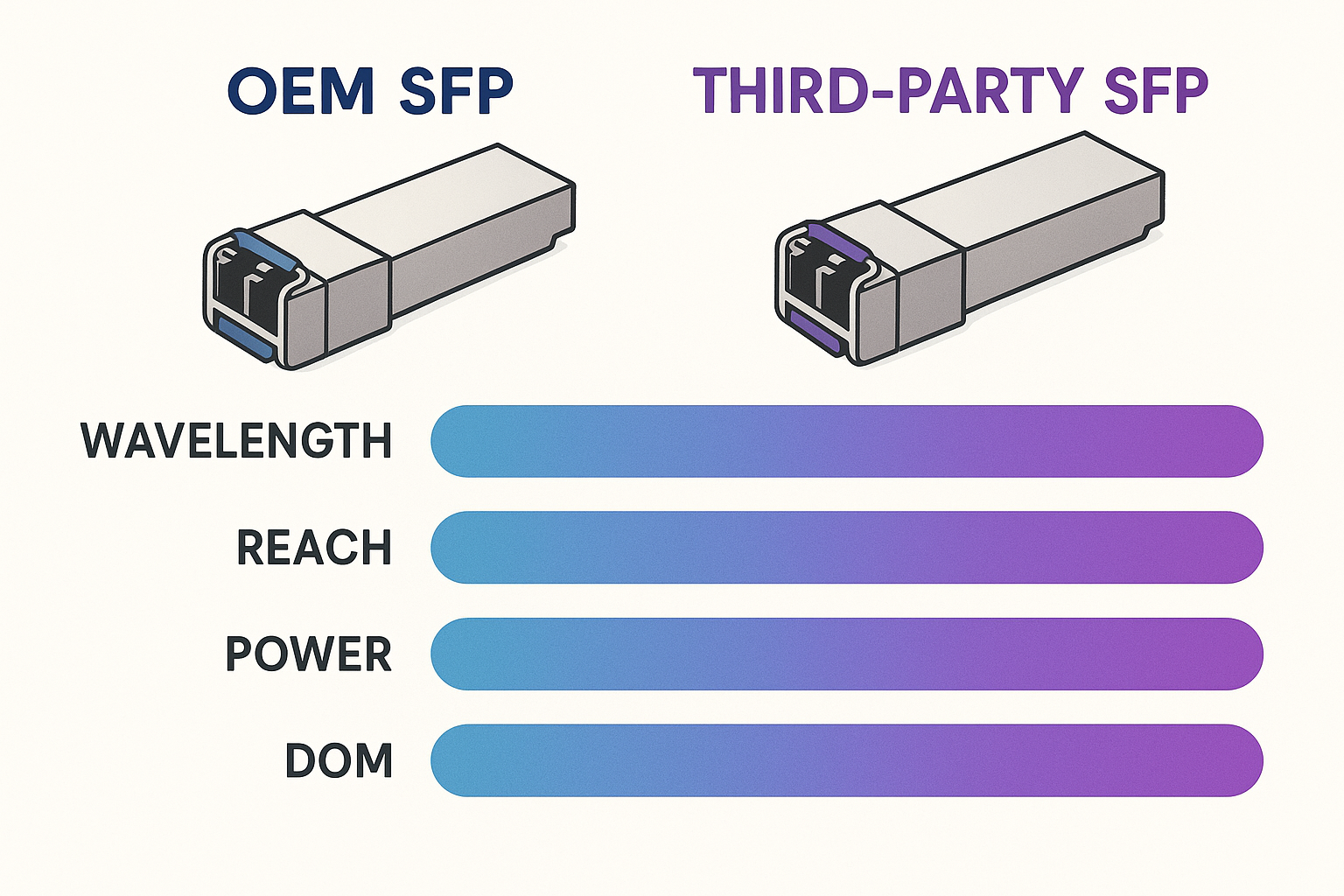
In modern AI data centers, 800G links are typically used for spine-leaf aggregation and high-bandwidth east-west traffic between GPU racks. OSFP modules are commonly selected when you need dense port utilization with predictable thermal behavior in front-to-back airflow designs. Most vendors align these modules to IEEE 802.3 families for high-speed Ethernet optics, while each switch vendor defines cage behavior, lane mapping, and supported optic lists. For authoritative baseline behavior, start with IEEE 802.3 and the specific switch vendor “optics compatibility matrix” before ordering.
OSFP vs QSFP-DD800 in practice
Both OSFP-class and QSFP-DD800-class optics are used for 800G Ethernet-style connectivity, but they are not interchangeable at the mechanical and electrical interface level. OSFP is usually the right choice when the switch chassis cage and airflow baffle are built around that form factor. QSFP-DD800 tends to appear in ecosystems where the switch vendors standardized on that cage geometry and signal conditioning. If you are mixing vendors, plan for separate optic qualification runs and a strict inventory separation by part number.
Key specs that decide whether the link will actually light up
When you deploy an 800G OSFP transceiver AI module, you are not just matching wavelength and reach. You must also match power class, connector type, and the switch’s supported optics profile (including DOM behavior). In the field, the fastest “yes/no” signals come from DOM readings and link training logs after insertion. Plan for worst-case cooling and dust contamination, because optical receivers are sensitive to attenuation and cleanliness.
Technical specifications table (representative 800G OSFP classes)
Specs vary by vendor and distance grade, so treat the table as a baseline to structure your comparison while you confirm the exact datasheet for your order.
| Parameter | Typical 800G OSFP SR8 Class | Typical 800G OSFP FR8 Class | Typical QSFP-DD800 Equivalent (Form Factor) |
|---|---|---|---|
| Target data rate | 800G (8-lane optics) | 800G (8-lane optics) | 800G (form factor dependent) |
| Wavelength | 850 nm nominal (MMF) | ~1310 nm nominal (SMF) | Varies by grade |
| Reach | Typical short reach: tens of meters class | Typical extended reach: up to ~2 km class | Varies; not mechanically compatible |
| Fiber type | OM4/OM5 (MMF) | OS2/SMF (SMF) | Varies |
| Connector | MT ferrules (cassette style) | LC or MPO (depends on grade) | Depends on cage standard |
| Power class | Plan for high but vendor-defined module power | Similar order of magnitude, vendor-defined | Varies; check switch power budget |
| Operating temperature | Commercial or extended; verify exact range | Commercial or extended; verify exact range | Varies |
| DOM support | Required: temperature, bias, power, alarms | Required: temperature, bias, power, alarms | Required; varies by vendor implementation |
DOM and alarm thresholds: what to check first
After insertion, validate that DOM reports stable laser bias and receive power within the vendor-defined operating window. If you see “link down” with no optical power alarms, suspect lane mapping, polarity, or an incorrect fiber grade. If you see DOM alarms for temperature or optical power, stop and correct cooling airflow and dust control before repeating link training. For optics and DOM baseline expectations, reference vendor transceiver interface guidance and switch optics documentation; also see SNIA for general storage and cabling best practices that often overlap with optics cleanliness and handling.
Pro Tip:
In field rollouts, the quickest way to prevent “mystery link flaps” is to log DOM values over the first 15 minutes after insertion, not just at link-up. Thermal stabilization can shift receiver power and trigger marginal links later, especially with partially blocked airflow baffles.
Selection criteria checklist for 800G OSFP transceiver AI
Use this ordered checklist to avoid rework. It is written for real procurement + field install workflows where you only get one chance per cable run.
- Distance and fiber grade: pick SR8 (MMF, OM4/OM5) or FR8 (SMF, OS2) based on measured end-to-end attenuation.
- Switch compatibility: confirm the module is on the vendor optics list for your exact switch model and software release.
- Connector and polarity plan: verify MPO/MTP or LC type, and confirm polarity or breakout expectations match your patch panel design.
- DOM and management behavior: ensure DOM is supported and that alarms map correctly in the switch UI/CLI.
- Power and cooling margin: validate switch power budget per slot and module thermal limits for your rack airflow profile.
- Operating temperature: confirm extended temp if you have hot-aisle recirculation or rear-door heat buildup.
- Vendor lock-in risk: price out OEM vs third-party, but require qualification testing and a clear RMA path.
Real-world deployment scenario (what this looks like)
In a 3-tier data center leaf-spine topology, imagine 48-port 800G-class ToR switches aggregating 8 GPU racks per leaf, with 2 spine layers. Each GPU rack uses 8 links at 200G-equivalent per rack during training bursts, and the fabric uplinks need stable 800G for east-west traffic. You measure patch panel insertion loss and confirm OM5 grading for SR8 links, targeting an end-to-end budget that includes connectors and patch cords. During commissioning, you insert OSFP modules, verify DOM receive power alarms are clear, and then run a 30-minute traffic test while monitoring temperatures to ensure no thermal drift under peak load.
Common mistakes and troubleshooting tips
Most failures are not “bad optics” but predictable mismatches. Here are the top field patterns I see during AI fabric bring-up.
Wrong fiber grade or patch panel budget
Root cause: SR8 optics installed on cabling that is closer to older OM3 behavior, or the channel budget ignores patch cord aging. Solution: measure with an OTDR or certified link tester, re-terminate if needed, and keep MPO cleaning discipline strict. Replace suspect patch cords and verify connector cleanliness before re-test.
Polarity or lane mapping mismatch
Root cause: MPO/MTP polarity not matching your transceiver lane expectation, or a breakout assembly swapped end-for-end. Solution: follow the patching polarity diagram from your cabling vendor, then validate by reseating one end and checking DOM receive power per lane if available.
Thermal margin too tight for real airflow
Root cause: modules operate near the edge of temperature spec because baffles are missing, airflow is blocked by cable bundles, or fans are running a non-default profile. Solution: restore airflow path, re-check rack fan curves, and confirm module temperatures from DOM stay within the datasheet range under continuous load.
Unsupported optics profile in switch software
Root cause: a transceiver appears “compatible” physically but is not supported by the current switch firmware for the cage’s signal conditioning. Solution: update switch software to the vendor-recommended version and confirm the optics profile is accepted; if still failing, swap to an optics part number explicitly listed for your release.
Cost and ROI: what you should budget for
In many markets, OEM 800G OSFP transceiver AI modules often cost more upfront than third-party equivalents, but you may save time by reducing qualification cycles and RMA friction. As a realistic planning range, third-party modules can be roughly 20% to 40% lower per unit, while OEM can command a premium that buys better documented compatibility. TCO should include downtime risk during AI training windows, labor hours for re-cabling, and the cost of certified testing equipment time. If you are running thousands of links, even a small failure-rate delta can dominate ROI.
For price realism, always request current quotes by part number and include shipping, expected lead times, and warranty terms. Also confirm whether the vendor provides DOM calibration details and whether the module supports the switch vendor’s expected interface behavior. If you need a baseline on Ethernet optics expectations, use IEEE 802.3 references and your switch vendor optics guidance as the decision anchor: IEEE 802.3.
FAQ
What fiber reach should I choose for an AI rack uplink?
Pick based on measured channel length and attenuation, not brochure reach. For short in-rack or nearby patching, SR8 over OM4/OM5 is common; for longer runs across cable trays, FR8 over SMF is typical. Confirm your end-to-end budget with a certified tester and include patch panel losses.
Are 800G OSFP transceiver AI modules interchangeable with QSFP-DD800 optics?
No. Even when both are “800G,” the mechanical cage interface and electrical conditioning are different. You must match the exact form factor and ensure the switch supports the specific module part number.
Do I need DOM support for 800G optics?
Yes, in most production environments you should require DOM so alarms and temperature/optical power telemetry can be monitored. Without reliable DOM readings, you lose early warning and make troubleshooting slower. Validate DOM behavior during commissioning and in your monitoring stack.
