
If you are trying to upgrade a fiber uplink or add 25G links without re-cabling everything, 25G SFP-DD can be the sweet spot. This article helps network engineers, field techs, and data center ops teams evaluate double-density SFP options fast: what to verify, what to buy, and what breaks in the real world. You will also get a ranked checklist at the end so procurement and engineering can align quickly.
Confirm the exact 25G SFP-DD physical interface
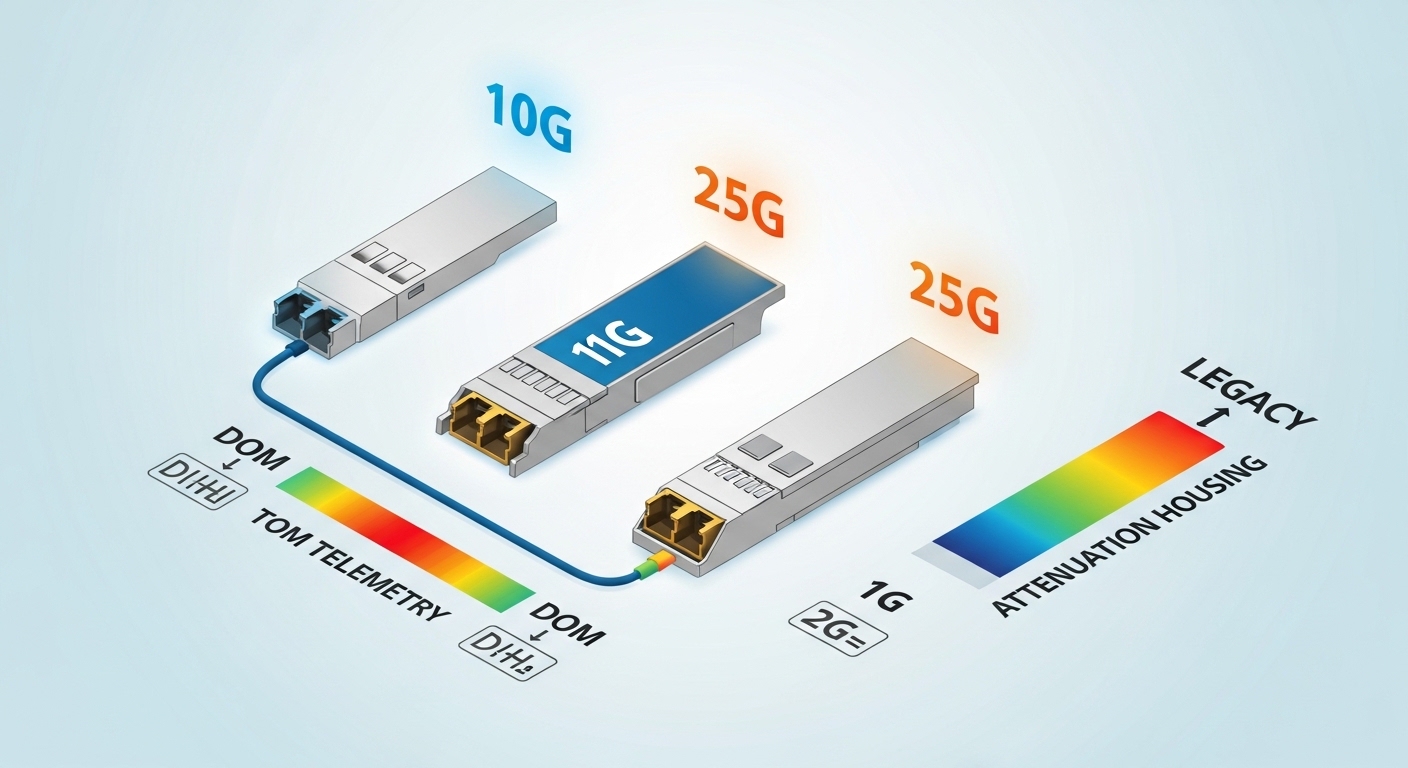
25G SFP-DD is not just “SFP with more speed.” The mechanical and electrical interface is designed for higher density than classic SFP, and modules are typically specified for 25.78125 Gb/s operation over Ethernet/Optics profiles. Before ordering, match the port type on the switch (often labeled SFP-DD or “double density SFP”) and verify it supports the intended link mode (for example, 25G Ethernet).
Best-fit scenario: You have a chassis switch with front-panel ports labeled SFP-DD and want to populate all lanes for 25G ToR uplinks while staying inside the platform’s supported optics list.
Pros: Higher port density than legacy SFP. Cons: Wrong port standard can mean “module not recognized” or link failures.
Match wavelength and reach to your fiber plant
Most 25G SFP-DD deployments use short-reach multimode (MMF) for data halls and medium/long-reach single-mode (SMF) for campus runs. Typical wavelengths are 850 nm for OM3/OM4 MMF and 1310 nm for SMF options, but always verify the vendor’s reach rating against your specific fiber type and link loss budget.
Best-fit scenario: In a leaf-spine fabric inside a row, you run OM4 with patch cords and want predictable reach without paying for long-reach optics.
Pros: Reach matches common fiber standards. Cons: Overestimating reach causes receiver overload or CRC errors.
Use the real specs table to compare modules
Engineers get burned when they compare only “25G” and ignore wavelength, power, and connector. Here is a practical comparison of common 25G SFP-DD options you might see in the field.
| Module example | Data rate | Wavelength | Typical reach | Fiber type | Connector | Operating temp | Notes to verify |
|---|---|---|---|---|---|---|---|
| FS.com SFP-10GSR-85 (legacy reference) | 10G (not 25G) | 850 nm | ~300 m (varies) | MMF | LC | 0 to 70 C | Shows how vendors present specs; not a 25G-DD match |
| Cisco SFP-10G-SR (legacy reference) | 10G (not 25G) | 850 nm | ~300 m (varies) | MMF | LC | 0 to 70 C | Use as a format reference only |
| Generic 25G SFP-DD SR (example) | 25G | 850 nm | ~70 to 100 m (varies by OM4) | OM4 MMF | LC | -5 to 70 C (common) | Check DOM, vendor power class, and link budget |
| Generic 25G SFP-DD LR (example) | 25G | 1310 nm | ~10 km (varies) | SMF | LC | -5 to 70 C (common) | Confirm dispersion tolerance and reach vs your attenuation |
Note: the two Cisco/FS.com rows above are format references to show how spec sheets look; they are not 25G SFP-DD parts. For actual 25G SFP-DD purchases, use the vendor’s 25G-DD datasheet and the switch’s compatibility matrix. For standards context, consult IEEE 802.3 for 25G Ethernet optical behavior and vendor datasheets for optical parameters. Source: IEEE 802.3
Verify DOM support and monitoring behavior
Most field failures become obvious only when you can read alarms: optical power, laser bias current, temperature, and DOM diagnostics. Look for Digital Optical Monitoring (DOM) support and confirm your switch reads thresholds correctly (some platforms expect specific calibration behavior). If you use third-party optics, confirm the DOM implementation is compatible with your OS version to avoid “present but not monitored” states.
Best-fit scenario: You are deploying optics in a high-turnover environment where proactive monitoring matters more than buying only OEM.
Pros: Faster isolation of marginal links. Cons: Mismatched DOM can hide early failure signs.
Pro Tip: During acceptance testing, log DOM values for at least 30 minutes under normal traffic. A module that passes link up but shows fast-moving receive power drift often fails later after thermal cycling, even if the initial BER looks fine.
Plan for temperature and power budget limits
Switches often specify optics power classes and supported temperature ranges. If your rack has poor airflow, the module might still “work” but degrade faster, especially in high-density bays with multiple adjacent ports. Check the module’s temperature rating and your chassis airflow design; use measured inlet temps, not assumptions.
Best-fit scenario: You are retrofitting optics into an older chassis where the front-to-rear airflow is weaker than newer models.
Pros: Fewer surprises after installation. Cons: Extra validation time.
Evaluate switch compatibility and vendor lock-in risk
Many enterprise switches maintain an optics compatibility list and may apply vendor-specific firmware checks. Before buying, confirm your exact model and OS release support 25G SFP-DD modules, including third-party brands. If you want to reduce lock-in risk, buy from vendors that publish compatibility notes and provide DOM behavior documentation.
Best-fit scenario: You need spares for a multi-site rollout and cannot rely on one OEM supply chain.
Pros: Better procurement flexibility. Cons: Some optics may still be “physically supported but operationally flaky” on certain firmware.
Deployment scenario: 25G uplinks in a leaf-spine data center
In a 3-tier data center leaf-spine topology with 48-port 25G ToR switches, you might run 4 uplinks per leaf at 25G using 25G SFP-DD SR over OM4. Suppose the average patch + trunk loss budget is 2.5 dB for short runs plus 1.0 dB connectors and splices, leaving margin under the module’s specified receiver sensitivity. During staging, you test 10% of ports first, then expand after confirming stable CRC counters and DOM thresholds across a full thermal cycle.
Best-fit scenario: Data halls with predictable fiber runs where short-reach MMF is cheaper and easier to manage.
Pros: Fast rollout and lower cost per port. Cons: If any fiber patch is mis-terminated, you will see link flaps quickly.
Common mistakes and troubleshooting tips
1) Mistake: Buying the right speed but wrong connector or fiber type. Root cause: LC vs MPO mismatch, or SR MMF module plugged into SMF plant. Solution: Verify connector standard and fiber type on both ends before energizing.
2) Mistake: Ignoring link budget and assuming “rated reach” equals your real reach. Root cause: Excess patch cord loss, dirty connectors, or high attenuation fiber. Solution: Clean connectors, measure with an OTDR or loss tester, and compare against module sensitivity.
3) Mistake: Overlooking DOM threshold interpretation. Root cause: Third-party DOM mapping differences can make the switch flag errors or fail to alert on marginal power. Solution: Check switch diagnostics, compare DOM telemetry to vendor guidance, and update switch firmware if the platform supports it.
4) Mistake: Hot-swapping without verifying airflow. Root cause: Thermal transients cause temporary receiver instability. Solution: Confirm rack inlet temps and ensure fan trays are within spec before bulk installs.
Cost and ROI note
Typical street pricing for 25G SFP-DD optics often lands in a broad band: short-reach MMF tends to be cheaper than long-reach SMF. Budget realistically for OEM optics being higher cost but sometimes smoother compatibility; third-party options can reduce capex, yet may increase time spent on validation and RMA handling. Over a 3 to 5 year lifecycle, TCO often depends more on failure rate, spare strategy, and downtime cost than on the unit price alone.
Selection criteria and decision checklist
- Distance: Choose SR vs LR based on measured link loss and fiber type (OM4 vs SMF), not just the brochure reach.
- Switch compatibility: Confirm the module is supported on your switch model and OS version (check optics compatibility matrix).
- DOM support: Ensure the switch can read monitoring values and thresholds you rely on for alarms.
- Operating temperature: Match module spec to
