
If you are upgrading a server or building a leaf-spine fabric, the wrong 25GBASE SFP28 transceiver types can cause link flaps, unexpected reach limits, or costly truck rolls. This article helps network engineers and field technicians choose between 25GBASE-SR, 25GBASE-LR, and 25GBASE-ER with a step-by-step deployment plan, real compatibility checks, and ROI-minded guidance. You will also get a troubleshooting checklist tied to common failure modes seen in production.
Prerequisites: what you must verify before buying
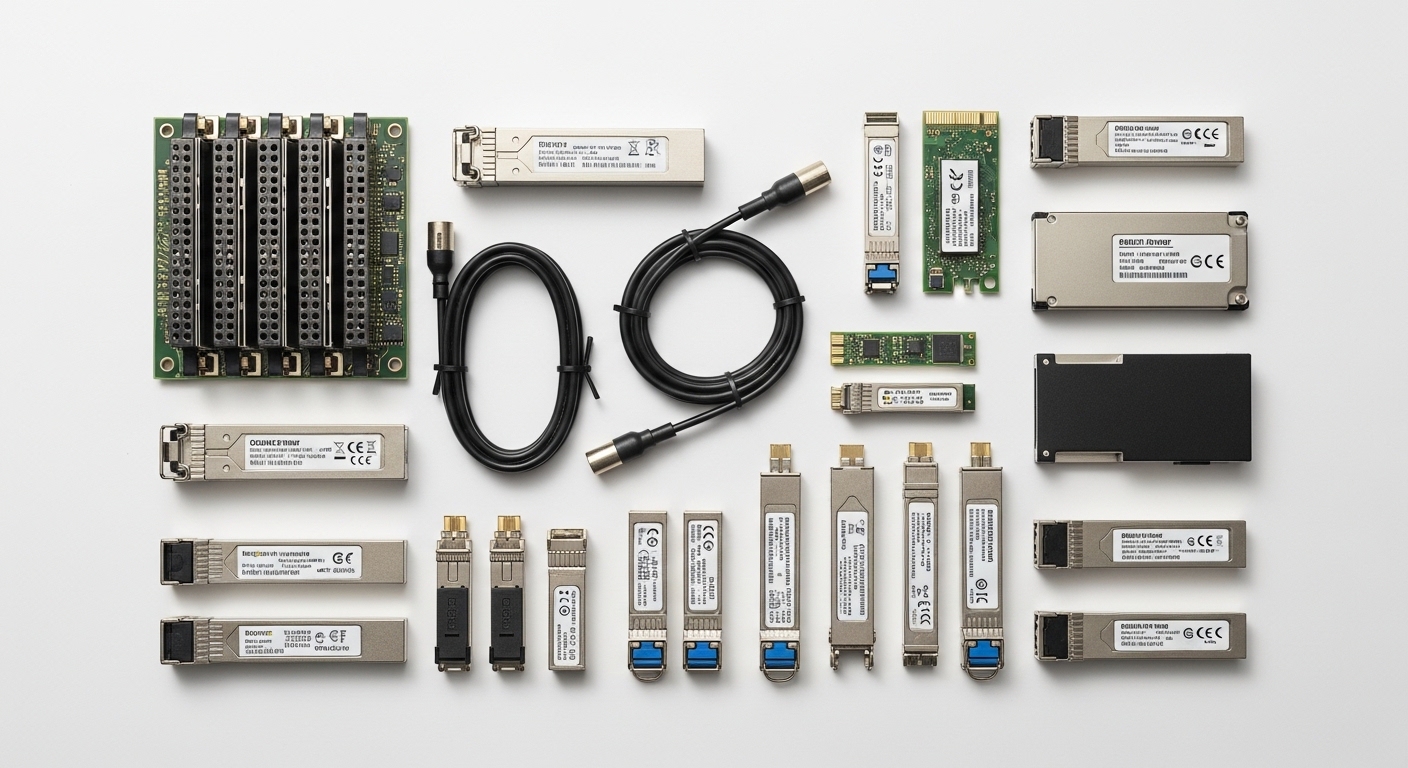
Before you order SFP28 optics, collect the exact switch and optics requirements so you do not waste budget on incompatible modules. Most 25GBASE SFP28 transceiver types are electrically standardized, but vendor-specific firmware and EEPROM handling can still block link-up or reduce diagnostics visibility. You will also need fiber plant details: core size, cable type, and measured or estimated attenuation.
Gather hardware and fiber facts
- Model your host ports: confirm the switch/adapter supports SFP28 at 25Gbps (not just “25G capable” via breakout modes). Example: Cisco Nexus and Catalyst lines often support SFP28 with specific optics lists.
- Record connector and fiber type: SR is typically matched to OM3/OM4 multimode with LC connectors; LR/ER are typically matched to single-mode with LC.
- Measure or estimate link loss: use an OTDR or at least a certified loss report. For single-mode, account for splice loss and patch cords, not just spec sheet reach.
- Check DOM expectations: confirm your management workflow reads Digital Optical Monitoring (DOM) fields like laser bias current, received power, and temperature.
Expected outcome: You can map each physical port to a fiber type and a target distance class without guessing.
Step-by-step implementation: deploy SR, LR, and ER safely
This section gives you an operational sequence you can follow during a maintenance window. The goal is to validate optics compatibility, set expectations for reach, and catch power or fiber issues early. You will install one module type at a time, verify link and optics telemetry, and only then scale.
Confirm switch optics compatibility and lane speed
- Pull the switch optics compatibility matrix from the vendor or from the platform documentation and confirm the exact transceiver part number or supported vendor range.
- Verify that the port is configured for 25G mode (some platforms require explicit speed or breakout configuration).
- Plan for optics reinitialization: expect link-down/link-up events during insertion.
Expected outcome: You reduce the risk of a “present but not operational” port due to unsupported module behavior.
Install and validate link-up
- Shut down the interface if your change process requires it (many teams do to reduce storm risk).
- Insert the transceiver firmly until latch clicks; connect the correct fiber polarity (transmit/receive swapped is a classic issue).
- Bring the interface up and verify line state.
Expected outcome: The port transitions to forwarding with stable link state.
Check optics telemetry and thresholds (DOM)
Use your platform CLI or telemetry system to confirm received power and laser bias are within safe ranges. If the module supports DOM, you should see values like Rx power, Tx power, and temperature. Record baseline numbers for each link so you can spot drift later.
Expected outcome: You confirm the module is operating inside its designed optical budget and not near the edge.
Validate end-to-end performance
- Run a connectivity test (ping, TCP test, or traffic generator if you have one).
- Check interface counters for CRC errors, FCS errors, and discards.
- For difficult moves, monitor for 30 to 60 minutes to catch intermittent faults.
Expected outcome: The link is not only up, but also clean under load.
Scale with a distance plan
Use SR for short intra-rack or top-of-rack multimode runs, and use LR/ER for longer reach across rooms or campuses. When you scale, keep track of which links use which fiber type so you can troubleshoot quickly later.
Expected outcome: A repeatable mapping from distance to optic type that improves change success rate.
SR vs LR vs ER: what changes in real networks
All three options target 25Gbps using the SFP28 form factor, but they differ in wavelength, modulation assumptions, and intended fiber plant. The most important operational difference is that SR is for multimode short reach, while LR and ER are for single-mode longer reach. If you mismatch optics to fiber type, you will often see link failures or marginal optical power.
Technical specs that matter for purchasing
Below is a practical comparison of common SFP28 implementations for SR, LR, and ER. Exact values can vary by vendor and speed grade, so always confirm the datasheet for the specific part number you plan to deploy.
| Transceiver type | Typical wavelength | Target fiber type | Typical reach class | Connector | Power (typ.) | Operating temperature | Standards reference |
|---|---|---|---|---|---|---|---|
| 25GBASE-SR (SFP28) | ~850 nm | OM3/OM4 multimode | ~70 m (OM4) typical | LC | ~1.0 to 2.5 W | ~0 to 70 C (typical) | IEEE 802.3 [Source: IEEE 802.3] |
| 25GBASE-LR (SFP28) | ~1310 nm | Single-mode OS2 | ~10 km typical | LC | ~1.5 to 3.0 W | ~0 to 70 C (typical) | IEEE 802.3 [Source: IEEE 802.3] |
| 25GBASE-ER (SFP28) | ~1550 nm | Single-mode OS2 | ~40 km typical | LC | ~1.8 to 4.0 W | ~0 to 70 C (typical) | IEEE 802.3 [Source: IEEE 802.3] |
Expected outcome: You can translate “SR/LR/ER” into fiber requirements, optics budget expectations, and connector reality.
Compatibility notes you will encounter in the field
Even when an optic is electrically compliant, a platform may require specific EEPROM attributes or DOM support behavior. Many enterprises also maintain approved optics lists to control risk from nonconforming vendors. Practical takeaway: validate part numbers in the vendor compatibility matrix before you assume “any SFP28” will work.
Pro Tip: In production, the biggest cause of “it links but is unstable” is not the transceiver type itself; it is often patch cord loss, dirty LC end faces, or a wrong fiber polarity that only fails under higher received power margins. After insertion, inspect and clean LC connectors, then compare DOM received power to the module’s recommended min/max range before escalating to a swap.
Real-world deployment scenario: 3-tier data center rollout
Consider a 3-tier data center leaf-spine topology with 48-port 25G ToR switches feeding servers via short multimode runs. The facility has OM4 backbone patching between top-of-rack and aggregation, with measured average patch-and-splice loss of 1.0 dB per hop and a typical worst-case budget of 2.5 dB for short segments. For ToR-to-aggregation you use 25GBASE-SR on OM4 for runs under 45 to 55 m (accounting for patch cords and transceiver aging), and you use 25GBASE-LR for cross-room links on OS2 where the certified loss supports up to 6 to 8 km with margin.
In the same site, a remote equipment room connects to the core using OS2 and long spans. Instead of pushing LR to the edge, the team standardizes on 25GBASE-ER for those links, using a conservative optical budget that includes connector loss, splices, and aging margin. During commissioning, they record DOM received power at 10-minute intervals and alert if values drift beyond a predetermined threshold, which reduces repeat truck rolls.
Expected outcome: A predictable “distance to optic type” policy that keeps link stability high and reduces operational risk.
Selection criteria checklist for 25GBASE SFP28 transceiver types
Engineers often choose SR vs LR vs ER based only on marketing reach, but successful deployments depend on compatibility, optical budget, and operational constraints. Use this ordered checklist during procurement and pre-staging so the maintenance window stays short.
- Distance and certified loss: use OTDR or certified loss reports; do not rely on “typical reach” alone.
- Fiber type and link budget fit: SR expects OM3/OM4 multimode; LR/ER expect OS2 single-mode.
- Switch compatibility and vendor lock-in risk: confirm the exact switch model’s optics list and supported DOM behavior.
- DOM support and telemetry needs: ensure your monitoring stack can read temperature, bias, and received power fields.
- Operating temperature and airflow: check transceiver temperature range and the rack’s real thermal profile.
- Power and thermal budget: compare typical power draw and confirm it fits your power and thermal constraints.
- Connector cleanliness and polarity: plan cleaning supplies and a polarity verification step.
- Warranty and MTBF posture: include failure rate assumptions in TCO, especially for long-reach ER links.
Expected outcome: You buy the fewest optic SKUs that cover your distances, while minimizing incompatibility risk and operational downtime.
Cost and ROI note: how to estimate TCO for SR vs LR vs ER
Pricing varies by vendor, temperature grade, and whether you buy OEM or third-party modules. As a realistic planning range, enterprise OEM optics may cost roughly $150 to $400 per module, while third-party options often land around $60 to $200 per module depending on reach and DOM quality. For TCO, include not only purchase price but also stocking strategy, warranty terms, and the operational cost of downtime.
Long-reach LR/ER links can justify higher unit cost because failures affect larger traffic volumes and may require remote access procedures. A simple ROI model: if a single ER link outage costs your business $X per hour in lost throughput and escalations, then improving stability and reducing truck rolls can outweigh a higher module price. Also factor the cost of cleaning and testing consumables; those are small but can prevent expensive replacements.
Common mistakes and troubleshooting tips
Even experienced teams hit predictable failure modes. Below are the top mistakes seen during SFP28 rollouts, with root causes and fixes that field engineers can act on quickly.
Troubleshooting failure point 1: Link does not come up
Root cause: wrong fiber type (e.g., SR multimode optic on OS2 single-mode), wrong connector type, or incompatible module behavior with the platform. Less commonly, the port is not actually configured for 25G.
Solution: verify module type matches fiber plant; confirm LC connector seating and polarity; check switch interface speed settings; test with a known-good optic from the approved list.
Troubleshooting failure point 2: Link up but errors increase
Root cause: dirty LC end faces, excessive patch cord loss, or marginal received power. This often shows up as CRC/FCS errors and occasional interface resets under load.
Solution: clean connectors using lint-free wipes and approved cleaning tools; verify patch cord length and loss; compare DOM received power to the vendor’s stated min/max; if needed, replace patch cords before replacing optics.
Troubleshooting failure point 3: Works initially, then flaps after hours
Root cause: thermal stress, marginal optical budget that only fails when temperature changes, or a fiber plant issue like a microbend or intermittent splice.
Solution: improve airflow or confirm the module temperature stays within spec; re-check optical budget including worst-case loss; run OTDR to locate high-loss events; reseat and re-terminate any suspect patch points.
FAQ
Q1: Are 25GBASE-SR, LR, and ER interchangeable in the same SFP28 slot?
No. They are designed for different fiber types and reach classes. SR is intended for multimode (typically OM3/OM4) and LR/ER are intended for single-mode OS2, so using the wrong type can prevent link-up or create unstable links.
Q2: How do I choose between LR and ER when I am unsure about distance?
Start with certified loss and add a conservative margin for patch cords, splices, and aging. If the link loss budget approaches the LR limit, use ER to increase margin and reduce the chance of intermittent errors.
Q3: What should I monitor with DOM on 25GBASE SFP28 transceiver types?
Monitor received optical power, laser bias current, and temperature. Track baseline values during commissioning, then alert on drift patterns rather than waiting for errors to appear.
Q4: Do third-party optics work reliably compared to OEM?
They can, but reliability depends on compliance quality, DOM behavior, and platform compatibility. For best results, buy from vendors that provide datasheets, DOM field documentation, and a clear compatibility posture with your switch models.
Q5: What is the fastest way to isolate whether a problem is fiber or optics?
Swap one side at a time using a known-good optics pair from your approved list, and test with a short known-good patch cord. If errors move with the optic, suspect the module; if errors follow the fiber segment, suspect the patch cord or plant.
Q6: Which standards govern these transceivers?
IEEE 802.3 defines the Ethernet optical interface characteristics for these speed and reach categories. For practical interoperability, also follow your switch vendor’s transceiver compatibility guidance and datasheet specifications.
Update date: 2026-04-29.
If you want a clean next step, build a distance-to-fiber mapping spreadsheet and then validate each chosen optic against your switch compatibility matrix using DOM telemetry. For more operational guidance, see How to select fiber optic transceivers for high-density data centers.
Author bio: I deploy optical interconnects in real enterprise and data center environments, using DOM telemetry, OTDR verification, and change windows to reduce downtime. I write from field experience to help teams choose 25G optics with measurable ROI and fewer compatibility surprises.
Sources: [Source: IEEE 802.3] [Source: Vendor switch and transceiver datasheets] [Source: ANSI/TIA fiber cabling guidance]
