
When a ToR switch port suddenly goes dark, the root cause is often not the switch at all, but the optics and fiber reach pairing. This article helps network engineers and data center operators choose between 10GBase-SR and 10GBase-LR SFP+ modules for stable 10 Gigabit Ethernet over fiber. You will get practical selection steps, a spec comparison table, and field troubleshooting patterns you can apply during maintenance windows.
What 10GBase-SR really buys you in short-reach links
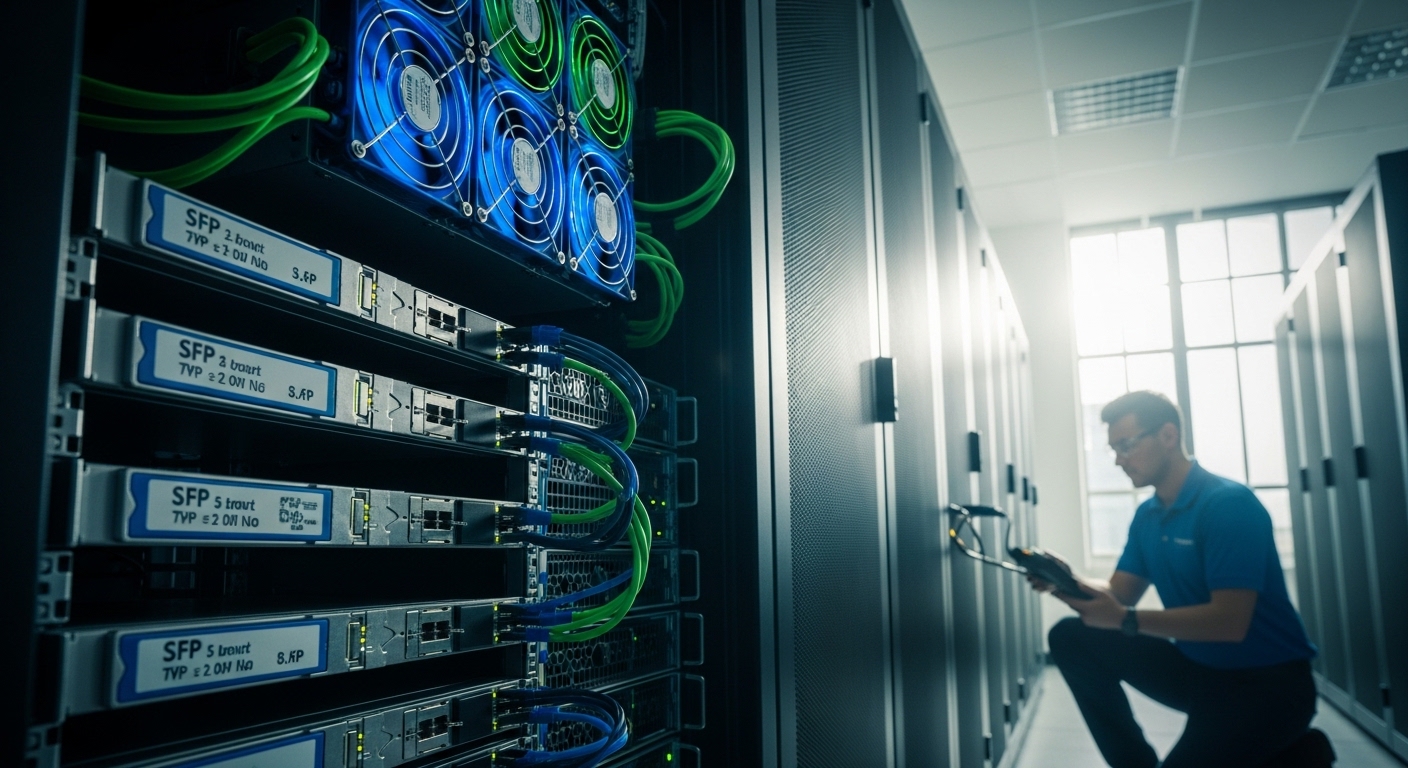
10GBase-SR is the “short reach” 10 Gigabit Ethernet fiber standard designed for typical intra-rack and nearby-rack connectivity. In practice, it is usually implemented as an SFP+ transceiver using multimode fiber (MMF) and a wavelength around 850 nm. Because MMF links are limited by modal dispersion and fiber bandwidth, SR is best when your run is modest and your cabling plant is already multimode.
Typical hardware examples you will see
Common vendor part numbers include Finisar and similar OEM families such as Finisar FTLX8571D3BCL (10G SR, 850 nm, LC). For third-party sourcing, you may see modules like FS.com SFP-10GSR-85 or equivalent 10GBase-SR optics. Always confirm the exact reach class (often listed as 300 m, 400 m, or 500 m on datasheets) and confirm your switch supports that module.
Pro Tip: In mixed-vendor builds, the “works at first power-on” trap is real: some SR modules will negotiate optical parameters differently under marginal MMF launch conditions. If you see intermittent CRC errors, test with a known-good patch cord set and re-check connector cleanliness before swapping optics again.
10GBase-LR SFP+ vs SR: reach, fiber type, and optics differences
10GBase-LR is the “long reach” counterpart, typically using single-mode fiber (SMF) and a wavelength around 1310 nm. LR optics can tolerate much longer distances because SMF has far less modal dispersion than MMF. The tradeoff is that you cannot treat LR as a drop-in replacement for SR: SR expects MMF and often expects different link budgeting and optics behavior.
Key specifications comparison table
Use this table as a quick engineering reference when planning a link. Exact distances vary by fiber type (OM3 vs OM4), launch conditions, and vendor specs.
| Spec | 10GBase-SR (SFP+) | 10GBase-LR (SFP+) |
|---|---|---|
| Wavelength | ~850 nm | ~1310 nm |
| Fiber type | Multimode fiber (MMF) | Single-mode fiber (SMF) |
| Typical reach class | Commonly 300 m to 500 m depending on OM3/OM4 | Commonly up to 10 km on SMF (per vendor) |
| Connector | Usually LC | Usually LC |
| Data rate | 10.3125 Gb/s line rate (10G Ethernet) | 10.3125 Gb/s line rate (10G Ethernet) |
| Temperature range | Often 0 to 70 C for standard, sometimes wider for enterprise | Often 0 to 70 C for standard, sometimes wider |
| Standard reference | IEEE 802.3 10GBASE-SR | IEEE 802.3 10GBASE-LR |
Standards and why they matter operationally
These modules map to the IEEE 802.3 family for 10 Gigabit Ethernet over fiber, including 10GBASE-SR and 10GBASE-LR behavior. For baseline requirements, consult IEEE 802.3 and vendor datasheets for actual reach and optical power budgets. In the field, the standards define the functional envelope, while datasheets define the practical limits for specific optics.
Decision checklist: choosing SR or LR without rework
Engineers typically decide in under five minutes during a change request, but they should still follow a consistent checklist to avoid a late-night rollback.
- Distance and margin: Confirm measured fiber length plus patch cord and connector losses. If you are near the edge of SR reach, SR may still “link,” but error rates can rise under temperature swings.
- Fiber type in the tray: SR requires MMF; LR requires SMF. Do not assume an adapter or patch cord conversion will work reliably.
- Switch compatibility: Validate the switch model’s SFP+ support list and optical diagnostics (DOM). Some platforms behave differently with third-party optics.
- DOM and monitoring: Check whether the optics provide vendor-implemented DOM registers accessible through CLI or SNMP. This affects how quickly you detect aging or marginal power.
- Operating temperature: If your MDF/IDF areas swing beyond normal ambient, prefer modules with rated temperature range and a stable airflow path.
- Vendor lock-in risk: OEM optics can be pricier, but third-party can reduce cost. Mitigate risk by buying from reputable suppliers and deploying a small pilot first.
Common mistakes and troubleshooting that saves hours
Even seasoned teams make predictable errors when swapping SFP+ optics. Below are three common failure modes with root causes and fixes.
- Mistake: Using the wrong fiber type (SR on SMF or LR on MMF). Root cause: The optics and link budget assume different dispersion and loss characteristics. Solution: Verify fiber core type in the record drawings and physically confirm by patch panel labeling and test results.
- Mistake: Dirty LC end faces causing intermittent link flaps. Root cause: Microscopic contamination increases insertion loss and can trigger receiver power collapse. Solution: Clean using approved fiber cleaning tools and inspect with a microscope or inspection scope before rerunning link tests.
- Mistake: Overlooking patch cord loss and connector quality. Root cause: SR reach claims assume specific launch and typical patch cord performance. Solution: Measure or model insertion loss including connectors, then retest with known-good patch cords.
- Mistake: Assuming all “10G SR” modules are equivalent reach. Root cause: Datasheets may show different reach classes based on OM3/OM4 and optical power. Solution: Match the reach rating to your installed fiber type and confirm with vendor support if you are using nonstandard patching.
Cost and ROI: how to budget optics without surprises
Typical street pricing varies by region and availability, but you can often expect SR SFP+ modules to cost less than LR modules because MMF-based optics are simpler. In many deployments, SR optics run in the approximate range of $30 to $120 per module, while LR optics may be $60 to $200 per module, depending on OEM vs compatible third-party and whether DOM is included.
TCO is not just purchase price. Consider power draw differences (usually small), expected failure rates, warranty terms, and the operational cost of troubleshooting. A practical ROI approach is to pilot third-party optics on a low-risk subset of ports first, then standardize once you confirm DOM visibility and stable BER/CRC behavior.
FAQ
Can I use 10GBase-SR on short runs between racks?
Yes, if you have MMF and the run fits within the SR reach rating for your fiber type (often OM3 or OM4). For best results, keep patch cords and connector losses under control and verify with link diagnostics.
Will 10GBase-LR work if my cabling is multimode?
Usually not as intended. LR optics are designed for SMF behavior and may fail to meet receiver sensitivity or dispersion assumptions on MMF. Confirm fiber core type before ordering optics.
How do I verify link quality after installing SR?
Check interface counters such as CRC errors, symbol errors, and optical receive power when available through DOM. If you see rising errors, inspect and clean the LC connectors first, then validate patch cord length and quality.
Do third-party 10GBase-SR optics always work with enterprise switches?
Many do, but compatibility depends on switch firmware and how it handles SFP+ identification and DOM. Use your vendor’s optics compatibility list when possible and run a pilot before full rollout.
What is the safest migration path if I need more distance than SR supports?
Plan a fiber plant change to SMF and then deploy LR optics, or add a controlled intermediate topology that stays within SR reach limits. Avoid mixing SR and LR without a clear fiber and loss plan.
Which matters more: wavelength or reach rating?
Both matter. Wavelength must match the optical design,
