
If you manage a data center or campus network, the port density and optics mix matter as much as routing. This article helps network engineers and procurement teams run a practical SFP module comparison for common 1G to 10G fiber scenarios, then decide when SFP should be paired with QSFP for higher throughput. You will get a decision checklist, a specs table, troubleshooting pitfalls, and a short FAQ grounded in real deployment constraints.
Where SFP module comparison matters most in real networks
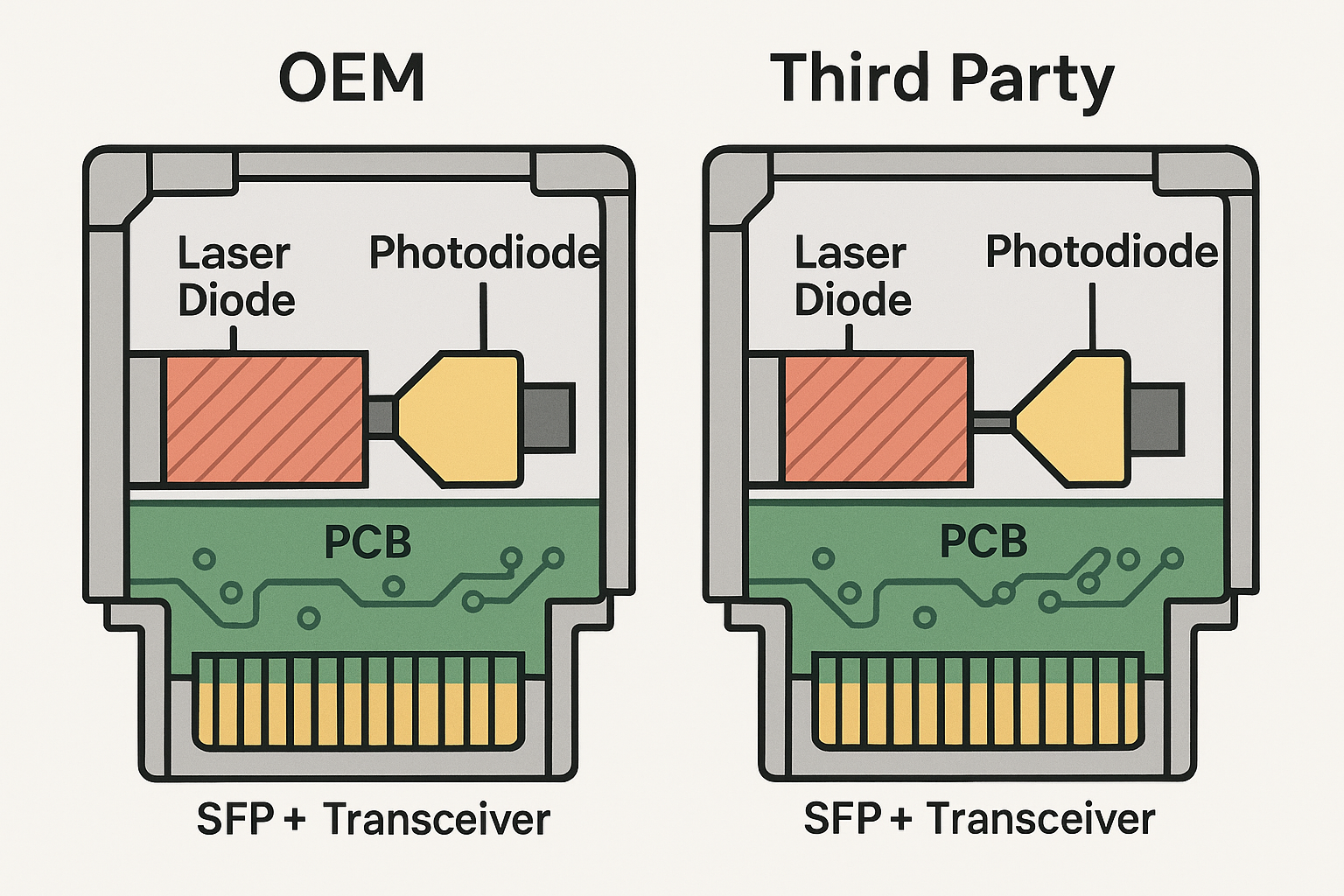
Most failures in SFP vs QSFP decisions are not about raw optics; they are about interface compatibility, reach, optical budget, and DOM expectations. In the field, engineers often inherit mixed fleets: older ToR switches with SFP cages plus newer aggregation gear with QSFP. Your goal is to standardize link behavior so that operations teams can monitor alarms, predict failures, and keep spare parts effective.
In practice, an SFP module comparison is frequently driven by the “last-mile” fiber runs inside rows and cabinets, while QSFP is often reserved for uplinks requiring higher aggregate bandwidth per port. When you standardize on one optics family for a tier (leaf, spine, or access), you also reduce troubleshooting time and reduce the number of vendor-specific firmware quirks that can complicate DOM telemetry.
Typical interface mapping you will see in the data center
- SFP (and SFP+): common for 1G and 10G server and ToR access ports.
- QSFP (QSFP+/QSFP28): common for 40G and 100G aggregation uplinks and higher-density switch fabrics.
- Breakout cases: some QSFP28 100G modules can operate as 4x25G depending on the switch.
SFP vs QSFP: key technical differences engineers must validate
At a protocol level, SFP and QSFP are form factors; the actual behavior depends on the transceiver type (SR, LR, ER, ZR, etc.), the data rate, and the switch cage support. The most operationally relevant differences are port density, reach, power and thermals, and DOM/telemetry support. If your switch does not support a module’s speed grade or DOM mode, you may see link flaps, “unsupported transceiver” alarms, or reduced diagnostics.
Technical specifications table: representative 10G SFP+ vs 40G/100G QSFP
Use this table to anchor your SFP module comparison. Exact values vary by vendor and revision; always confirm against your switch vendor’s optics compatibility list.
| Transceiver class | Common data rate | Typical wavelength | Reach (typical) | Connector | DOM / telemetry | Operating temperature | Notes to validate |
|---|---|---|---|---|---|---|---|
| SFP+ SR (example: Cisco SFP-10G-SR) | 10G | 850 nm | Up to 300 m (OM3) | LC | Supported on most modern modules | 0 to 70 C (typical commercial class) | Confirm OM level and lane mapping |
| SFP+ LR (example: Finisar FTLX8571D3BCL) | 10G | 1310 nm | Up to 10 km | LC | Supported on most modern modules | -5 to 70 C (typical extended class) | Confirm single-mode fiber type and losses |
| QSFP+ SR4 (40G over 4 lanes) | 40G | 850 nm | Up to 100 m (typical MM) | LC | Supported on most modern modules | 0 to 70 C (typical) | Confirm breakout and lane order |
| QSFP28 SR4 (100G over 4 lanes) | 100G | 850 nm | Up to 100 m (typical MM) | LC | Supported on most modern modules | 0 to 70 C (typical) | Confirm OM4/OM5 requirements |
For standards context, the electrical and optical behavior is aligned with Ethernet transceiver specifications and IEEE Ethernet PHY requirements. For physical layer expectations at the Ethernet level, review IEEE 802.3 for the relevant rate family and vendor datasheets for module class details. [Source: IEEE 802.3 (Ethernet physical layer specifications)] [Source: vendor transceiver datasheets such as Cisco SFP-10G-SR and Finisar/Fabrics optics product briefs]
Pro Tip:
In many switch platforms, the “it links up” milestone is not the end of the validation. Engineers often miss that DOM thresholds, vendor-specific alarms, and lane-level diagnostics can differ between OEM and third-party optics. Best practice is to log DOM values (temperature, TX bias, RX power) for the first 24 hours after installation and compare them against the switch vendor’s expected operating bands.
Distance, fiber type, and budget: the practical SFP module comparison workflow
Before you pick a module, quantify the link budget and verify fiber characteristics. For SFP SR optics, your limiting factor is usually multi-mode fiber quality (OM3 vs OM4 vs OM5) and connector cleanliness. For SFP LR/ER optics, the limiting factor is single-mode fiber attenuation plus splice and patch loss. If the network uses patch panels, count them: each additional mated pair and splice increases insertion loss and can push RX power below the transceiver’s sensitivity.
Step-by-step: run an engineer-grade selection worksheet
- Identify the switch cage capability: confirm SFP vs SFP+ vs QSFP28 support and whether the cage requires specific speed (for example, 10GBASE-SR vs 1000BASE-SX).
- Measure fiber plant parameters: validate fiber type (MM OM3/OM4/OM5 or SM), typical attenuation, and connector/splice loss assumptions.
- Compute optical margin: use vendor optical budget guidance and include conservative worst-case loss.
- Confirm DOM expectations: check whether the switch expects standard digital DOM and whether third-party modules are supported.
- Thermal and power check: ensure the module class fits the switch airflow design; verify operating temperature rating.
- Plan spares and compatibility: standardize part numbers per tier to reduce operational complexity.
Decision checklist engineers actually use
- Distance and reach: match wavelength family (850 nm for SR, 1310 nm for LR, 1550 nm variants for longer reach).
- Fiber type and connector: LC vs MPO, MM vs SM, OM level, and end-face cleanliness.
- Switch compatibility: verify in the switch vendor optics support matrix; do not assume “same rate equals same cage behavior.”
- DOM support and alerting: confirm telemetry fields and alarm thresholds; validate with monitoring after install.
- Operating temperature: ensure module rating meets the worst-case aisle or cabinet ambient conditions.
- Vendor lock-in risk: weigh OEM optics support vs third-party availability; consider return policies and RMA turnaround.
- Cost & TCO: include downtime risk, failure rates, warranty coverage, and labor cost for replacement cycles.
Deployment scenario: leaf-spine data center optics mix
Consider a 3-tier data center leaf-spine topology with 48-port 10G ToR switches connecting to servers at 10G, plus spine uplinks at 40G. In one deployment, the team used SFP+ SR (850 nm) for ToR-to-server links across 30 to 60 m runs on OM4, and used QSFP+ SR4 (40G) for ToR-to-spine uplinks across 80 to 90 m runs. They standardized on LC connectors for the SFP side and MPO-style cabling for the QSFP side, which reduced troubleshooting time because patch panel labeling matched optics type.
Operationally, after rollout they monitored link error counters and DOM RX power. Within 24 hours, three ports showed rising uncorrectable errors; root cause was traced to dirty LC end faces from a rushed cabling change. After cleaning and re-terminating the affected patch panel, DOM RX power returned to the expected range and error counters stabilized. This pattern is common enough that you should include optical hygiene steps in your runbook, not just a “swap optics” action.
Common pitfalls and troubleshooting: SFP module comparison failure modes
Even when the module “should work,” the field introduces edge cases: incompatible DOM behavior, wrong fiber type, and marginal optical margins. Below are concrete problems with likely root causes and solutions.
Pitfall 1: Link up but high errors after install
Root cause: connector contamination or excessive insertion loss from patch panels/splices, leading to marginal RX power. Solution: clean LC/MPO end faces using proper lint-free wipes and approved cleaning tools; verify with an optical power meter and replace the jumper if needed.
Pitfall 2: “Unsupported transceiver” or link flaps
Root cause: switch firmware may reject a module revision, speed grade, or DOM profile that is not in the optics support list. Solution: confirm the switch’s supported part numbers for that exact cage; test with an OEM module or a different third-party SKU that is listed as compatible.
Pitfall 3: Distance mismatch that passes briefly, then fails under temperature
Root cause: optical margin is too tight; as ambient temperature changes, TX bias and laser characteristics shift and RX sensitivity margin shrinks. Solution: re-check the optical budget with worst-case assumptions; move to the higher-reach variant (for example, SR on a higher-grade MM fiber, or LR on SM) or reduce patch loss.
Pitfall 4: Confusing QSFP breakout mode assumptions
Root cause: QSFP ports may require specific breakout enablement; wrong lane mapping can cause one direction to fail while the other appears partially functional. Solution: verify switch configuration for breakout mode and confirm lane order and polarity rules for MPO to LC harnesses.
Cost and ROI: what to budget for SFP module comparison decisions
Pricing varies heavily by region, OEM vs third-party, and warranty terms, but engineering teams can plan approximate ranges. In many markets, OEM SFP+ optics are often priced higher but come with tighter compatibility validation and faster RMA support. Third-party modules can reduce upfront spend, but the TCO can increase if you face higher swap frequency, longer validation cycles, or intermittent DOM alarm mismatches.
Realistic budgeting guidance:
- OEM SFP+ SR: often higher cost per module; plan for warranty-backed replacements and documented support.
- Third-party SFP+ SR/LR: lower unit cost, but verify switch support matrix and DOM behavior before scaling.
- QSFP28/QSFP+ optics: higher absolute cost per port; standardizing part numbers reduces operational overhead.
ROI typically comes from reduced downtime and fewer truck rolls. If your team can validate DOM telemetry and optical margins quickly, third-party modules can be cost-effective; if your environment is strict about alarms and compliance, OEM optics may lower operational risk. When calculating TCO, include labor time for installation, cleaning supplies, and the risk cost of degraded performance during peak hours.
FAQ: SFP module comparison questions from buyers and field engineers
What is the main difference in an SFP module comparison: SFP or QSFP?
The primary difference is form factor and typical port bandwidth density. SFP commonly supports 1G/10G, while QSFP commonly supports 40G/100G using multiple lanes. You still must compare the exact optic type (SR/LR/ER) and validate switch cage support, not just the module shape.
Can I use third-party SFP modules if the switch vendor supports them?
Yes, if the module is listed in the switch vendor’s optics support matrix and matches the required data rate and DOM behavior. Before rolling out at scale, test a small batch and verify link stability plus DOM telemetry and error counters.
How do I choose between SFP SR and SFP LR for a data center?
Choose SR (typically 850 nm) when the distance fits and you have appropriate multi-mode fiber (OM3/OM4/OM5). Choose LR (typically 1310 nm) when you need longer reach on single-mode fiber or when you must preserve optical margin through higher patch loss.
What DOM readings should I monitor after installing optics?
Monitor TX bias/current, laser temperature, and RX power via your switch or monitoring system. Also track link error counters and CRC/FEC-related metrics where applicable to catch marginal performance early.
Why does a module work in one switch but not another?
Different switch vendors and even different firmware revisions may enforce stricter compatibility checks or have different expectations for DOM telemetry and lane behavior. Always validate against the specific switch model and firmware version used in your environment.
What is the fastest troubleshooting path when a link fails?
Start with physical checks: confirm correct connector type (LC vs MPO), validate polarity and lane mapping, and clean end faces. Then confirm switch configuration and optics compatibility, and only then consider swapping the module while testing optical power with a meter.
For the next step, map your current cabling plant and switch cage capabilities to a repeatable standard using fiber transceiver compatibility checklist. If you want fewer surprises, standardize optics per tier and validate DOM plus optical margin during the first 24 hours of deployment.
Author bio: I work with field teams designing and validating fiber optics for rack-scale networks, including DOM telemetry baselining and optical budget verification. I also review vendor datasheets against IEEE Ethernet PHY expectations to reduce compatibility and failure risk in production deployments.
