
You can buy transceivers that “work,” yet still spend nights chasing intermittent link drops, bad DOM readings, or vendor lock-in surprises. This article helps network engineers and field technicians interpret what MSA compliance optical transceiver really means in practice by mapping the roles of SFF-8472 and SFF-8436 to real deployment outcomes. You will also get a Top 7 items checklist for choosing and validating modules in 5G fronthaul/backhaul, data center, and PON-adjacent aggregation designs.
Top 7 reasons MSA compliance optical transceivers matter in the field
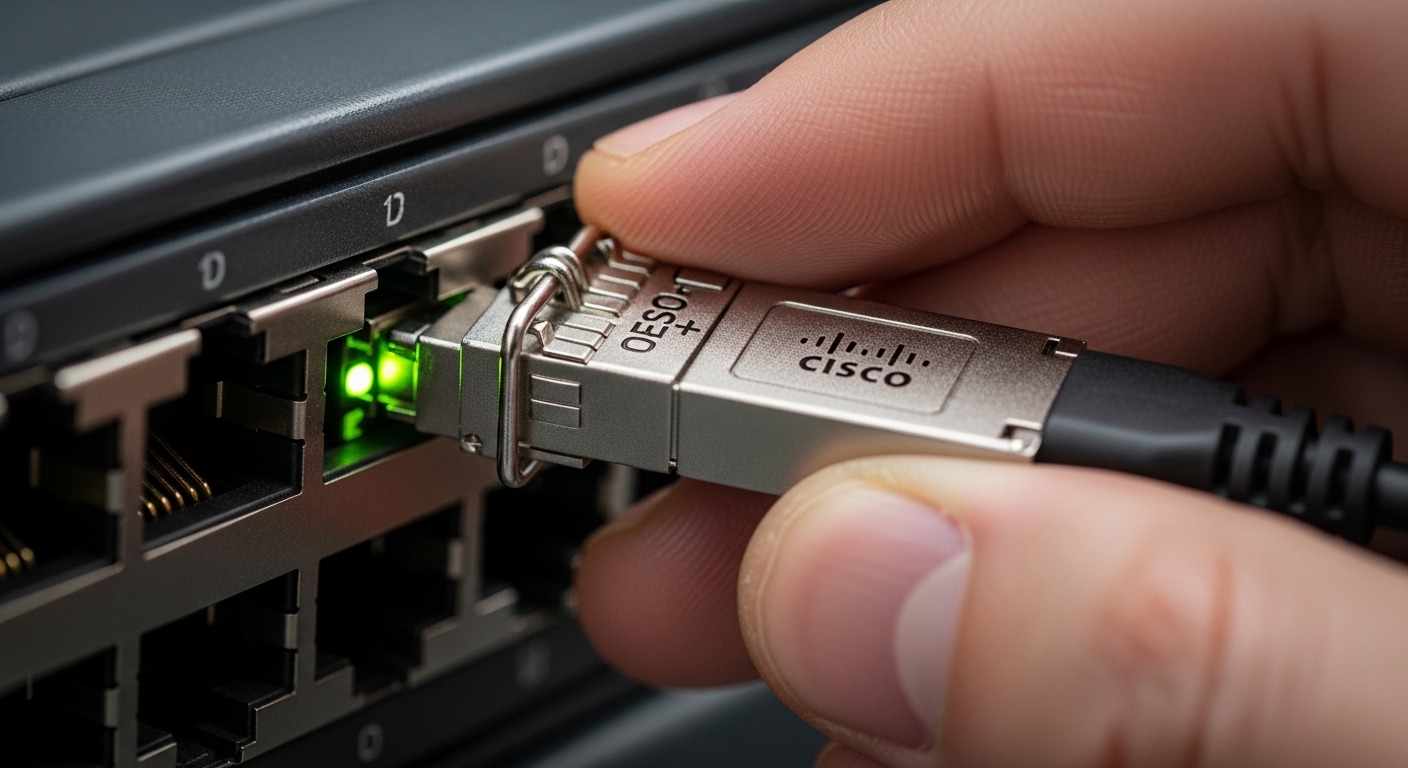
When you swap optics across vendors, the mechanical fit is only half the story; interoperability hinges on electrical interfaces, management hooks, and timing behavior. In my deployments, the modules that truly follow the common MSA patterns behave predictably under link bring-up, thermal drift, and DOM polling cycles. The two standards you will see most often are SFF-8472 (digital diagnostics and general module interface) and SFF-8436 (enhanced management and DOM-style behavior for specific high-speed optics families).
SFF-8472: what “DOM and module interface” means
SFF-8472 defines the standard command set and data format for transceiver digital diagnostics (DOM): optical power, laser bias/current, temperature, and sometimes received power depending on the module type. In operations, this shows up when your switch polls I2C and expects consistent scaling and alarms. If a module is not aligned with these expectations, you may see flat zero readings, alarm thresholds that never trigger, or monitoring dashboards that misinterpret units.
Best-fit scenario: Ethernet and transport equipment that relies on DOM thresholds for maintenance windows, especially when you have centralized monitoring (NMS) that alerts on laser aging trends.
- Pros: predictable monitoring and alarm behavior
- Cons: some third-party modules implement “compatible enough” fields that break specific threshold logic
SFF-8436: the “enhanced diagnostics” expectations
SFF-8436 extends the transceiver management model for certain optics categories, adding clarity around diagnostics behavior and compliance patterns. In the field, what matters is not the acronym itself but whether the module’s management data matches the host expectations for alarms, scaling, and how quickly values update after link changes. When it diverges, you can get false positives during warm restarts or after a module is reseated.
Best-fit scenario: environments with strict NMS correlation rules, where engineers compare DOM telemetry to expected link budgets and power levels.
- Pros: better structured diagnostics for monitoring pipelines
- Cons: compatibility varies by platform generation and optics family
Mechanical and electrical interoperability beats “it lights up”
MSA compliance optical transceiver typically covers the mechanical envelope and the electrical signaling expectations that allow a host to safely initialize the module. For example, QSFP and SFP families define pinouts and power/ground placement so the host’s hot-plug circuitry avoids misreads. In a live upgrade, I have seen a module “link” but repeatedly renegotiate due to marginal signal conditioning or timing that does not match the host’s expectations for loss-of-signal handling.
Best-fit scenario: leaf-spine data centers and 5G backhaul aggregation where you hot-swap dozens of optics during maintenance windows.
- Pros: fewer bring-up surprises and safer hot-plug behavior
- Cons: MSA compliance does not guarantee correct optics parameters like center wavelength or launch power
DOM polling reliability and alarm thresholds
DOM is often polled every few seconds by the switch or a monitoring agent. If SFF-8472/SFF-8436 behavior is inconsistent, telemetry can lag, fluctuate too much, or update only after a reboot. In practice, that means your “laser bias high” alert may never fire, or your NMS may mark the module as “unsupported diagnostics,” creating blind spots during fiber contamination events.
Best-fit scenario: sites with scheduled cleaning and strict maintenance SLAs, where telemetry drives when you dispatch a field crew.
- Pros: actionable monitoring and earlier fault detection
- Cons: some vendors implement DOM fields but not the exact scaling the host software assumes
Link budget predictability: reach and power classes
Standards describe interfaces and diagnostics patterns, but real performance comes from fiber reach, launch power, and receiver sensitivity. Even a fully MSA-aligned module can underperform if you select the wrong power class for the fiber plant. I typically verify against vendor datasheets and measured link attenuation at install time, then track DOM receive power over the first two months to catch unexpected fiber aging or connector drift.
Best-fit scenario: long-haul metro rings and 5G transport where budget is tight and spans differ by route.
- Pros: stable performance when selected to the plant
- Cons: MSA compliance does not replace link-budget engineering
Temperature and power behavior under real airflow
Thermal compliance matters because laser bias and receiver gain change with temperature. Many transceivers specify an operating range around 0 to 70 C for standard modules, while extended-range variants exist for harsher cabinets. In dense racks, airflow changes after door openings or filter swaps can push modules toward the edge of spec, and nonstandard diagnostics can mask the early drift.
Best-fit scenario: outdoor cabinets for backhaul, or hot-aisle choke points in data centers.
- Pros: better stability across thermal swings
- Cons: extended-range optics may cost more and require host support
Vendor lock-in risk and operational flexibility
MSA compliance optical transceiver selection is partly about reducing lock-in. If the host software expects strict DOM compatibility, you can avoid surprises by confirming platform compatibility and DOM behavior before scaling orders. In one rollout, we standardized on third-party optics only after validating DOM alarm semantics on the specific switch model and firmware version; without that step, we would have lost telemetry during incident triage.
Best-fit scenario: multi-vendor procurement programs with fixed monitoring requirements.
- Pros: procurement flexibility and spare strategy improvements
- Cons: “compatible” does not always mean “operationally identical” for monitoring
Specifications that actually drive your choice
Below is a practical comparison for common Ethernet optics used in data center and transport links. Always verify exact module type and vendor datasheet for your wavelength, reach, and diagnostics implementation.
| Optics type | Typical data rate | Wavelength | Connector | Reach (typical) | Operating temp | Diagnostics expectation |
|---|---|---|---|---|---|---|
| 10G SR | 10G | 850 nm | LC | Up to ~300 m on OM3 | 0 to 70 C | SFF-8472 DOM |
| 25G SR | 25G | 850 nm | LC | Up to ~100 m on OM4 | 0 to 70 C | SFF-8472 DOM (commonly) |
| 40G SR4 | 40G | 850 nm | MPO/MTP | Up to ~150 m on OM3 | 0 to 70 C | SFF-8436-style management sometimes |
| 100G LR4 | 100G | 1310 nm | LC | Up to ~10 km | 0 to 70 C | SFF-8436-family diagnostics |
Deployment story: swapping optics in a 5G transport ring
In a regional 5G backhaul ring, we operated a three-tier design: access aggregation at the sites, then metro aggregation, then a central core. Each site had 48-port 10G access switches feeding a pair of aggregation routers, using 10G SR optics over OM4. During a refresh, we replaced 30 SFP+ optics with a new procurement batch to reduce cost. The links came up, but within 24 hours the NMS showed missing DOM alarms for laser bias, delaying our detection of a failing connector on one span. The root cause was a diagnostics implementation nuance relative to the host’s SFF-8472 expectation; after confirming DOM scaling and alarm mapping, we restored reliable telemetry.
Selection criteria checklist for MSA compliance optical transceiver
- Distance and fiber type: match reach to OM3/OM4/OS2 and verify connector loss.
- Data rate and interface family: SFP+, SFP28, QSFP28, QSFP-DD, or CFP2 differ materially.
- Switch compatibility: confirm the exact switch model and firmware version behavior with DOM polling.
- DOM support details: verify SFF-8472 and/or SFF-8436 compliance claims in datasheets, not just “DOM supported.”
- Operating temperature: ensure the module matches cabinet airflow and ambient conditions.
- Launch power and receiver sensitivity: cross-check against your measured link budget.
- Vendor lock-in risk: run a staged pilot and validate alarms, thresholds, and telemetry update intervals.
Pro Tip: In mixed-vendor rollouts, do not trust “link up” as your acceptance test. Validate DOM polling behavior and alarm thresholds under a warm restart and a module reseat, because that is where SFF-8472 and SFF-8436 management semantics most often diverge.
Common mistakes and troubleshooting tips
Telemetry gaps that look like fiber faults
Root cause: host software expects specific DOM fields/scaling; the module provides values but not in the expected format, so alarms never trigger. Solution: compare DOM output from the switch against vendor datasheet scaling and confirm SFF-8472/SFF-8436 mapping on the specific platform.
“Works on one port” syndrome
Root cause: port-level differences in signal conditioning, optics power limits, or firmware compatibility. Solution: test the same module across multiple ports on the same switch model; if it fails only on certain ports, check port power settings and transceiver compatibility lists.
Link flaps after airflow changes
Root cause: thermal drift near operating limits causes marginal receiver sensitivity or laser bias instability. Solution: measure cabinet ambient and verify module temperature telemetry; improve airflow and consider extended-range optics if your environment exceeds standard spec.
Cost and ROI note: OEM vs third-party optics
OEM transceivers often cost roughly 1.5x to 3x third-party pricing, but they may reduce incident time when monitoring and alarms are consistent from day one. Third-party modules can be cost-effective, yet total cost of ownership depends on failure rates, warranty terms, and the engineering time needed to validate DOM behavior. In practice, I budget a pilot phase (about 2 to 4 weeks) to confirm SFF-8472/SFF-8436 telemetry consistency; if alarms are unreliable, the hidden labor cost can erase the unit price savings.
Examples of commonly referenced models in labs and deployments include Cisco SFP-10G-SR and Finisar/compatible SFP modules such as FTLX8571D3BCL; always verify the exact DOM behavior and host compatibility for your switch firmware. [Source: IEEE 802.3] [Source: SFF-8472 and SFF-8436 references in industry documentation]
[[VIDEO:A short technical video shot inside a telecom rack, technician reseating an SFP+ transceiver while a laptop displays switch DOM telemetry graphs and alarm status, handheld camera style, realistic lighting, focus on the transceiver latch and the monitoring dashboard
