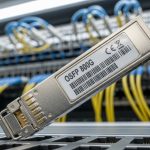
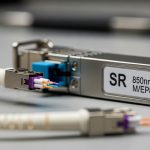
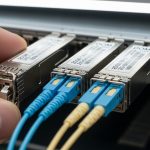
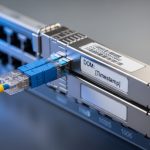
If your Huawei CloudEngine ports are up but your optics refuse to cooperate, you are not alone. This guide helps data center and transport engineers verify Huawei CloudEngine transceiver compatibility before you deploy, with practical checks for DOM, wavelength, and vendor interoperability. You will also get a step-by-step implementation workflow, plus troubleshooting for the top failure modes that cause “link flaps” and silent traffic black holes.
Prerequisites: tools, fiber facts, and what to verify before plugging anything
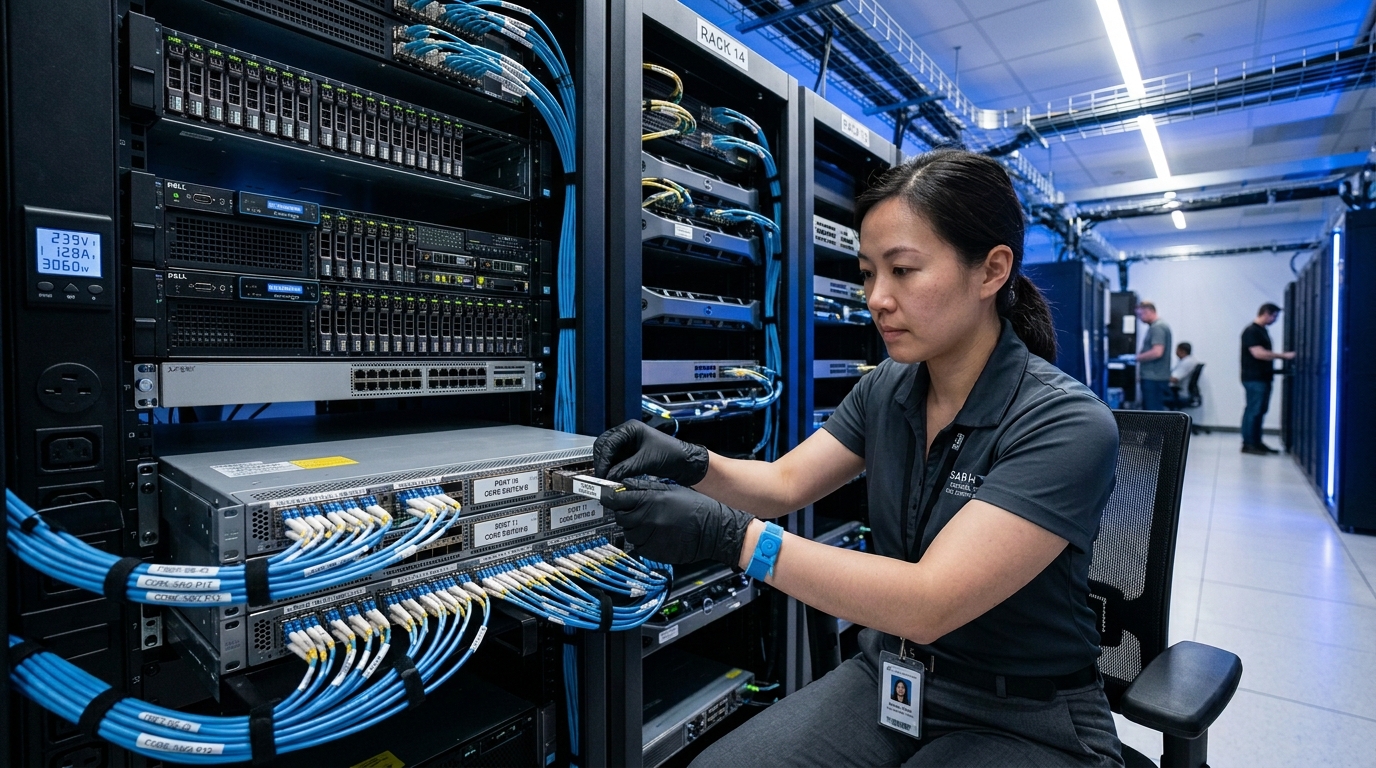
Before you start, gather the switch model, optical type, and the fiber link details. You will need a transceiver part number (for example, a matching optic such as an SFP-10G-SR equivalent like Cisco SFP-10G-SR or Finisar FTLX8571D3BCL depending on your speed class), plus access to the CloudEngine CLI. Also confirm connector type (LC is common for 10G/25G optics) and record the fiber type: OM3 or OM4 for short-reach multimode, or OS2 for long-haul single-mode.
Implementation checklist (what to have on hand)
- Switch inventory: model, software version, and port numbers to be upgraded.
- Optics inventory: transceiver model and vendor, plus expected wavelength (850 nm, 1310 nm, 1550 nm).
- Fiber link record: core diameter (50/125 or 62.5/125), length, and estimated loss budget.
- Test gear: optical power meter or at least a known-good loopback plan, plus a label map for fibers.
- DOM capability check: whether the transceiver supports digital monitoring (DDM/DOM).
Expected outcome: You can map each planned optic to a specific port speed and fiber route, with no mystery meat links.
Step-by-step: validate Huawei CloudEngine transceiver compatibility the engineer way
Compatibility is not only about “same connector and same speed.” On CloudEngine, the switch expects correct electrical signaling, supported optic parameters, and often specific DOM behavior. The safest workflow is to validate parameters on paper first, then confirm behavior in the field with DOM and link-state checks.
Lock the port speed and interface type
On the CloudEngine, set the interface to the intended speed and mode. For example, if you are deploying 10G optics on a 10G-capable interface, ensure the port is not pinned to a different speed profile.
Expected outcome: The port negotiates the correct line rate instead of oscillating between modes like a caffeinated metronome.
Match optics to wavelength and fiber type
Short reach multimode optics are typically 850 nm (SR/LR-MM class), while long reach uses single-mode at 1310 nm (LR) or 1550 nm (ER/LR-extended, depending on optics). If you try to run 850 nm optics over OS2 single-mode without proper design, you will usually get “link down” or unusable margin.
Confirm DOM fields and thresholds
DOM support matters because CloudEngine can read transceiver diagnostics and may alarm or refuse service based on threshold violations. Verify that the optic reports temperature, laser bias/current, and received optical power within expected ranges.
Pro Tip: In the field, the fastest “is it compatible” test is not the first link-up. It is checking DOM sanity right after insert. If the switch reports impossible values (for example, received power near zero while the fiber is known-good, or temperature readings that jump wildly), you are likely dealing with a non-interoperable DOM implementation or a wrong wavelength class.
Perform a controlled bring-up and capture counters
Bring up one port at a time, then check link state and optical diagnostics. After traffic load, monitor interface counters for CRC/FCS errors and link flaps. If errors spike after minutes, the optics may be marginal for the fiber loss budget or connector cleanliness.
Expected outcome: You can correlate DOM readings and interface counters with actual fiber performance, not vibes.
Compatibility specs that actually matter: wavelength, reach, power, and temperature
Engineers often compare only reach, but CloudEngine compatibility hinges on a broader set of optical and environmental parameters. Use the table below as a quick sanity filter before you buy or swap optics.
| Parameter | Example optic class | Typical values | Why CloudEngine cares |
|---|---|---|---|
| Wavelength | SR MM | 850 nm | Wrong wavelength class leads to near-zero received power |
| Data rate | 10G/25G | 10G or 25G | Port must support the optic’s electrical interface mode |
| Reach | SR | OM3: ~300 m, OM4: ~400-550 m (varies by vendor) | Insufficient link margin causes CRC errors and flaps |
| Connector | Optics | LC (common) | Physical mismatch prevents correct mating and can damage ferrules |
| Avg TX power | SR | Vendor-specific, typically a few dBm | DOM thresholds and receiver sensitivity must align |
| RX sensitivity | SR | Vendor-specific (e.g., around -8 to -14 dBm for common classes) | Low sensitivity margin shows up as rising error counters |
| Operating temp | Commercial/Industrial | 0 to 70 C or wider variants | Out-of-range can trigger alarms or degraded performance |
Expected outcome: You avoid buying optics that are technically “same speed” but mismatched for wavelength, reach, or DOM behavior.
Selection guide: an engineer’s decision checklist to avoid vendor lock-in surprises
When choosing a Huawei CloudEngine transceiver (OEM or third-party), weigh these factors in order. This sequence reflects what breaks most often in real deployments.
- Distance and fiber type: OM3/OM4 for 850 nm MM; OS2 for single-mode.
- Budget and reach margin: compute link loss and connector/splice losses; include a safety margin.
- Switch compatibility profile: confirm port type and supported optic classes for your CloudEngine model and software.
- DOM/EEPROM behavior: ensure digital diagnostics fields are correctly implemented and thresholds are reasonable.
- Operating temperature: match to your rack thermal profile; industrial optics may be required in hot aisles.
- Vendor lock-in risk: consider how your supplier handles firmware updates and compatibility validation.
Expected outcome: You will be able to justify the optics choice during change control without invoking magical thinking.
Common mistakes and troubleshooting: the top failure modes
Here are real-world pitfalls that show up during optic rollouts, along with root causes and fixes.
Link down immediately after insertion
Root cause: Wrong wavelength class (for example, 850 nm SR optic on an OS2 single-mode route) or incorrect lane/speed profile. Sometimes it is a damaged connector or ferrule contamination.
Solution: Verify wavelength and fiber type; clean LC connectors with lint-free swabs and approved cleaning film; re-test with a known-good optic.
Link flaps after traffic starts
Root cause: Link budget is too tight (insufficient received power margin) or the fiber has micro-bends/poor splicing. Intermittent contamination can also cause rising error rates.
Solution: Measure optical power at the far end; inspect splices and patch cords; replace worst patch leads first; confirm DOM RX power stability under load.
DOM alarms or “diagnostics mismatch” behavior
Root cause: Third-party transceiver DOM implementation differences, incorrect EEPROM data layout, or unsupported threshold ranges. In some cases the optic is electrically compatible but diagnostically inconsistent.
Solution: Try an OEM-validated optic for the same speed and wavelength; compare DOM fields between the failing and known-good transceiver; log switch alarms and correlate to DOM readings.
Expected outcome: You can narrow the problem to optics, fiber, or switch/DOM behavior quickly.
Cost and ROI note: what you will likely pay and what can bite you later
Pricing varies wildly by speed class and reach, but in many markets a 10G SR-class transceiver often lands in the USD 40 to 120 range for OEM-like equivalents, while 25G and longer-reach optics cost more. Third-party optics may reduce unit cost, but TCO can rise if you spend time on compatibility testing, cleaning rework, or RMA cycles. For ROI, include labor for validation (DOM and link tests), expected failure rate, and the cost of downtime during maintenance windows.
Expected outcome: You will choose optics that minimize both purchase price and operational pain.
FAQ
How do I confirm a Huawei CloudEngine transceiver is truly compatible?
Verify speed and port profile first, then check DOM fields immediately after insertion and during a controlled bring-up. If DOM values are sane and link stays stable under load, compatibility is likely solid. For final assurance, validate with your exact CloudEngine software version and a known-good