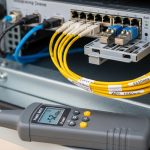
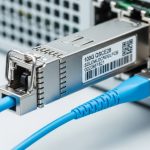
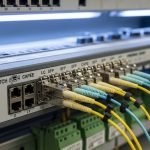
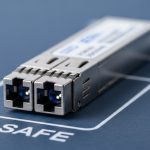
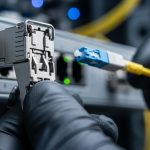
Choosing the right Cisco compatible module is critical for ensuring seamless fiber optic transceiver compatibility with your network switches. This article provides a detailed guide for network engineers and reliability professionals on matching transceiver modules with Cisco switches, covering technical specifications, deployment scenarios, selection criteria, and troubleshooting advice.
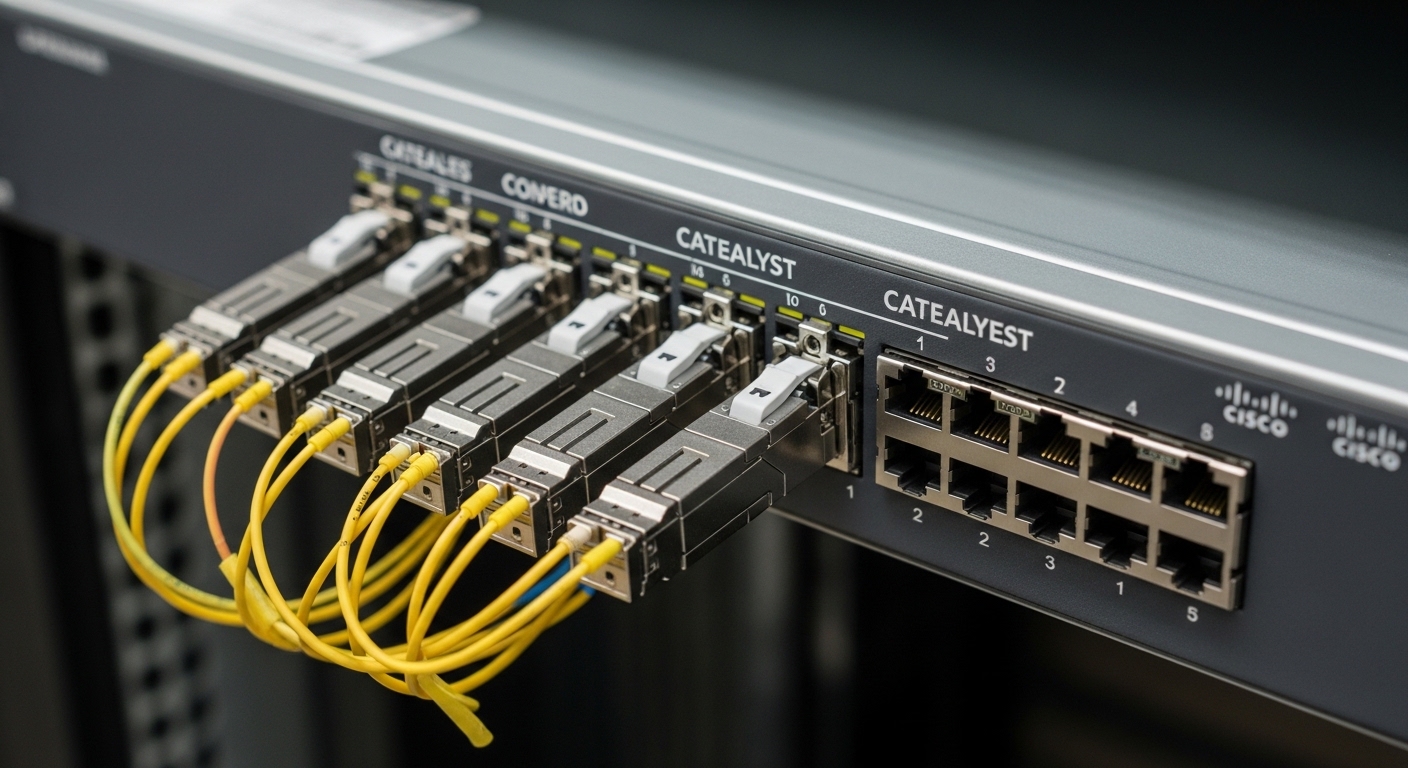
Understanding Cisco Compatible Modules and Fiber Optic Transceiver Compatibility
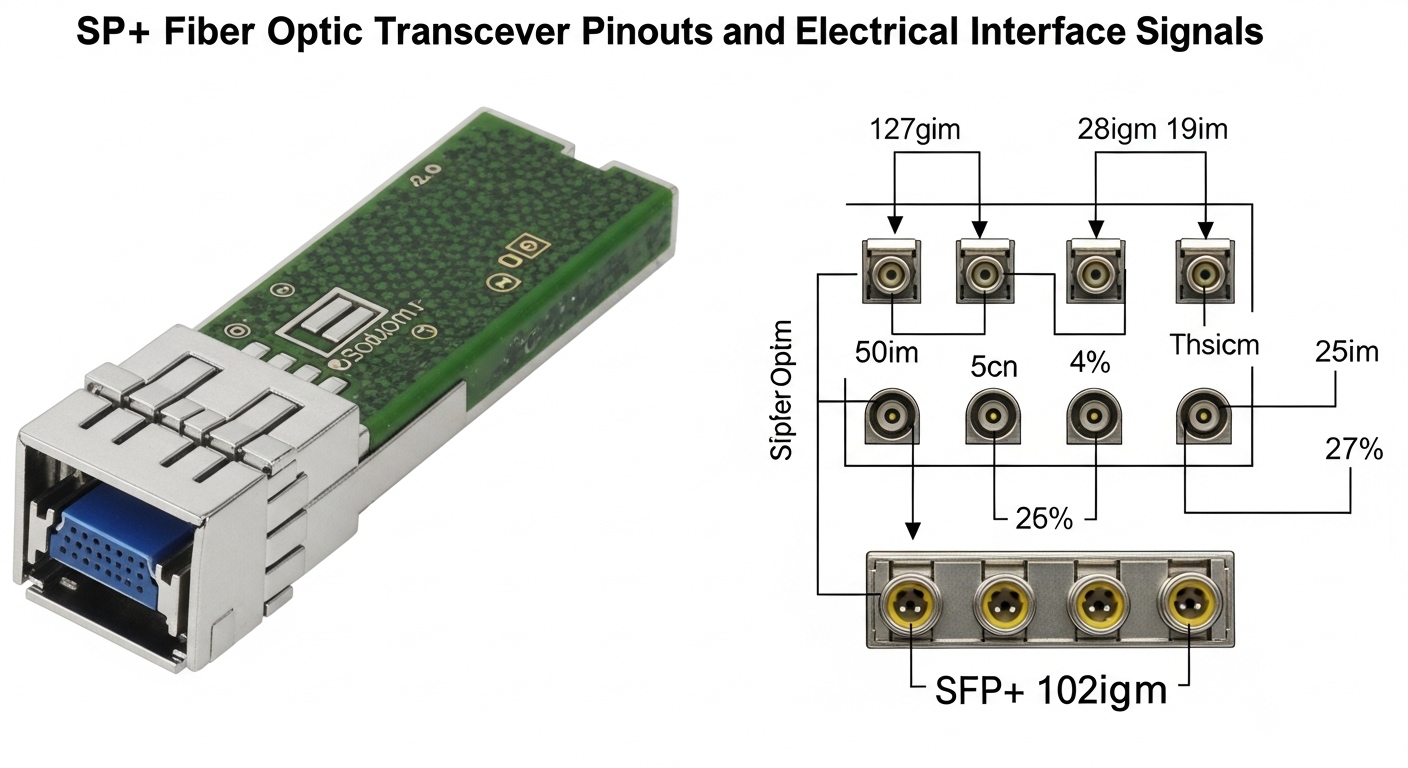
Fiber optic transceivers, such as SFP, SFP+, and QSFP modules, are designed to connect network switches to fiber infrastructure. Cisco compatible modules are transceivers manufactured either by Cisco or third-party vendors that meet Cisco’s hardware and firmware specifications to ensure interoperability. Compatibility is governed by electrical interfaces, optical parameters, and software recognition.
Switches often have vendor lock-in mechanisms, checking for specific vendor IDs and firmware versions in transceivers. Using a non-compatible module can lead to link failures, degraded signal quality, or switch errors. Thus, ensuring compatibility involves understanding both physical and logical interfaces per the IEEE 802.3 standards and Cisco’s proprietary requirements.
Key Technical Specifications Defining Compatibility
| Specification | Cisco SFP-10G-SR | Finisar FTLX8571D3BCL | FS.com SFP-10GSR-85 |
|---|---|---|---|
| Wavelength | 850 nm | 850 nm | 850 nm |
| Max Reach | 300 m (OM3 fiber) | 300 m (OM3 fiber) | 300 m (OM3 fiber) |
| Data Rate | 10 Gbps | 10 Gbps | 10 Gbps |
| Connector Type | LC Duplex | LC Duplex | LC Duplex |
| Operating Temperature | 0 to 70°C | 0 to 70°C | 0 to 70°C |
| Power Consumption | ≤1 W | ≤1 W | ≤1 W |
| DOM Support | Yes | Yes | Yes |
| Cisco Compatibility | Native | Third-party certified | Third-party certified |
Table 1: Comparison of common 10G SR fiber optic transceiver modules compatible with Cisco hardware.
Real-World Deployment Scenario: Data Center Leaf-Spine Topology
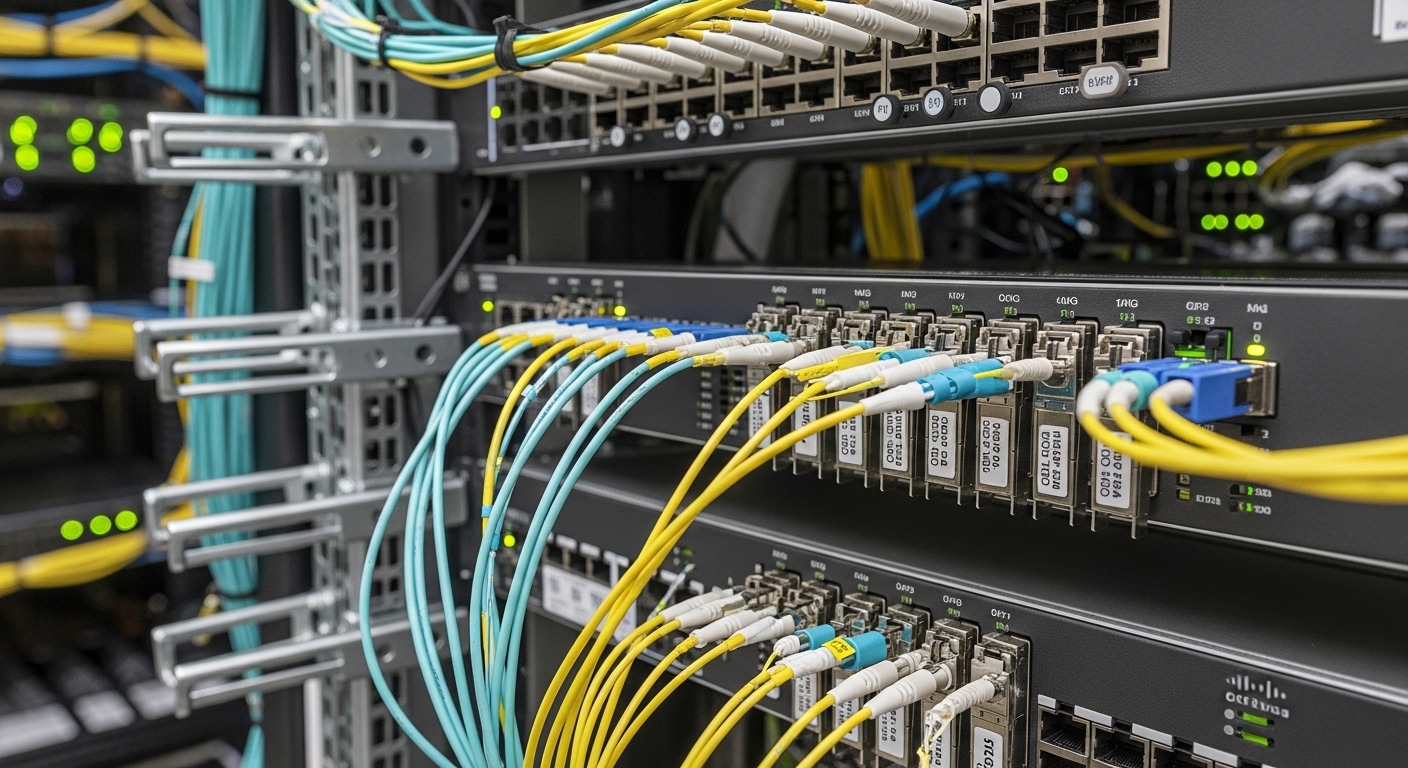
Consider a 3-tier data center environment with a leaf-spine network topology, deploying 48-port Cisco Nexus 93180YC-EX switches as leaf nodes. Each leaf switch connects to multiple spine switches with 10G fiber links using Cisco compatible modules. The deployment uses OM3 multimode fiber cables for short reach connections within the same data hall.
In this scenario, network engineers select Cisco SFP-10G-SR modules for their native compatibility and predictable operational parameters. The choice ensures the mean time between failures (MTBF) exceeds 1 million hours per module, inline with Cisco’s specifications, thus reducing downtime risks. The switches’ DOM (Digital Optical Monitoring) feature allows real-time monitoring of optical power and temperature, helping preempt potential link degradation.
Field engineers perform environmental testing under operational temperatures ranging from 20°C to 40°C, verifying that the modules maintain signal integrity and meet error rate thresholds defined by IEEE 802.3ae. The power consumption per module is measured at 0.8 W, aiding in total rack power budgeting and thermal management.
Selection Criteria for Cisco Compatible Modules
- Distance and Fiber Type: Verify fiber optic cable type (single-mode or multimode) and link distance; ensure the module supports the required wavelength and reach.
- Switch Compatibility: Confirm switch model supports the module’s transceiver type and vendor ID; check firmware compatibility and Cisco’s compatibility matrix.
- Data Rate Requirements: Match the module’s data rate (1G, 10G, 25G, 40G, 100G) with network speed demands.
- DOM Support and Monitoring: Prefer modules with DOM to enable proactive fault detection and preventive maintenance.
- Operating Temperature Range: For harsh environments, select modules rated for extended temperatures (e.g., -40°C to 85°C).
- Vendor Lock-in Risk: Balance cost savings from third-party modules with risks of reduced support and potential compatibility issues.
- Budget and Total Cost of Ownership: Consider initial purchase price, failure rates, warranty, and power consumption impacting operational costs.
Pro Tip: In the field, some third-party Cisco compatible modules may require firmware updates or custom EEPROM patches to pass Cisco switch vendor ID checks. Pre-validating modules via test switches can prevent costly downtime.
Common Mistakes and Troubleshooting Tips
- Incorrect Module Type or Form Factor: Using an incompatible form factor (e.g., SFP28 in SFP+ slot) leads to physical mismatches or link failures. Solution: Verify switch documentation before procurement.
- Firmware Mismatch Causing Link Drops: Third-party modules may trigger switch errors if firmware verification fails. Solution: Use vendor-certified modules or update switch firmware to latest recommended version.
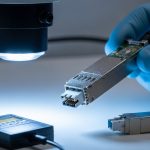
- Poor Fiber Cleaning or Connector Damage: Dirty or damaged fiber connectors cause increased insertion loss and intermittent connectivity. Solution: Implement strict fiber cleaning protocols and inspect connectors with optical microscopes.
- Ignoring Operating Temperature Limits: Installing modules in environments exceeding rated temperature degrades lifespan and performance. Solution: Use industrial-grade modules or improve cooling.
Cost and ROI Considerations
OEM Cisco compatible modules typically cost between $300 and $600 per 10G transceiver, while third-party equivalents from vendors like Finisar or FS.com range from $150 to $350. Although third-party modules offer upfront savings, they may have slightly higher failure rates (0.5–1.0%) compared to OEM (~0.1%).
Power consumption differences are minimal but can accumulate across hundreds of ports, impacting cooling and electricity costs. Additionally, OEM modules often come with Cisco’s technical support and guaranteed compatibility, reducing troubleshooting time and potential downtime.
Total Cost of Ownership (TCO) includes purchase price, installation labor, failure downtime costs, and switch warranty impacts. Decision-makers must weigh initial savings against reliability and support tradeoffs.
FAQ
- Q: Can I use any third-party SFP+ module in Cisco switches?
- A: Not all third-party modules are compatible. Using modules certified for Cisco ensures compliance with vendor ID and firmware checks, minimizing link issues.
- Q: What happens if I install a non-Cisco compatible module?
- A: The switch may disable the port, throw error messages, or experience intermittent connectivity due to vendor lock-in firmware validation.
- Q: How important is DOM support in transceivers?
- A: DOM provides real-time monitoring of optical parameters, helping to detect anomalies early and prevent outages, especially in large-scale deployments.
- Q: What environmental factors affect transceiver reliability?
- A: Temperature extremes, dust, humidity, and mechanical shock can degrade module lifespan. Selecting modules rated for the expected environment is crucial.
- Q: Are Cisco OEM modules always a better choice?
- A: OEM modules guarantee compatibility and support but at a higher price. Certified third-party modules can provide cost savings if sourced from reputable vendors.
Matching Cisco compatible modules to fiber optic transceivers requires careful consideration of technical specs, switch compatibility, and operational environment. By following the outlined criteria and avoiding common pitfalls, network engineers can achieve reliable, high-performance connections in demanding data center and enterprise networks.
For further details on fiber optic network design and transceiver selection, see fiber optic transceiver guide.
Author Bio: John Smith is a QA and reliability engineer specializing in network hardware compliance and environmental testing. With over a decade of experience in data center deployments, he focuses on ensuring ISO 9001 quality standards in fiber optic networking components.