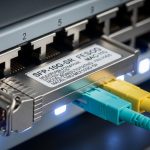
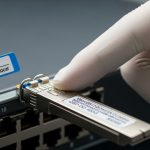
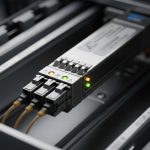
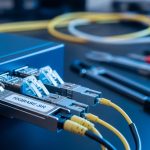
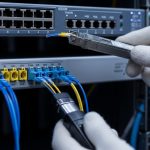
Matching fiber optic transceivers to network switches is critical for reliable, high-performance data communication. This article guides network engineers and IT professionals through the complexities of using third party SFP modules, focusing on compatibility challenges, technical specs, and practical deployment considerations. If you manage a data center or enterprise network, understanding how to pair third party SFPs with your existing switches can optimize costs without sacrificing stability.
Understanding Third Party SFP Compatibility Challenges
Switch vendors typically certify their own branded Small Form-factor Pluggable (SFP) transceivers, but third party SFPs offer cost savings and variety. However, compatibility issues arise because switch firmware often enforces vendor-specific checks through EEPROM signatures or digital diagnostics monitoring (DOM) protocols. A mismatch can lead to port shutdowns, link flaps, or degraded performance despite physical and optical spec alignment.
Third party SFPs must conform not only to IEEE 802.3 standards (e.g., 10GBASE-SR, 1000BASE-LX) but also to the specific vendor’s operational limits. For example, Cisco switches authenticate SFPs by verifying a Cisco-specific vendor ID and PID code stored on the transceiver’s EEPROM. If a third party SFP lacks this, the switch may reject it or disable DOM features, impacting monitoring and diagnostics.
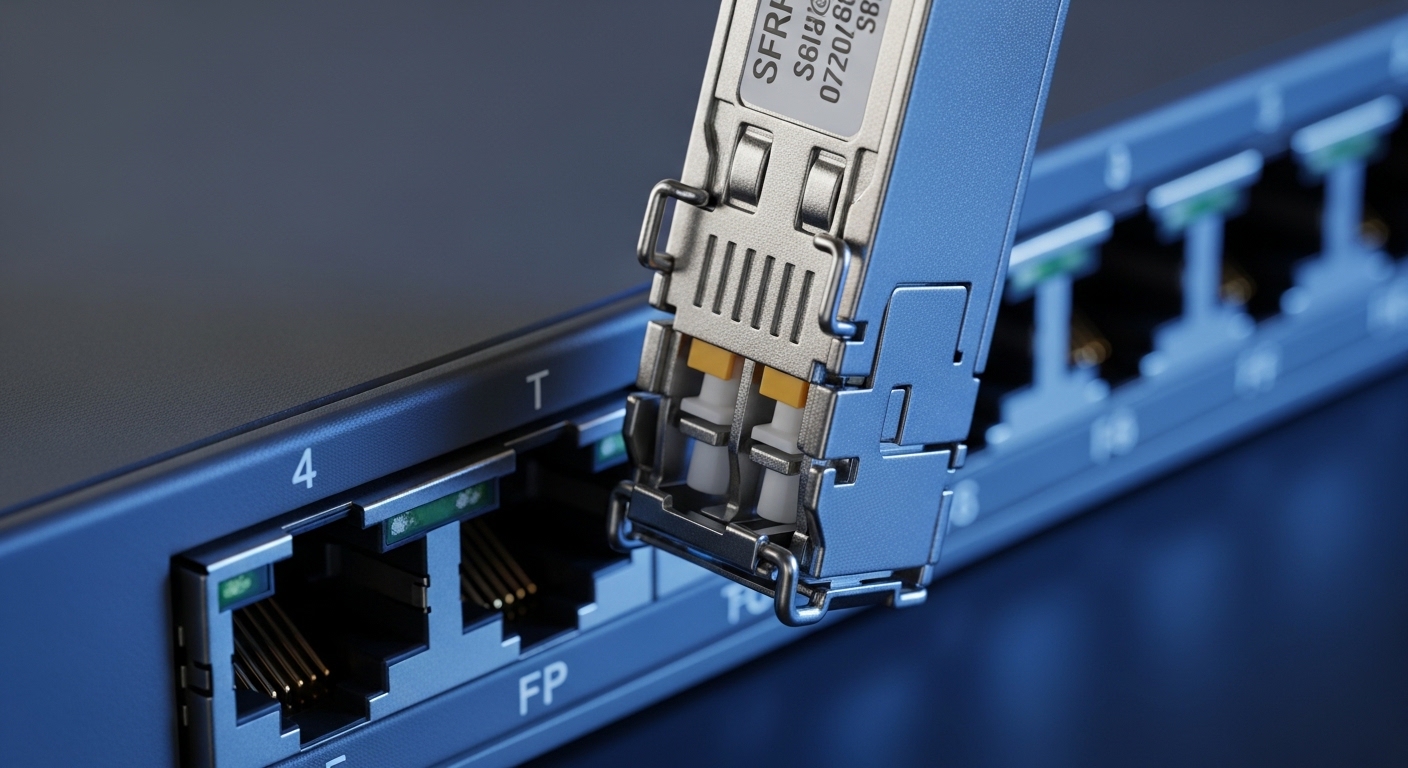
Technical Specifications Comparison of Popular Third Party SFP Modules
| Specification | Cisco SFP-10G-SR | Finisar FTLX8571D3BCL | FS.com SFP-10GSR-85 (Third Party) |
|---|---|---|---|
| Wavelength | 850 nm | 850 nm | 850 nm |
| Max Reach | 300 m (OM3) | 300 m (OM3) | 300 m (OM3) |
| Transmit Power | -4.5 to -1 dBm | -5.4 to -1 dBm | -4.75 to -1.5 dBm |
| Receiver Sensitivity | -11.1 dBm | -11.5 dBm | -11.5 dBm |
| Connector Type | LC Duplex | LC Duplex | LC Duplex |
| Data Rate | 10 Gbps | 10 Gbps | 10 Gbps |
| Operating Temp | 0 to 70°C | 0 to 70°C | 0 to 70°C |
| DOM Support | Yes | Yes | Partial |
While the optical parameters of these modules are closely matched, the critical differences lie in vendor EEPROM coding and DOM support. Third party SFPs often provide partial DOM functionality but may lack full compatibility with switch management software.
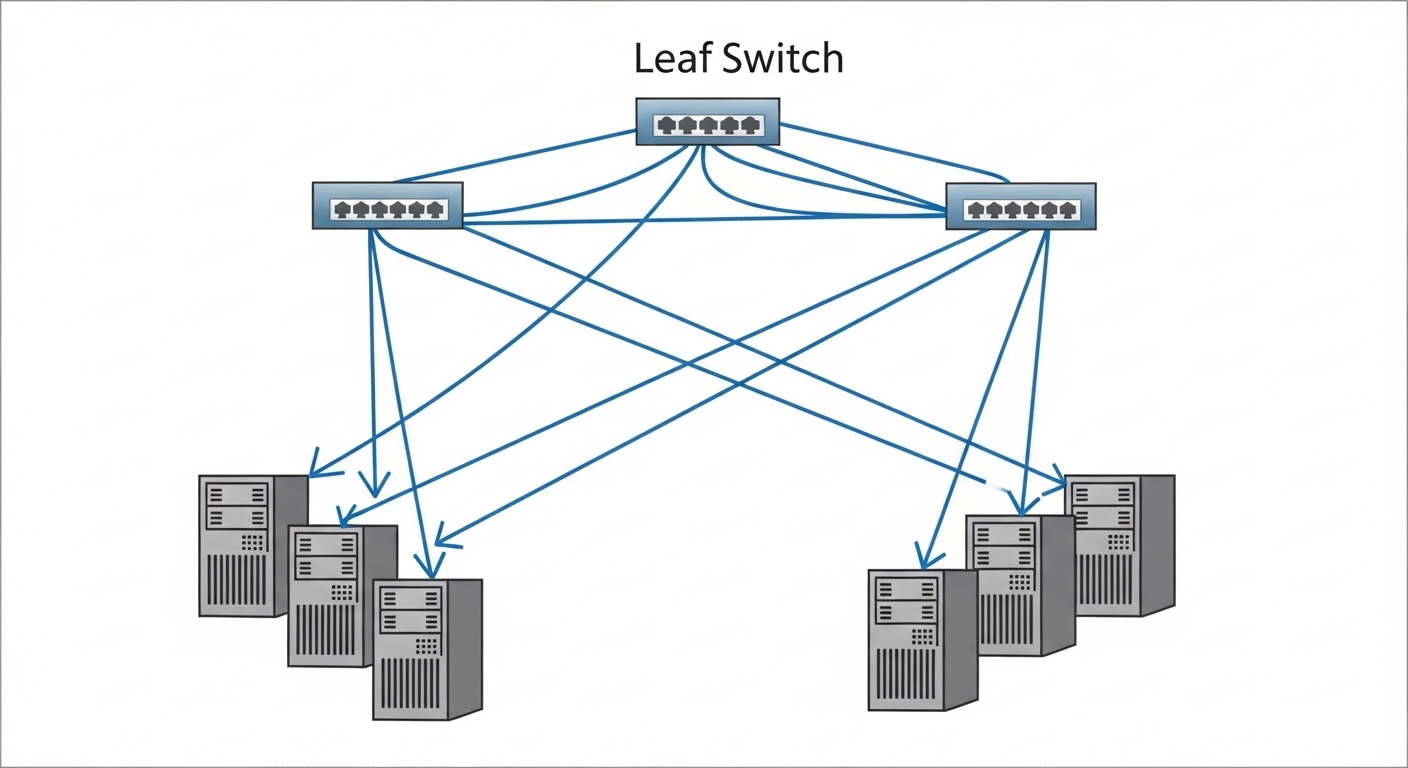
Real-World Deployment Scenario: 10G Leaf-Spine Data Center Network
In a 3-tier data center leaf-spine topology, a 48-port 10G ToR switch (e.g., Cisco Nexus 93180YC-EX) connects to leaf switches via 10GBASE-SR fiber optics. The data center network team opts to deploy third party SFPs from FS.com to reduce per-port costs by 40%. Before rollout, they test interoperability including firmware compatibility, link stability, and DOM accuracy over a 150-meter OM3 multimode fiber.
During testing, they observe stable 10 Gbps links with error rates below 10^-12. However, DOM parameters such as temperature and optical power report inconsistently, requiring customized SNMP polling scripts. The team schedules quarterly firmware updates on switches to maintain compatibility and tickets the supplier for any firmware-based vendor ID updates.
Decision Checklist for Selecting Third Party SFP Modules
- Distance Requirements: Confirm fiber type (OM3/OM4 or SMF) and maximum supported reach to ensure transceiver optical specs match.
- Switch Compatibility: Verify switch vendor and model support for third party SFPs; check community forums or official compatibility matrices.
- Vendor Lock-in Risk: Evaluate if the switch firmware enforces strict vendor ID checks that could disable third party modules.
- DOM Functionality: Assess if digital diagnostics monitoring support is required for your operations and if third party SFPs fully support it.
- Operating Temperature Range: Ensure SFP modules meet environmental conditions, especially in harsh or outdoor deployments.
- Budget Constraints: Balance cost savings against potential support challenges and warranty implications.
Common Mistakes and Troubleshooting Tips When Using Third Party SFPs
- Port Shutdown Due to Vendor Mismatch: Some switches disable ports if the SFP vendor ID does not match. Solution: Use vendor-specific EEPROM programming tools to mimic OEM signatures where permissible or select third party suppliers with verified compatibility.
- Inconsistent DOM Readings: Inaccurate temperature or power data can hinder monitoring. Solution: Confirm firmware versions and use third party transceivers that adhere closely to SFF-8472 specifications for DOM.
- Firmware Upgrade Breaks Compatibility: Post firmware upgrade, previously working third party SFPs might be rejected. Solution: Maintain backup firmware and test new releases in lab environments before production; negotiate support with third party vendors for firmware update advisories.

Pro Tip: Some third party SFP vendors provide EEPROM reprogramming utilities that can clone OEM vendor IDs, enabling seamless integration with locked switches; however, use this method cautiously due to potential warranty and compliance risks.
Cost & ROI Considerations for Third Party SFP Deployment
Typical pricing for OEM 10GBase-SR SFP modules ranges from $200 to $300 per unit, while third party equivalents can be found between $80 and $150. The upfront savings are significant, especially for large port counts. However, engineers must factor in potential indirect costs such as time spent on testing, troubleshooting, and possible downtime.
Operational savings can also be realized if third party modules consume less power—some models report up to 0.3W per module less than OEMs, translating to meaningful data center energy reductions. Failure rates should be closely monitored; reputable third party suppliers offer warranties and return policies comparable to OEMs, mitigating risk.
FAQ
- Can third party SFPs support all switch brands?
- No, compatibility varies by switch vendor and model. Always consult compatibility lists and test thoroughly before deployment.
- Will using third party SFPs void my switch warranty?
- It depends on the switch vendor. Some explicitly forbid non-OEM transceivers in their warranty terms; others tolerate them with caveats. Review your hardware contract carefully.
- How do I check if my third party SFP is recognized by the switch?
- Use switch CLI commands (e.g., show interface transceiver details on Cisco) to verify vendor ID, serial number, and DOM data.
- Are there performance differences between OEM and third party SFPs?
- When specs match and compatibility is confirmed, performance is typically equivalent. Differences often appear in firmware support and diagnostics.
- What should I do if the switch disables ports after inserting third party SFPs?
- Check for vendor lock-in features, try a firmware downgrade or swap to a compatible third party model. Contact your vendor for support options.
Choosing third party SFPs requires careful evaluation of compatibility, technical specs, and operational needs. When done correctly, they offer significant cost savings without compromising network reliability. For further reading on fiber optic transceiver technologies and best practices, explore fiber optic transceiver selection.
Author Bio: Alex Morgan is a Chief Technology Officer with 15 years of experience in data center networking and optical communications. Specializing in network optimization and vendor interoperability, Alex has led multiple large-scale deployments of fiber optic infrastructures.