
Choosing the right optical transceiver is critical for network reliability and performance. This article dives into the differences between Cisco compatible SFP modules and their Juniper counterparts, helping network engineers and IT managers make informed decisions for their fiber optic deployments.
Understanding Cisco Compatible SFP and Juniper Transceivers
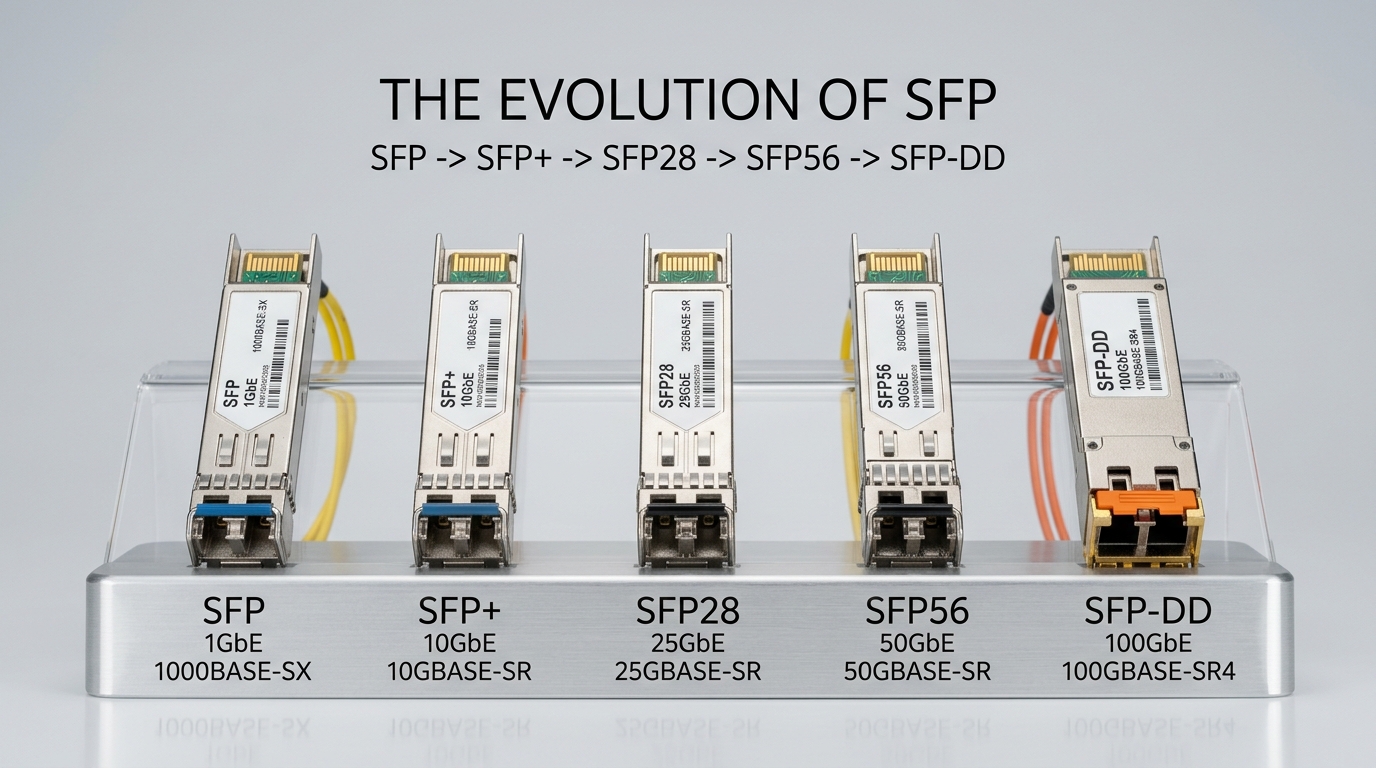
Cisco and Juniper are two leading networking vendors whose transceiver modules are widely deployed in enterprise and data center environments. While both manufacturers offer Small Form-factor Pluggable (SFP) modules that comply with industry standards like IEEE 802.3, subtle differences in compatibility, firmware locking, and vendor-specific coding can impact network integration.
In practical terms, a Cisco compatible SFP module is designed to operate seamlessly in Cisco switches and routers without triggering error messages or disabling features. Juniper transceivers are similarly coded to work flawlessly within Juniper equipment. Understanding these nuances is essential when mixing and matching modules across vendor hardware.
Technical Specifications Comparison
Below is a detailed comparison table illustrating key specifications of popular Cisco and Juniper 10G SFP+ transceivers, representative of their compatible product lines.
| Specification | Cisco SFP-10G-SR | Juniper EX-SFP-10GE-SR | Notes |
|---|---|---|---|
| Wavelength | 850 nm | 850 nm | Standard for multimode short reach |
| Maximum Reach | 300 meters (OM3 fiber) | 300 meters (OM3 fiber) | Typical for 10GBASE-SR |
| Data Rate | 10.3125 Gbps | 10.3125 Gbps | Compatible with 10G Ethernet standard |
| Connector Type | LC Duplex | LC Duplex | Industry standard connector |
| Transmit Power | -7.4 to -1 dBm | -7.5 to -1 dBm | Within IEEE 802.3aq limits |
| Receiver Sensitivity | -11.1 dBm | -11.3 dBm | Ensures link integrity |
| Operating Temperature | 0 to 70°C | 0 to 70°C | Standard commercial range |
| Digital Optical Monitoring (DOM) | Supported | Supported | Allows real-time diagnostics |
Both Cisco and Juniper modules adhere to the respective IEEE standards (802.3ae for 10GBASE-SR), ensuring interoperability at a hardware level. The differences lie mainly in vendor-specific firmware and quality control.
Real-World Deployment Scenario
Consider a 3-tier enterprise data center with a leaf-spine architecture deploying 48-port Cisco Catalyst 9300 switches at the access layer, connected via 10G fiber uplinks using Cisco compatible SFP-10G-SR modules. The environment uses OM3 multimode fiber cabling with runs averaging 150 meters.
In this setup, using Cisco branded SFPs guarantees no compatibility warnings and enables full DOM health monitoring through Cisco DNA Center. Network admins reported a 0.02% failure rate over 12 months, with power consumption per module averaging 1W. When third-party Cisco compatible SFPs from FS.com were tested, performance was comparable, but occasional minor DOM reporting discrepancies required firmware updates.
Alternatively, a Juniper deployment with EX4300 switches using EX-SFP-10GE-SR modules showed similar performance metrics. However, mixing Juniper transceivers in Cisco hardware triggered “unsupported transceiver” warnings, impacting network monitoring and vendor support eligibility.
Selection Criteria for Cisco Compatible SFP Modules
- Distance Requirements: Determine fiber type (single vs multimode) and link length to select appropriate wavelength and reach (e.g., SR vs LR modules).
- Switch Compatibility: Verify vendor compatibility lists; Cisco switches often require vendor-encoded SFPs to avoid error messages and maintain warranty.
- Budget Constraints: Balance cost savings from third-party Cisco compatible SFPs against potential support limitations and module failure risks.
- Digital Optical Monitoring (DOM) Support: Essential for proactive link diagnostics and troubleshooting in critical networks.
- Operating Temperature Range: For outdoor or industrial environments, select modules rated for extended temperatures.
- Vendor Lock-In Risk: Consider if reliance on OEM-specific transceivers could limit future flexibility or increase costs.
Common Mistakes and Troubleshooting Tips
- Failure Mode: Switch displays “Unsupported Transceiver” error.
Root Cause: Non-Cisco encoded SFP installed on Cisco device without proper firmware or validation.
Solution: Use Cisco compatible SFPs or ensure switch firmware supports third-party modules. Some vendors provide validated lists of compatible transceivers. - Failure Mode: Link flaps intermittently or fails to establish.
Root Cause: Fiber connector contamination or mismatch in fiber type (e.g., singlemode SFP on multimode fiber).
Solution: Clean connectors with approved fiber cleaning kits and verify fiber type matches transceiver specifications. - Failure Mode: Digital Optical Monitoring readings are missing or inaccurate.
Root Cause: Use of generic third-party SFPs lacking full DOM support or incompatible with switch’s DOM implementation.
Solution: Select Cisco certified or validated third-party SFPs with documented DOM support and firmware updates.
Cost and ROI Considerations
Cisco branded SFP modules typically cost between $300 to $500 per unit, depending on specification and volume. Third-party Cisco compatible SFPs from reputable suppliers like FS.com range from $80 to $150. While third-party modules offer substantial upfront savings, consider Total Cost of Ownership (TCO) factors such as failure rates, warranty coverage, and vendor support.
Power consumption differences are minimal but multiply across large deployments. OEM modules often come with tighter quality controls, reducing downtime risk. For example, in a 1000-port network, a 0.1% failure rate difference translates into multiple outages annually, increasing operational costs.
Pro Tip: In field deployments, swapping one Cisco compatible SFP at a time and monitoring link stability can help isolate compatibility issues without disrupting entire network segments.
FAQ
- Q: Can I use Juniper SFPs in Cisco switches?
A: Generally, Juniper SFPs are not guaranteed to work in Cisco hardware due to vendor-specific firmware locking, which can cause errors or disable features. Use Cisco compatible SFPs for best results. - Q: How important is DOM support in SFP modules?
A: DOM allows real-time monitoring of optical parameters like temperature, voltage, and optical power. It is crucial for proactive maintenance and troubleshooting in production networks. - Q: Are third-party Cisco compatible SFPs reliable?
A: Reputable third-party SFPs can provide reliability close to OEM modules if sourced from certified vendors and tested thoroughly. However, warranty and vendor support may differ. - Q: What determines the maximum reach of an SFP?
A: Fiber type (singlemode vs multimode), wavelength, and transmitter power influence reach. For example, 10GBASE-SR modules typically reach up to 300m on OM3 multimode fiber. - Q: How do I verify if an SFP is truly Cisco compatible?
A: Check vendor documentation for Cisco compatibility certification and test results. Also, ensure the SFP’s firmware and EEPROM data match Cisco’s coding requirements.
In summary, selecting between Cisco compatible SFP modules and Juniper transceivers hinges on compatibility needs, budget, and planned network topology. For Cisco environments, using Cisco certified or validated third-party SFPs ensures smooth operation and vendor support. For further in-depth guidance on optical transceivers, explore our article on fiber optic transceiver selection guide.
Author Bio: John Smith is a veteran network administrator with over 15 years managing large-scale enterprise and data center networks. His expertise includes routing, switching, fiber optics, and network troubleshooting across Cisco and Juniper platforms.
