
If you manage fiber in a busy data center or lab, you have probably seen the same pain: a clean transceiver install that still fails because the connector interface is wrong. This article helps network and field engineers choose the right MPO MTP connector for SFP-era optics and high-density trunking, while staying compatible with LC, SC, ST, and FC patching workflows. You will get practical selection criteria, a specs comparison table, troubleshooting steps, and a short ROI reality check.
Why MPO MTP connectors show up in modern fiber patching
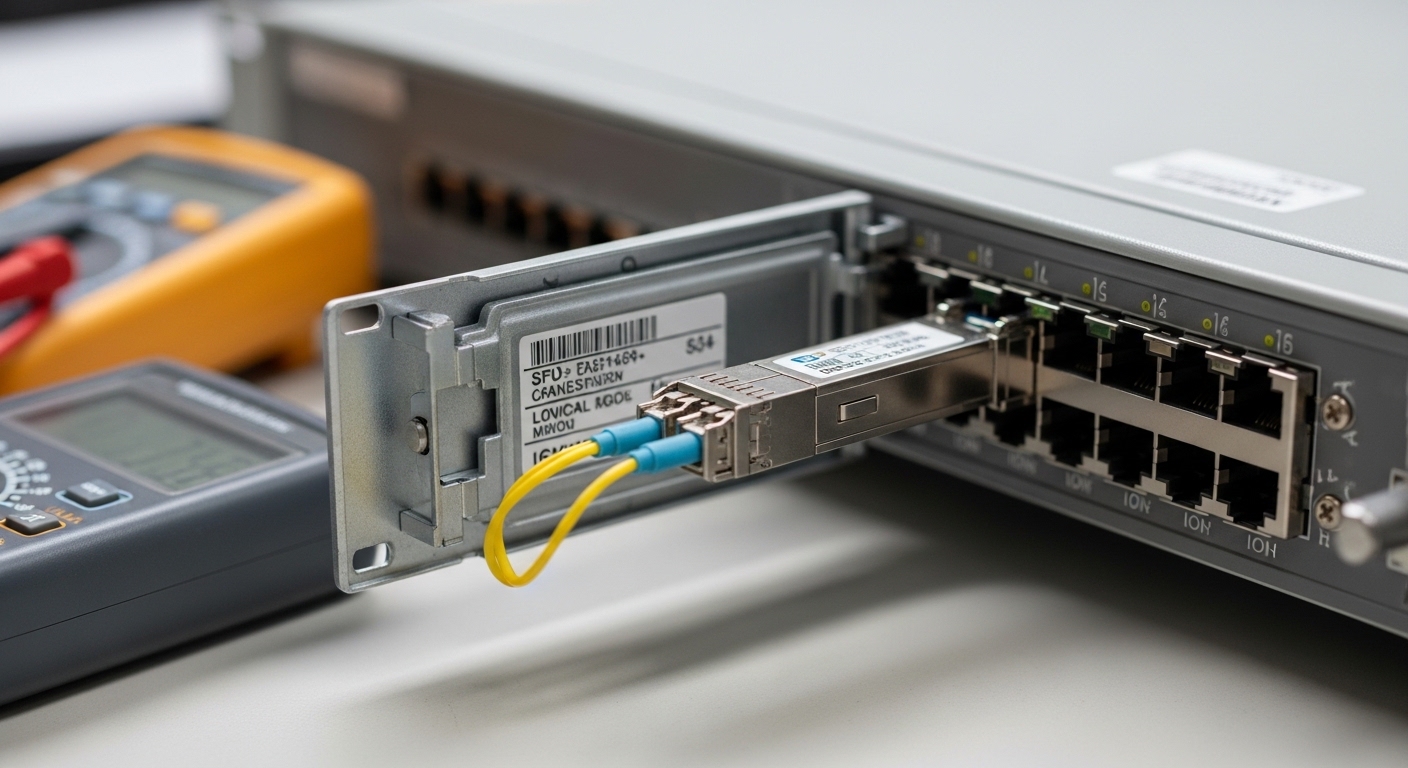
When you move from 1 to 4 to 8+ fibers per run, density becomes the story. Traditional single-fiber connectors like LC and SC are great for simplicity, but they scale poorly when you need dozens of parallel fibers between racks. MPO MTP connector assemblies solve that by using a multi-fiber array in one physical plug, typically in 8-fiber or 12-fiber formats for parallel optics and breakout cabling.
In many facilities, the MPO/MTP side lives in the “trunk” or “backbone” areas (row-to-row, top-of-rack to patch panels), while single-fiber connectors like LC handle the final jump into active equipment. Even if your transceiver is SFP-based (like 10G SFP+), the cabling plant may still rely on MPO/MTP for efficient routing and patch-panel organization. IEEE 802.3 Ethernet optics guidance often assumes correct fiber interconnect behavior, but the connector standardization is ultimately enforced by the physical connector ecosystem and vendor datasheets. [Source: IEEE 802.3 Working Group]
MPO vs MTP: the connector interface details that actually break links
People often say “MPO” and “MTP” interchangeably, but field outcomes depend on the mechanical and optical specifics. In practice, MTP is a brand name associated with improved tolerances and repeatable performance, while MPO refers to the broader multi-fiber push-on connector standard family. For engineering decisions, treat them as “compatible in concept, not always compatible in practice” unless the exact part numbers and alignment behavior are validated.
Key mechanical and optical parameters to verify
- Polarity and keying: check whether the system uses A-B polarity with a defined fiber mapping, and confirm whether the connector has a key-up/key-down orientation.
- Ferrule count: common options are 8 or 12 fibers; mismatches cause obvious and silent failures when the breakout map is wrong.
- Insertion loss and return loss: your budget depends on the transceiver wavelength and the link standard you are targeting.
- Operating temperature: high-density cabinets can run hot, and connector performance shifts with thermal cycling.
Practical spec comparison (what to look for on datasheets)
Below is a realistic comparison you can use when selecting MPO/MTP assemblies for duplex or parallel cabling environments that ultimately connect to LC/SC-style patching.
| Connector / Use Case | Typical fiber count | Wavelength examples | Typical reach class | Connector keying / polarity | Common insertion loss target | Temperature range | Connector style |
|---|---|---|---|---|---|---|---|
| MPO MTP connector (multifiber trunk) | 8 or 12 | 850 nm, 1310 nm, 1550 nm | Short-reach to metro depending on optics | Key-up/key-down; A-B polarity mapping | Often specified around 0.35 dB max per mated pair (varies by vendor) | -10°C to +70°C (varies) | Parallel array with alignment pins |
| LC duplex (equipment patch cords) | 2 fibers per pair | 850/1310/1550 nm | Short-reach to metro depending on transceiver | Not typically keyed like MPO; polarity handled by labeling and patching | Often around 0.20 dB max per mated pair (varies) | -10°C to +70°C (varies) | Single-fiber duplex ferrules |
| SC simplex/duplex (legacy patch panels) | 1 or 2 fibers per connector | 850/1310/1550 nm | Short-reach to metro depending on optics | Polarity handled by patch design | Often around 0.20 to 0.30 dB per mated pair (varies) | -10°C to +70°C (varies) | Push-pull square connector |
Note: exact insertion loss depends on fiber type (OM3/OM4/OS2), polishing style, and whether you are comparing manufacturer claims or measured test results. Always follow the link budget method used in the target Ethernet optical specification and the vendor’s test method. For standards context, see relevant IEEE 802.3 optical link requirements and cabling practices. [Source: IEEE 802.3 Working Group]
Pro Tip: In real installs, the biggest “mystery failure” with MPO MTP connector links is not the loss—it is polarity and keying. Even when the optical budget is fine, reversed fiber mapping can produce swapped lanes that look like a bad transceiver or a dead port. Build a polarity verification checklist and label both ends before you ever close the cable tray.
Selection checklist: choosing the right MPO MTP connector for your SFP links
Use this ordered checklist the way field engineers do it during acceptance testing and cable plant planning. If you can answer every item with a documented spec, you reduce rework dramatically.
- Distance and fiber type: confirm OM3/OM4 multimode or OS2 single-mode, then match the optics and link budget to your target reach class.
- Data rate and optics wavelength: SFP+ 10G optics often use 850 nm (multimode) or 1310 nm (single-mode). Verify your transceiver model and wavelength before choosing connector assemblies.
- Switch and transceiver compatibility: the MPO/MTP connector is in the cabling plant; the SFP module is on the switch. Still, confirm the transceiver type (for example, Cisco SFP-10G-SR vs LR models) and ensure your cabling design supports it. [Source: Cisco SFP datasheets]
- Connector interface mapping: confirm fiber count (8 vs 12), polarity scheme (A-B), and keying orientation (key-up vs key-down) for every trunk and breakout used.
- DOM and management: if you use vendor-managed optics, check whether you rely on digital optical monitoring (DOM) and whether the optics vendor requires specific cabling practices.
- Operating temperature and thermal cycling: high-density cabinets can exceed comfortable ambient ranges. Choose assemblies with documented temperature performance and strain relief.
- Vendor lock-in risk: mixed ecosystems can look compatible while still failing polarity expectations. Favor assemblies that clearly document insertion loss, polarity, and test results.
If you want a concrete example of how quickly this matters, consider parallel breakout behavior. If your MPO trunk is 12-fiber but your breakout expects 8-fiber groups, you can still “mate” the connectors physically and then end up with shifted lanes that only show up under traffic tests.
Real-world deployment scenario: trunking from ToR to patch in a 10G plant
In a 3-tier data center leaf-spine topology with 48-port 10G ToR switches, teams often run fiber in two stages: backbone trunking between patch panels and short patch cords to optics. Suppose you have 6 racks of ToR switches, each with 24 active 10G links, and you want a clean patch workflow that minimizes cable moves. A common approach is to use MPO MTP connector trunks between row patch panels and then break out to LC duplex patch cords for the SFP+ modules.
Let’s say each ToR rack needs 24 active 10G links, plus spares. You might design for 2 trunks per rack, each carrying 12-fiber MPO/MTP runs, and then use polarity-controlled fanouts to map to LC pairs. During acceptance, you test end-to-end insertion loss and verify polarity by sending traffic while monitoring error counters per port. The real win is operational: fewer individual fiber patch operations during upgrades, because you re-terminate at the breakout stage instead of disturbing the trunk.
That kind of physical clarity helps technicians avoid mismating key orientation when the cable tray is crowded.
Common pitfalls and troubleshooting for MPO MTP connector links
Even good hardware can fail if installation details drift. Here are common mistakes, what they look like, and how to fix them.
Polarity reversal that looks like a dead port
Root cause: A-B polarity mapping is reversed, or key-up/key-down orientation is wrong on one side of the trunk or fanout. This can happen when connectors are visually similar but the polarity label is ignored during patching.
Solution: Verify polarity using the vendor’s mapping diagram, then re-terminate or swap the breakout fanout orientation. After correction, run a controlled traffic test and confirm link stability and error counters.
Insertion loss budget exceeded due to dirty endfaces
Root cause: MPO/MTP endfaces are often cleaned less frequently than LC ports because teams assume “trunk is always clean.” Microscopic contamination can add loss and increase error rates, especially at 850 nm where multimode sensitivity can be tight.
Solution: Use lint-free wipes and approved cleaning tools, inspect with a fiber scope, and re-test with a light source and power meter or OTDR where appropriate. Document cleaning steps during maintenance windows.
Wrong fiber count or wrong breakout mapping (8 vs 12)
Root cause: An MPO MTP connector trunk with 12 fibers is paired with an 8-fiber breakout expectation, or the breakout splits lanes incorrectly across groups.
Solution: Confirm part numbers for both trunk and fanout, then verify fiber mapping by labeling individual fibers/lane groups before pulling slack. During commissioning, validate with link tests per port.
Mechanical stress from poor cable management
Root cause: Tight bends near the connector or insufficient strain relief can stress ferrules or alignment pins, leading to intermittent failures or higher loss over time.
Solution: Improve cable routing, maintain bend radius guidance from the cable manufacturer, and ensure strain relief is engaged. Re-test after any cable rework.
Use visuals like this during planning sessions to reduce “label-only” mistakes.
Cost and ROI: what you typically pay, and what you actually save
Pricing varies by fiber type (OM3 vs OM4 vs OS2), termination style (factory terminated vs field install), and whether you choose OEM-grade assemblies or third-party compatible parts. Realistic market ranges for deployed connectors and pre-terminated assemblies can be roughly: MPO/MTP pre-terminated trunks and fanouts often land in the $20 to $80 per terminated assembly range depending on length and complexity, while single-fiber LC patch cords are commonly lower per piece but add up fast when you multiply by dozens of runs.
TCO isn’t only purchase price. MPO/MTP reduces operational churn: fewer manual patch operations during moves, adds, and changes. In a year with multiple rack refresh cycles, that can reduce downtime and technician hours. The main limitation is that mixed vendor ecosystems can introduce polarity or performance variability, so you may pay slightly more for consistent test documentation and DOM-friendly optics where required.
For optics examples, many teams pair vendor transceivers with compatible cabling plants. For instance, Finisar and FS.com publish SFP and SFP+ module datasheets with defined optical budgets and supported fiber types. Always match the connector/cabling to the module’s wavelength and reach assumptions. [Source: Finisar datasheets] [Source: FS.com transceiver datasheets]
This is the kind of “system view” that helps stakeholders understand why connector choice impacts operational speed.
FAQ
What is an MPO MTP connector used for in an SFP network?
An MPO MTP connector is mainly used in the cabling plant for high-density multi-fiber trunking. Your SFP modules typically connect using single-fiber connectors like LC, but the trunk between patch panels can use MPO/MTP for efficient routing.
Are MPO and MTP connectors interchangeable?
They are related, but full interchangeability is not guaranteed. You must verify polarity mapping, keying orientation, ferrule geometry, and the exact termination/fanout design from the manufacturer.
How do I confirm polarity before deploying MPO MTP connectors?
Use the vendor’s polarity diagram and labeling scheme, then validate by performing a staged link test per port. If available, inspect and test the endfaces and confirm the fiber mapping in the breakout before connecting to production optics.
What connector type should I use between the patch panel and the SFP module?
Most SFP implementations use LC duplex or sometimes SC depending on the equipment and patch panel design. MPO/MTP is typically reserved for the multi-fiber trunk and breakout sections.
What causes high error rates after installing an MPO MTP connector link?
Common causes include dirty endfaces, polarity reversal, exceeding the insertion loss budget, or mechanical stress from cable management. Start with cleaning and polarity verification, then re-check the link budget and mapping.
Does connector choice affect DOM readings or link management?
DOM readings are primarily an optics/transceiver feature, not a connector feature. However, a bad connector interface can still cause link instability that changes observed thresholds and alarms.
If you want the smoothest installs, treat the MPO MTP connector as part of an end-to-end system: polarity, fiber mapping, cleaning discipline, and documented loss tests. Next, review fiber connector types for patching|fiber connector types for patching to align your MPO/MTP trunking with LC/SC equipment side workflows.
Author bio: I design fiber interconnect workflows for high-density networks, focusing on connector ergonomics, polarity safety, and field testability. I’ve worked with real patch bays and transceiver deployments where a single swapped lane created hours of outage time.
