
If you are planning a Spectrum-based upgrade and you are staring at a parts list of SFP28, QSFP28, and OSFP optics, compatibility surprises can stall cutovers. This guide helps network engineers and data center field teams select and validate the right Mellanox Spectrum transceiver across 25G to 400G speeds, with practical checks you can do before you touch a live rack. You will also get a decision checklist, common failure modes, and a step-by-step implementation workflow.
Prerequisites before you buy any Mellanox Spectrum transceiver
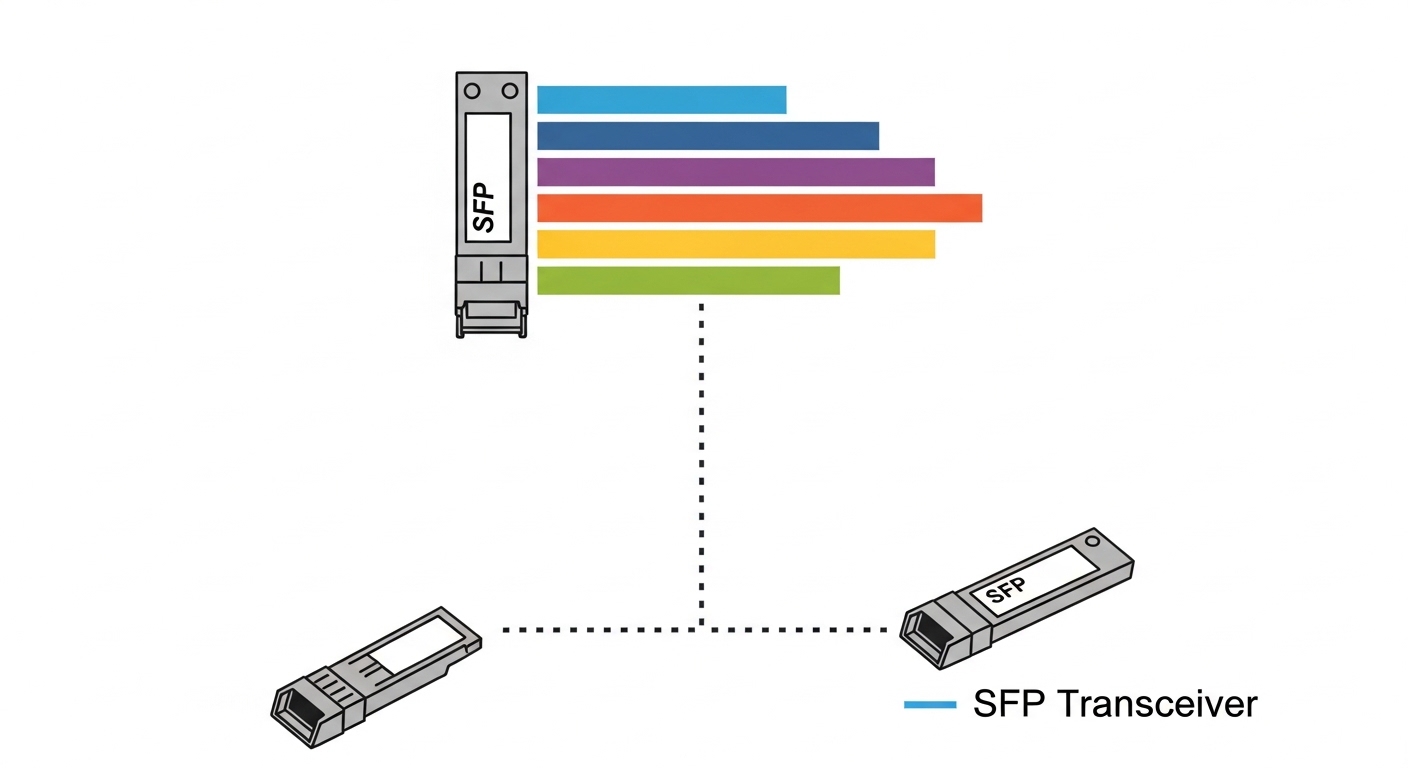
Before ordering optics, confirm your switch model, port type, and the exact software release you will run during deployment. Spectrum platforms typically support multiple optical form factors, but the mapping between port lane speed and transceiver type is strict. Field experience shows that most “it does not work” cases come from a mismatch between intended optics and the port’s expected electrical and optical profile.
What you should have on hand
- Switch model and port layout (for example, 25G/100G/200G/400G capable ports, and whether they are QSFP28 or OSFP).
- Software version (for example, MLNX-OS / SONiC release) and any release notes that mention optic support.
- Transceiver vendor part numbers you are considering, including optical reach (SR, LR, ER) and DOM details.
- Fiber plant documentation: OM3/OM4/OS2 type, patch panel labeling, and measured link loss.
Expected outcome: A short list of optics candidates per port type, with no ambiguity about form factor, speed, and reach.
Step-by-step: validate 25G to 400G optics compatibility on Spectrum
Use a repeatable process that combines vendor compatibility guidance with on-box verification. This minimizes downtime and prevents silent misconfigurations that can look like “link flaps” or “no light” issues. The goal is to confirm that the transceiver is electrically supported, digitally readable (DOM), and optically matched to the fiber plant.
Map each port to its expected optics profile
Start by listing which ports will run at 25G, 50G, 100G, 200G, or 400G and the physical cage type. For example, 100G over multimode often uses QSFP28 SR (typically 4 lanes), while 400G frequently uses OSFP (8 lanes) depending on the platform. Use your switch documentation and the port numbering to avoid mixing lane groupings.
Expected outcome: A port-by-port table: port ID, cage type, target line rate, and expected transceiver standard (SR/LR/ER and form factor).
Choose transceiver standards and reach deliberately
Do not treat “SR” as interchangeable across speeds. For multimode, your reach depends on fiber type (OM3 vs OM4), link budget, and dispersion. For example, 10G SR and 25G SR have different lane rates and optical budgets, so you must match the transceiver’s stated reach to your measured plant loss.
Expected outcome: Optics selected with the correct wavelength (commonly 850 nm for SR), reach category, and lane rate for each target speed.
Confirm DOM support and readout behavior
Mellanox Spectrum deployments often rely on DOM to report temperature, bias current, and received power thresholds. Verify that the optics support the required DOM interface and that your switch can read it without warnings. In many environments, optics from the same OEM family behave predictably, while third-party optics can be compatible but may show different threshold behavior or vendor-specific calibration.
Expected outcome: A “DOM read success” expectation for every installed optic before traffic is allowed.
Pre-check optics in a non-production lab or spare switch
If you have access to a lab Spectrum switch or a spare chassis, insert each candidate transceiver and verify link bring-up at the target speed. This is faster than discovering incompatibility during a production change window. Pay attention to the negotiated speed, FEC mode (if applicable), and any “unsupported optics” alarms.
Expected outcome: Proof that each optic type negotiates the correct speed and comes up cleanly.
Deploy and validate under load
After installation, run link checks and a short traffic test. If you see frequent link drops, immediately stop and inspect fiber polarity, patch cords, and optical power levels. Field teams commonly resolve issues by reseating optics, swapping patch cords, and confirming the RX/TX mapping at both ends.
Expected outcome: Stable link for the full traffic test window with no flaps and acceptable optical power readings.
Key specifications you must compare across 25G to 400G
Engineers often compare only “speed” and “reach,” but compatibility hinges on wavelength, connector type, power class, and operating temperature. Below is a practical comparison you can use as a starting point when evaluating candidate optics for Spectrum-based deployments.
| Spec | Typical 25G (SFP28 SR) | Typical 100G (QSFP28 SR) | Typical 400G (OSFP SR) |
|---|---|---|---|
| Form factor | SFP28 | QSFP28 | OSFP |
| Wavelength | 850 nm (SR) | 850 nm (SR) | 850 nm (SR) or vendor-specific |
| Reach (multimode) | Up to 100 m typical for OM4 SR variants | Up to 100 m typical for OM4 SR variants | Commonly 100 m class for OM4 SR variants |
| Connector | LC duplex | LC duplex or MPO (varies by vendor) | MPO/MTP (commonly) |
| Data rate / lanes | 25.78G class | 100G split across lanes | 400G split across lanes |
| DOM | Typically supported | Typically supported | Typically supported |
| Operating temperature | Often 0 to 70 C (commercial) or wider industrial classes | Often 0 to 70 C | Often 0 to 70 C; verify for your site |
Sources to consult for standards and optics behavior: IEEE 802.3 for Ethernet PHY expectations and vendor datasheets for DOM and optical budgets. [Source: IEEE 802.3 Ethernet specifications] [Source: Vendor transceiver datasheets such as Cisco SFP-10G-SR and Finisar/FS.com optics product pages for DOM and reach tables]
Pro Tip: In the field, “it negotiates at the wrong speed” is less common than “it negotiates correctly but the optical power is marginal.” Always compare the switch-reported RX power against the vendor’s recommended min/max thresholds, then recheck patch cord cleaning and MPO end-face condition before assuming a compatibility problem.
Selection criteria checklist for Spectrum transceiver procurement
When you are choosing a Mellanox Spectrum transceiver across 25G to 400G, use this ordered checklist to reduce risk. This is the same order many teams follow during fast refresh cycles because it prevents expensive rework.
- Distance and fiber type: OM3 vs OM4 vs OS2, plus measured link loss in dB.
- Speed-to-cage mapping: ensure the port cage (SFP28/QSFP28/OSFP) matches the target rate.
- Wavelength and optic type: SR vs LR vs ER; confirm expected center wavelength (for SR typically 850 nm).
- Switch software compatibility: confirm your release supports the optic family and DOM behavior.
- DOM and alarm thresholds: verify that the switch can read DOM fields without errors.
- Operating temperature: match your facility ambient and airflow; confirm the transceiver’s specified range.
- Vendor lock-in risk: OEM optics may have the lowest friction; third-party optics can reduce cost but may require more lab validation.
Expected outcome: A procurement decision that is technically safe and operationally predictable.
Common mistakes and troubleshooting tips (top 3)
Even with correct specs, transceiver issues show up in predictable ways. Below are three high-frequency failure modes with root causes and concrete fixes.
Link up/down flaps after a reseat
Root cause: Dirty fiber end faces or slight MPO misalignment causing intermittent optical loss. This can look like “incompatibility” because DOM may still read but optical margin collapses.
Solution: Clean connectors with lint-free wipes and approved cleaning tools, re-terminate if needed, then re-seat optics firmly. Re-run link tests and verify RX power stability over time.
“No light” or RX power below threshold
Root cause: Transmit/receive polarity reversed or wrong patch cord mapping at one end (especially common with LC duplex and some MPO harnesses).
Solution: Verify polarity with a known-good test cord, confirm TX to RX mapping, and check that the correct MPO polarity orientation is used. After correction, monitor DOM RX power immediately.
Correct form factor, but speed negotiation fails
Root cause: Port expects a different electrical profile or lane grouping than the installed optics support, or the switch software does not recognize the optic vendor’s DOM behavior.
Solution: Confirm port cage type matches the transceiver form factor and speed class. Upgrade to the planned switch software release if your release notes indicate optic support improvements, and test the optic in a spare port or lab chassis.
Cost and ROI note for Spectrum optics from OEM vs third-party
Pricing varies by wavelength, reach, and whether you buy OEM-branded or compatible optics. As a realistic planning range, many data centers see 25G SR optics in the tens to low hundreds of dollars, while 100G and 400G optics often cost substantially more per link due to complexity, testing, and certification. TCO should include failure rate handling (RMA logistics), downtime cost during swaps, and the operational time spent on validation. In practice, teams often choose OEM for the first deployment wave and third-party for subsequent waves after lab validation proves stable DOM and optical margin behavior.
FAQ
Which Mellanox Spectrum transceiver form factors are typically used from 25G to 400G?
Commonly, SFP28 is used for 25G-class links, QSFP28 for 100G-class links, and OSFP for 200G/400G-class links depending on the Spectrum platform and port design. Always confirm the cage type per port in your switch model documentation.
Can I use third-party optics with a Mellanox Spectrum switch?
Often yes, but compatibility depends on DOM behavior, software release support, and optical performance margin. The safer approach is to pre-test in a lab or spare chassis and validate stable RX power readings under load.
What fiber problems most often break 850 nm SR links?
Dirty connectors, incorrect MPO polarity orientation, and excessive patch cord loss are the most frequent culprits. After cleaning and polarity verification, validate link margin by checking switch-reported optical power and error counters.
How do I choose between SR and LR when upgrading from 25G to 100G?
Choose based on measured distance and fiber type. If you are using multimode and the reach budget is tight, SR can still work, but you must confirm OM4 support and optical margin; LR is usually for longer distances on single-mode.
What should I monitor after installing a Mellanox Spectrum transceiver?
Monitor link state stability, DOM temperature and bias current, and RX power against vendor thresholds. Also check error counters during a short traffic run to confirm the link is not operating in a marginal regime.
Where can I verify standards and interoperability expectations?
Use IEEE 802.
