
I have watched a perfectly matched transceiver fail weeks after deployment because of something that happened on a loading dock: a quiet electrostatic discharge event. This guide helps network engineers, datacenter technicians, and field installers reduce fiber module ESD risk during storage, staging, and plug-in workflows—especially when you are moving SFP, SFP+, QSFP, and similar optics in volume.
You will get practical handling rules, an engineer-grade decision checklist, and troubleshooting patterns you can use when link bring-up mysteriously fails. I also include a compatibility and measurement mindset so you do not trade one problem for another.
Why fiber module ESD shows up as “random” link failures
Optical transceivers are packed with sensitive analog front ends, laser driver circuitry, and high-speed receivers. An ESD event can damage a subcomponent without leaving obvious physical marks, so the module may pass basic continuity checks but fail at temperature or under link training. In the field, I have seen symptoms like intermittent link flaps, sudden receiver LOS behavior, or a module that works in one switch but not another after a reseat.
During storage and handling, the highest risk usually comes from triboelectric charging (moving plastic bins, nylon gloves, or packing foam), contact with ungrounded work surfaces, and handling the module by the housing while the pins or optical window are exposed. The key is not just “wear a wrist strap,” but controlling the whole chain: people, tools, packaging, and workflow.
What standards and vendor guidance typically imply
Most optics vendors follow IEC-style ESD principles and characterize device sensitivity in terms of human body model and machine model thresholds. In practice, engineers align the lab workflow to the same discipline referenced by IEEE 802.3 for optical link behavior verification, while using ESD handling guidance from transceiver datasheets and general ESD control frameworks like [Source: JEDEC JESD625]. For deployment verification, link training and error counters are interpreted per [Source: IEEE 802.3].
If you manage a facility, also align with your site ESD program and grounding policy. Your transceivers do not fail because you skipped one step; they fail because multiple small risks compound.
Storage and handling workflow that actually prevents ESD events
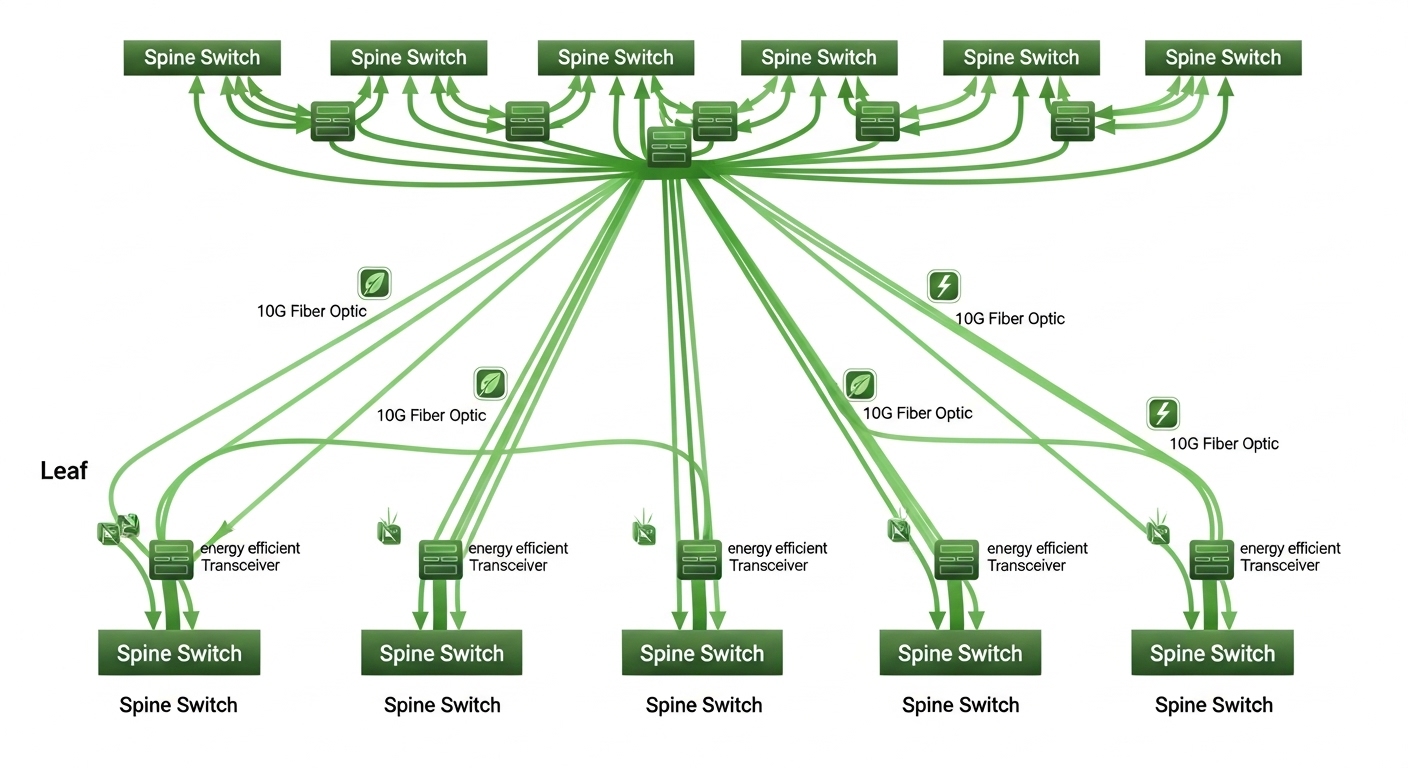
When I stage optics for a leaf-spine rollout, I treat the transceiver like a component that must never “float” electrically. The workflow below is the one I used during a 10G and 25G refresh where we staged 480 modules across two racks and swapped them during a two-hour maintenance window.
Step-by-step staging rules
- Keep modules in their ESD-protective packaging until the moment of insertion. Do not remove them “just to inspect” unless your station is ESD-controlled.
- Use an ESD mat connected to facility ground. Verify continuity and resistance per your ESD program before the shift starts.
- Wear a grounded wrist strap and confirm the strap has passed the tester. If you use insulated gloves, ensure they are compatible with your ESD policy (some glove materials increase charging).
- Handle by the body, not the gold fingers or laser aperture area. Avoid touching connector pins.
- Minimize time with pins exposed. A good rule: open packaging, insert, then close. If insertion is delayed, re-cover exposed pins with the protective cap/liner.
- Ground tools you bring near optics (tweezers, pick tools, vacuum pens). Non-grounded metal tools can become charge injectors.
- Control humidity and static sources. In winter, static events increase; if your site uses humidity targets, follow them.
- Label and segregate “handled” versus “unhandled” modules. If you suspect a mishandling event, quarantine the unit for swap testing rather than assuming it is fine.
Recommended packaging and station setup
Many OEMs ship optics in antistatic bags and trays. Use those, and do not store loose modules in standard foam that is not ESD-rated. If you must kit parts for a truck, use a grounded ESD tote with compartments sized so modules do not rub against each other.
Key optical specs and ESD-relevant handling limits
ESD prevention is the focus, but engineers still need to verify the module type and optical profile so you do not confuse an ESD failure with an incompatibility issue. Below is a comparison of common transceiver families engineers deploy. Use it to validate you are handling the correct class of optics before you insert.
| Transceiver type | Typical data rate | Wavelength | Reach (example) | Connector | Operating temperature | Notes for handling |
|---|---|---|---|---|---|---|
| SFP-10G-SR style | 10G | 850 nm (VCSEL) | ~300 m (OM3, typical) | LC | -5 to 70 C (varies by vendor) | Laser aperture and pins are sensitive; avoid touching connector contacts |
| SFP+ 25G/10G SR variants | 10G or 25G | 850 nm | ~100 m to 400 m (depends on OM4/OM5) | LC | -5 to 70 C (varies) | Check DOM support before swapping across platforms |
| QSFP28 SR style | 100G (4x25G) | 850 nm | ~70 m to 150 m (OM4/OM5 dependent) | MT ferrules (MPO) | 0 to 70 C (varies) | MPO end faces are delicate; keep dust caps on until insertion |
| QSFP56 SR style | 200G/400G class (varies) | 850 nm | ~50 m to 100 m (depends on optics) | MPO | 0 to 70 C (varies) | ESD control is critical because density increases pin and driver sensitivity |
Example part numbers you might see in real networks include Cisco SFP-10G-SR (varies by revision), Finisar FTLX8571D3BCL (10G SR-class), and third-party optics such as FS.com SFP-10GSR-85. Always verify the exact wavelength, reach class, and temperature range from the vendor datasheet for the specific SKU.
For optical behavior validation once you install, use vendor and standards-aligned methods. For link and physical layer expectations, refer to [Source: IEEE 802.3] and the switch vendor’s transceiver compatibility notes.
Pro Tip
In the field, the most reliable ESD mitigation is not just a wrist strap; it is keeping optics in their conductive, ESD-rated tray while you stage them, then only extracting one module at a time. When you remove a whole handful into open air, you increase the triboelectric charging surface area and raise the odds of an invisible ESD event.
Deployment scenario: leaf-spine rollout with ESD-safe kitting
During a 25G leaf-spine migration, we had 24 leaf switches each with 48 uplink ports, and we replaced optics on uplinks and a set of server downlinks. We staged modules in two “ESD kitting lanes” on grounded mats at the staging room, then transported them in sealed ESD totes to the cage. Each tote held only one transceiver “kit” per rack, with foam replaced by ESD trays to reduce friction charging.
Operationally, we tracked each module by serial number and DOM ID during inventory. When a link came up at 0 errors for the first hour but then flapped at load, we reseated and swapped only from the same kit lane to isolate handling risk. In one case, the replacement succeeded immediately, while the original module became a “quarantine candidate” for later bench inspection.
Selection criteria checklist for optics teams (ESD plus compatibility)
Even perfect ESD handling cannot compensate for an incompatible transceiver or a wrong optical class. Engineers typically run this checklist before staging a bulk swap.
- Distance and fiber type: confirm OM3/OM4/OM5, patch cord loss, and expected reach budget.
- Switch compatibility: check vendor transceiver compatibility tables or documented supported part numbers.
- Data rate and lane mapping: ensure the module matches the port speed (for example, 25G vs 10G modes).
- Connector type: LC vs MPO, and MPO polarity and keying requirements.
- DOM support: verify whether the switch expects Digital Optical Monitoring; mismatches can cause “present but not usable” states.
- Operating temperature range: confirm your environment and any airflow constraints around the cage.
- DOM and diagnostics thresholds: if your NOC alarms on RX power or bias current, compare expected ranges from the datasheet.
- Vendor lock-in risk: consider whether third-party optics are allowed and how firmware updates might affect acceptance.
- ESD handling policy alignment: ensure your storage bins, trays, and tote transport are ESD-rated and grounded.
Common fiber module ESD pitfalls and troubleshooting
Below are failure modes I have seen repeatedly. Each includes the root cause pattern and a practical fix.
Pitfall 1: “We only touched the housing” but the pins were exposed
Root cause: during quick inspection, the gold contacts were briefly touched or scraped against packaging, injecting charge or creating micro-damage. The failure appears later under load.
Solution: open packaging at the ESD station, handle by the body, keep caps on, and extract only one module at a time. If you must inspect, do it with pins protected and do not touch connector contacts.
Pitfall 2: Unverified ESD mat or wrist strap continuity
Root cause: straps and mats look “connected,” but continuity testers were skipped or the mat ground point loosened. This makes the station ineffective.
Solution: start-of-shift verification: test wrist strap and mat continuity, document pass/fail, and replace worn straps or damaged mats. Treat the test as mandatory like a fiber cleaning wipe checklist.
Pitfall 3: Storing optics in non-ESD foam or loose trays
Root cause: standard foam and plastic organizers increase triboelectric charging when modules are moved. Loose modules can also rub and generate charge through friction.
Solution: use antistatic bags, conductive trays, and grounded totes. If you must use a temporary container, ensure it is ESD-rated and conductive or properly grounded per your facility policy.
Pitfall 4: Confusing ESD damage with fiber polarity, cleaning, or budget issues
Root cause: a “bad optics” symptom can be caused by dirty LC ends, MPO polarity mismatch, or insufficient link budget. Engineers sometimes swap optics repeatedly, worsening the handling risk.
Solution: before swapping, clean and inspect connectors, verify polarity and MPO keying, and check switch port diagnostics. Only after ruling out optical path issues should you treat the module as suspect.
Cost and ROI: how to budget for fewer ESD-related replacements
Typical pricing varies by speed and reach, but many teams find that the TCO of strict ESD controls is smaller than the cost of even a handful of premature transceiver failures. OEM optics can cost roughly two to five times more than some third-party equivalents, but OEM acceptance and warranty policies may reduce operational downtime. Third-party modules often cost less upfront; however, you still need a robust compatibility and monitoring plan, especially if your switch vendor is strict about transceiver identification.
In ROI terms, consider: labor time spent on failed swaps, maintenance window overruns, and the cost of quarantining suspect optics. If your failure rate drops from even 0.5% to 0.1% during staging, the savings in field time and reduced downtime can outweigh the cost of ESD mats, wrist strap testers, and ESD totes.
FAQ: fiber module ESD handling and storage
What is the best way to store fiber modules to reduce ESD risk?
Keep modules in their original antistatic packaging and conductive trays until the moment you insert them. Stage them on a grounded ESD mat using tested wrist straps and ESD-rated totes for transport.
Do I need an ESD wrist strap if I am wearing gloves?
Gloves can reduce skin contact, but they can also increase triboelectric charging depending on the glove material. Use your facility ESD policy, and verify that your wrist strap and station ground are functioning with a continuity tester.
How can I tell whether a module failure is ESD damage or a fiber issue?
Start with connector cleaning, MPO polarity checks, and link budget verification. If the same module fails across multiple known-good ports and fibers after cleaning, and diagnostics show abnormal RX behavior, treat it as an ESD-handling suspect.
Are third-party fiber modules safe for ESD if they are cheaper?
ESD safety depends on the device design and your handling process, not only the purchase price. Third-party optics can work well, but you must validate compatibility, DOM behavior, and warranty terms, then enforce the same ESD workflow.
What DOM or diagnostics signals should I watch after insertion?
Monitor RX power, laser bias/current trends, and temperature if your switch exposes them. If thresholds are consistently off compared to expected ranges in the vendor datasheet, quarantine the module and retest.
Can I test a suspect module on a bench before returning it to inventory?
Yes, but do it with the same ESD controls and a known-good optical path. If you can, validate with a compatible host interface and record diagnostics over time to detect intermittent failures.
If you want a related operational checklist, read fiber cleaning and inspection workflow for LC and MPO connectors. It pairs well with ESD-safe handling because most “optics failures” are actually a mix of cleanliness, compatibility, and handling stress.
Article updated: 2026-05-03.
Expert author bio: I am a field-focused network writer who has deployed and troubleshot optical transceivers across data centers, including staged migrations and live cutovers. My work blends optics diagnostics with practical safety processes so teams reduce downtime instead of just swapping parts.
