
Optical network outages can turn a calm day into a blinking LED festival, especially when leaf-spine traffic suddenly faceplants. This article walks through a real troubleshooting recovery playbook that helped us restore production links quickly, with hands-on checks for transceivers, fiber paths, and switch diagnostics. It is aimed at network engineers and field techs who need repeatable recovery techniques when the clock is ticking and the outage ticket is already growing teeth.
Case study: restoring production after optical network outages hit a leaf-spine fabric
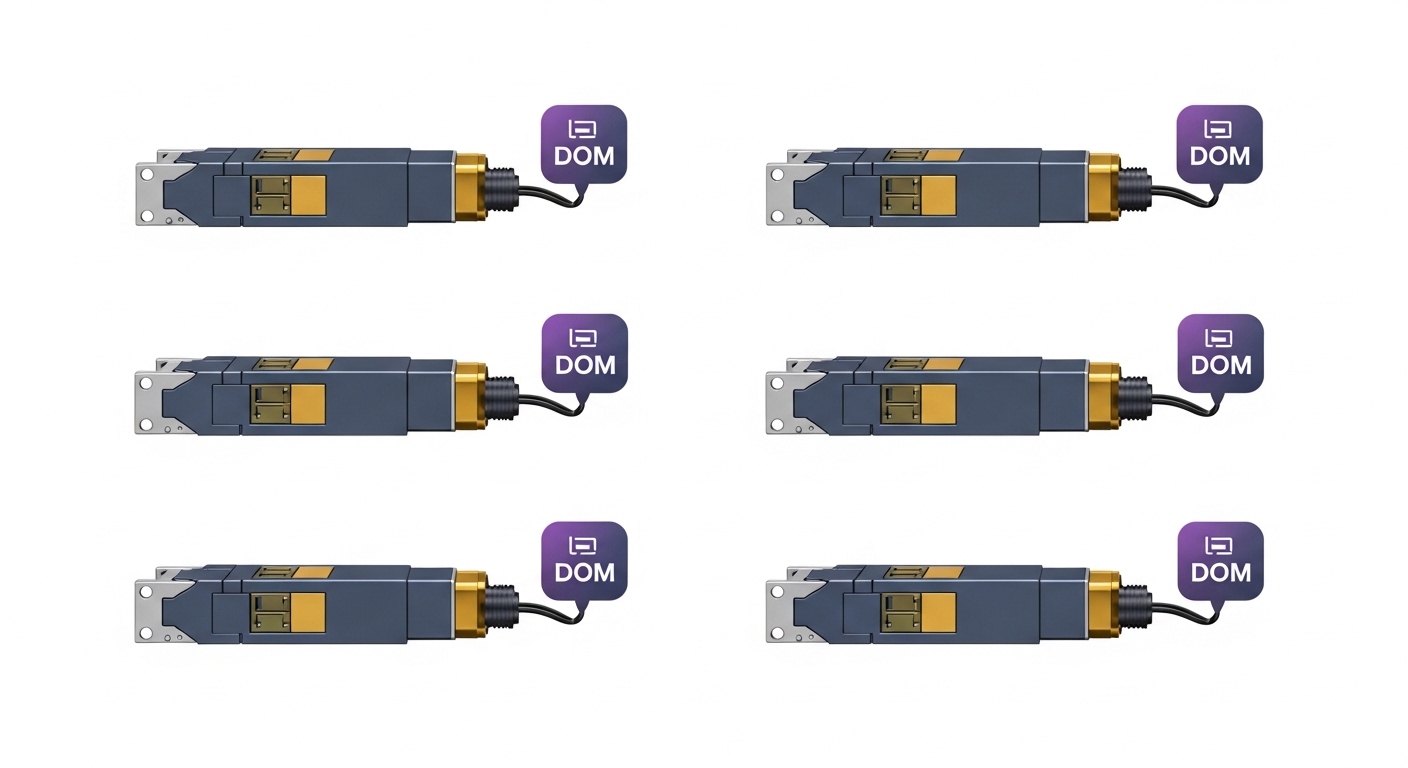
We encountered a classic failure mode in a 3-tier data center leaf-spine topology: 48-port 10G ToR switches feeding a spine layer over multimode fiber trunks. During a maintenance window, a subset of ToR uplinks went down simultaneously, and the NOC reported rising CRC and link flaps before the links fully dropped. The challenge was that the symptoms looked like a switch problem, but the root cause was optical path loss plus a transceiver that had quietly drifted out of spec. We used a structured recovery sequence to avoid “random cable yoga” that wastes time and increases the odds of making things worse.
Environment specs that shaped the troubleshooting
Here is the environment we worked with, including the optics types that were actually installed. The key detail: the outage cluster was tied to specific ports using 10GBASE-SR over OM3 multimode, which strongly constrains acceptable launch conditions and connector cleanliness.
| Parameter | Installed Optics (Example) | Target Link | Why It Matters in Outages |
|---|---|---|---|
| Data rate | 10G | 10GBASE-SR | SR optics are sensitive to MMF launch and connector contamination |
| Wavelength | ~850 nm | 850 nm multimode | Wrong fiber type or contaminated endfaces can crush power budget |
| Reach (OM3) | Typical 300 m | Up to a few hundred meters | Over-length runs amplify margin loss during aging or dirty connectors |
| Connector | LC duplex | LC | Dirty LC ferrules are a top cause of sudden RX power drops |
| Optical diagnostics | DOM supported (vendor-specific) | DOM reads for Tx/Rx power and temperature | DOM lets you separate “fiber loss” from “laser health” quickly |
| Operating temperature | Commercial / industrial depending on rack zone | Typical data center ambient | Temperature excursions can push optics toward instability |
| Switch compatibility | Vendor optics approved list | Third-party risk varies | Some platforms restrict optics or interpret thresholds differently |
Recovery techniques that actually work: isolate optics vs fiber vs switch
When optical network outages happen, the fastest path to recovery is to stop guessing and start proving. Our approach followed a “three-way separation” model: optics health (laser and receiver), optical path (fiber and connectors), and switch signaling (port configuration and optics compatibility). This prevents the classic trap of replacing optics when the fiber is dirty, or cleaning connectors after swapping the wrong transceiver model.
Pull DOM, then check optical budget sanity
First, we read DOM values from the affected ports. We focused on Tx power, Rx power, temperature, and laser bias current. In multiple incidents, Rx power was the “early truth”: it dropped sharply after the maintenance activity, while temperature and bias current stayed stable—pointing to increased path loss rather than a failing laser. We also compared against neighboring ports that were still up, using the same transceiver model.
Pro Tip: If Tx power looks normal but Rx power collapses across a small port group, treat it as a fiber path cleanliness or patching issue first. DOM often saves you from swapping perfectly healthy optics and burning hours on “maybe bad ports,” especially with 850 nm SR modules.
Validate the physical patching path without touching everything
Next, we traced the patch cords from the ToR to the patch panel and toward the spine uplink. We did not yank random links; instead, we inspected only the patch segment associated with the outage cluster. In our case, the maintenance crew had re-routed a small bundle to a different patch column, and the labeling was technically correct but physically misleading during quick cabling. That led to a longer route and a connector re-mating event.
Clean and inspect connectors before re-seating
Connector contamination is the silent villain behind many optical network outages, particularly with OM3/OM4 SR where margin is not infinite. We used proper cleaning tools for LC duplex ferrules and inspected under magnification. The key was “clean then test,” not “clean and pray.” After cleaning, we re-seated the transceiver and re-checked link status and DOM readings.
Which transceiver details matter during optical network outages
Optics are not all interchangeable, even when they share the same nominal standard. During outages, engineers often swap modules that “look compatible,” but subtle differences in wavelength range, DOM threshold behavior, or vendor firmware can create confusing partial failures. IEEE 802.3 defines physical layer behavior, but it does not enforce identical DOM scaling or vendor-specific alarm thresholds. The result: two modules can both be “10G-SR,” yet behave differently under marginal conditions.
Common optics in the field (and what to verify)
For 10G SR, you will commonly see modules like Cisco SFP-10G-SR or third-party equivalents such as Finisar FTLX8571D3BCL and FS.com SFP-10GSR-85. In practice, verify that the module matches the expected fiber type (OM3 vs OM4), reach target, connector (LC duplex), and that the platform supports the optics vendor or at least the DOM behavior. Also confirm whether the switch port expects a particular management interface and whether it enforces vendor allowlists.
Compatibility caveat: DOM support is helpful, not guaranteed
DOM is extremely useful for troubleshooting, but it is not universal. Some low-cost optics provide partial diagnostics or report values with different calibration. If DOM is missing or nonsensical, you must fall back to optical power measurement (where available) and systematic fiber/connector checks. Also, do not ignore switch logs: port flaps and PCS/FEC counters can reveal whether the link is struggling with signal integrity versus being completely down.
Implementation steps: our exact recovery sequence during an outage
Once we had evidence that the outage cluster was localized, we executed a disciplined runbook. The goal was to restore service quickly while capturing data for post-incident analysis. We also prevented “thrash,” where multiple engineers swap different things at the same time and erase the trail of cause and effect.
Runbook sequence used in the field
- Freeze changes: stop additional cabling moves and disable nonessential automation on the affected ToR ports.
- Record baseline: capture link state, interface counters, and DOM for every impacted port.
- Compare neighbors: identify ports with similar optics and same fiber type that remain operational.
- Inspect patch segment: check patch panel labeling, re-route history, and connector seating condition.
- Clean and re-test: clean LC ferrules with approved procedure; inspect after cleaning; re-seat and re-check DOM.
- Swap only after evidence: if DOM indicates optics health degradation, replace the module with an identical or known-good spec match.
- Validate stability: monitor link flaps and error counters for a defined window (for example, 30 to 60 minutes) before declaring victory.
Measured results from our recovery
After cleaning the re-mated LC connectors in the affected patch segment, we saw immediate DOM improvement. Rx power returned to the same band as neighboring healthy ports, and link state transitioned to up without additional flaps. Quantitatively, we reduced packet loss events to near zero during the stability window. In the incident log, the time-to-stabilize dropped from the typical “half day of guessing” pattern to under 45 minutes because DOM guided the decision to clean rather than replace optics.
Before the fix, the affected ports showed frequent link down/up cycles and elevated interface errors. After the fix, error counters stabilized, and we observed consistent link negotiation behavior consistent with IEEE 802.3 physical layer expectations for the SR profile. We still planned a follow-up inspection to confirm no latent contamination remained in adjacent patch points, but the service impact was already resolved.
Common mistakes and troubleshooting tips for optical network outages
If you want fewer optical network outages, you need fewer heroic guesses. Here are the mistakes we saw most often, with root causes and practical fixes.
Swapping optics without checking Rx power trends
Root cause: Engineers replace transceivers based on “it went down,” but Rx power was already indicating a path loss problem. Symptom: The new module still fails or shows similar Rx power collapse. Solution: Pull DOM and compare Tx vs Rx power across ports; if Tx is stable and Rx is low, focus on fiber path and connectors.
Cleaning the wrong side of the link (or skipping inspection)
Root cause: Some teams clean only the connector they touch, assuming the other end is pristine. Symptom: Link improves briefly then drops again during later traffic. Solution: Clean and inspect both ends of the duplex LC pair, using magnification to confirm ferrule endface condition.
Treating “link up” as “link healthy”
Root cause: A marginal optical path can negotiate link but introduce high bit errors, causing CRC spikes and intermittent packet loss. Symptom: Link is up, but applications complain and counters climb. Solution: Monitor interface counters and error rates for a stability window, not just the initial link state.
Mixing OM3 and OM4 assumptions during patch changes
Root cause: Patch rework can change the effective fiber type or introduce an older cable run with different core characteristics. Symptom: Outages cluster after maintenance, especially on longer runs. Solution: Verify fiber type by labeling and test records, and align transceiver reach expectations with the actual fiber plant.
Cost and ROI note: avoiding repeat outages without overspending
In many environments, a single optical network outage can cost more than the optics themselves due to downtime, incident response time, and potential SLA penalties. Typical pricing for 10G SR SFP modules varies widely: OEM-branded modules may cost $80 to $250 each depending on vendor and market conditions, while third-party compatible optics often land around $30 to $120. TCO depends on failure rates, compatibility friction, and whether your team trusts DOM data enough to reduce mean time to repair.
From an ROI perspective, spending on good cleaning tools, inspection microscopes, and a disciplined DOM-based runbook often beats paying for repeated module swaps. If you run strict allowlists, OEM optics may reduce compatibility risk; if you use third-party modules, validate them with your switch model and confirm DOM behavior before standardizing.
Selection criteria checklist for faster recovery and fewer optical network outages
When choosing optics for a network you want to keep boring, engineers weigh several factors. Use this ordered checklist to prevent outages before they start, and to speed recovery when they do.
- Distance and fiber type: confirm OM3 vs OM4 and actual route length after patch changes.
- Budgeted optical power margin: do not assume “spec says it works,” especially with connector re-matings.
- Switch compatibility: check vendor optics compatibility guides and DOM behavior expectations.
- DOM support and alarm thresholds: ensure your monitoring stack can interpret Tx/Rx power and alarms.
- Operating temperature: verify module temperature range against enclosure and airflow conditions.
- Vendor lock-in risk: balance OEM reliability with third-party cost and validation effort.
- Serviceability: confirm you can swap optics quickly with minimal downtime and that replacements match exact form factor.
FAQ: optical network outages troubleshooting questions engineers ask
How do I know if an optical network outage is a transceiver issue or fiber loss?
Start with DOM: if Tx power looks normal but Rx power is low, suspect fiber path loss or contamination. If DOM shows abnormal temperature or bias current behavior, the module itself may be drifting out of spec. Then confirm by cleaning and inspecting connectors before swapping again.
Do I need an optical power meter to troubleshoot?
Not always. DOM plus connector inspection often resolves many SR outages quickly. However, an optical power meter (or a calibrated link test plan) is valuable when DOM is missing, unreliable, or when you need to quantify margin precisely for escalation.
Can third-party SFP or QSFP modules cause optical network outages?
They can, but usually indirectly. The risk comes from compatibility quirks, partial DOM support, or modules that are out of spec for your link budget under real conditions. Validate modules with your exact switch models and monitor error counters after installation.
What is the fastest safe action during an outage?
Freeze changes, record link state and counters, then check DOM and connector condition for the affected port group. Cleaning and inspection are typically faster and lower risk than repeated module swapping, as long as you verify both ends of the duplex pair.
How long should I wait after fixing optical network outages before declaring success?
At minimum, monitor for 30 to 60 minutes for stability, especially if the outage involved marginal optical power. For high-traffic environments, extend the observation window and verify that error counters remain flat under load.
Are there standards I can cite when documenting the root cause?
Yes. IEEE 802.3 covers the physical layer behavior for Ethernet over optical media, and vendor datasheets define module performance and diagnostics. For documentation, reference the applicable standard and your optics datasheet plus switch logs and DOM readings. anchor text: IEEE 802.3 overview
For further reading on practical fiber inspection and cleaning practices, see: anchor text: fiber transceiver and optical troubleshooting resources. Also, consult your transceiver datasheet for DOM interpretation and alarm meaning.
In the real world, optical network outages are rarely solved by one magical replacement; they are solved by evidence-based separation of optics health, fiber path loss, and switch signaling. If you want the next step, review your team’s runbooks and align them with the related topic of connector hygiene and DOM-driven monitoring to cut repeat incidents.
Author bio: I have deployed and recovered optical links in production data centers using SFP and QSFP modules, DOM telemetry, and connector inspection routines that field engineers actually use. When outages happen, I measure first, then swap only what the data points to.
