
Stop guessing your router fiber interface: pick SFP optics by distance
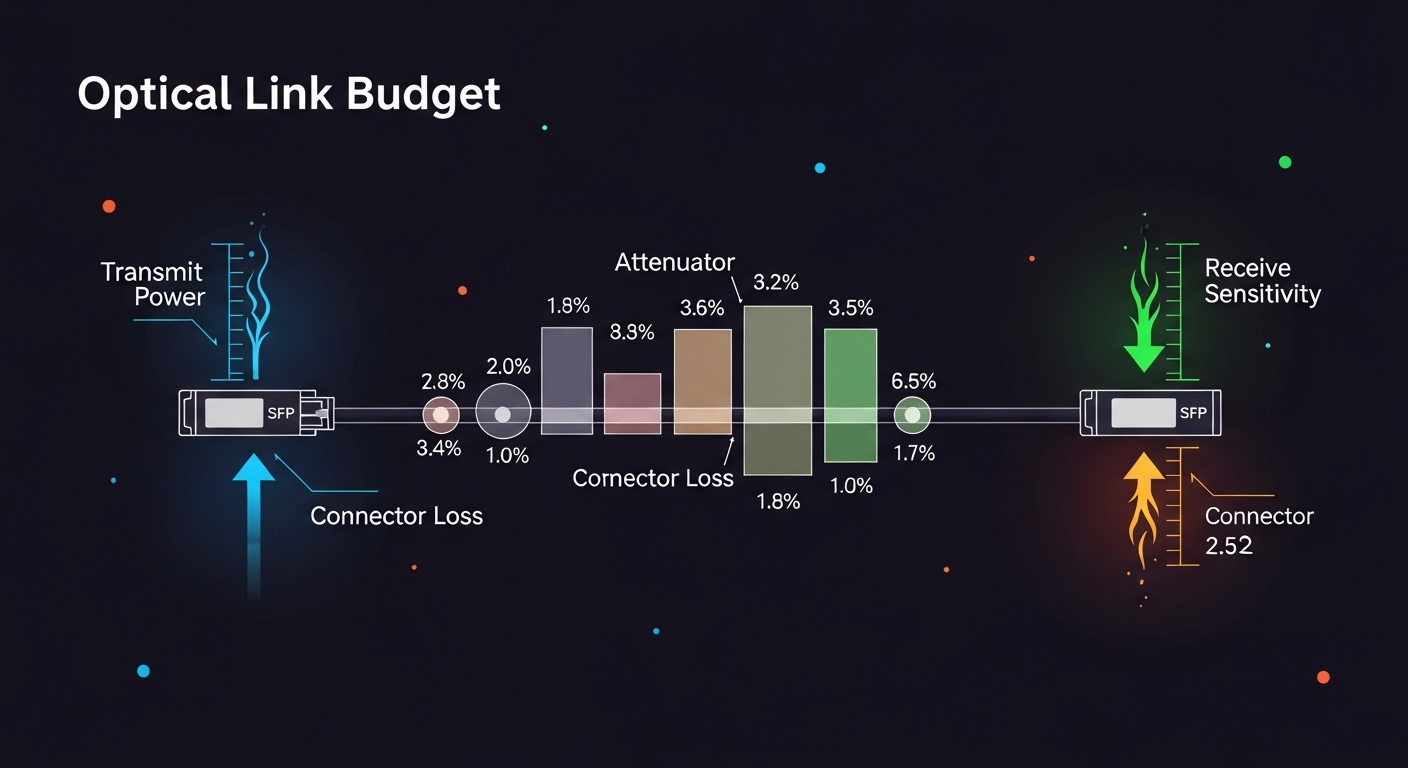
In enterprise edge WAN deployments, the router fiber interface often fails not because the router is bad, but because the SFP optics are mismatched on wavelength, reach, and optics budget. This article helps network engineers and field technicians select the right SFP transceivers for router WAN interfaces, with operational checks they can run before a cutover. You will get a distance-first selection method, a compatibility checklist for common vendor quirks, and troubleshooting patterns that show up in real racks.
We will focus on SFP (not SFP+) modules used for typical 1G/2.5G/10G-class WAN edge links, mapping fiber type to optical parameters and the practical limits engineers observe. The goal is to reduce “it links but drops under load” incidents by grounding decisions in IEEE 802.3 behavior and vendor datasheet constraints. [Source: IEEE 802.3 (various clauses for 1GBASE-SX, 10GBASE-SR, and related PHY behaviors)] IEEE 802.3
Top 8 SFP transceiver picks for router WAN fiber interfaces
1000BASE-SX style for short multimode WAN segments
If your router fiber interface terminates on a campus-side multimode plant and the link budget stays conservative, SX-class optics are often the lowest-friction option. SX is designed for 850 nm operation on OM3 or OM4 multimode fiber, making it common in older edge designs where the fiber plant is already installed. In practice, engineers choose this when the measured MPO or LC patch losses plus aging margins still fit the platform’s reach target.
Key specs to verify: wavelength around 850 nm, connector type (usually LC), and supported fiber types (OM3/OM4). Also check whether the router WAN PHY expects a specific SFP electrical interface and whether the platform supports Digital Optical Monitoring (DOM) for monitoring alarms.
Best-fit scenario
In a multi-building enterprise edge with a 1G WAN handoff, you might have a router at Building A connecting to a demarc switch in Building B over 220 m of OM4 multimode fiber, with 1.2 dB total patch/coupler loss. A typical SX module can stay within budget while keeping installation complexity minimal.
Typical candidates: Cisco-compatible SX optics (varies by vendor), Finisar/Foxconn-style 1G SX SFPs, or FS.com “SFP-1G-SX” families depending on DOM needs.
- Pros: easy to deploy on multimode plants; usually low cost per port; mature interoperability.
- Cons: limited reach vs single-mode; sensitive to multimode fiber quality and launch conditions.
1000BASE-LX or SFP-LX for longer campus-to-edge reach
When multimode is no longer sufficient, LX-class optics at 1310 nm provide a practical step up for longer distances on single-mode fiber (SMF). Engineers like this option when the router fiber interface is already cabled to an SMF backbone and the edge span is too long for SX. LX is also a common migration path when upgrading from legacy multimode without re-cabling everything.
Key specs to verify: wavelength 1310 nm, single-mode fiber compatibility (SMF), connector type (LC), and whether the module is rated for a specific reach class (for example 10 km class for typical 1G LX). Confirm receiver sensitivity requirements if the router vendor publishes strict optical power thresholds.
Best-fit scenario
A regional enterprise edge might connect an aggregation router to a service provider handoff over 7.5 km of SMF with 0.35 dB/km fiber attenuation and 2.0 dB total connector/splice loss. LX optics are usually the “fits without surprises” choice if the link budget is validated.
Typical candidates: 1G LX SFP modules from Cisco, Finisar, or FS.com in the “LX 1310 nm 10 km” reach class.
- Pros: better reach on SMF; robust for edge spans; aligns well with most router WAN cards.
- Cons: requires SMF; higher cost than some multimode SX options.
10GBASE-SR style for high-density 10G edge on multimode
For 10G edge uplinks over multimode, SR-class optics at 850 nm are frequently used when the fiber plant is OM3/OM4 and distances remain moderate. This is the common pattern in modernizing enterprise edge where the router fiber interface needs 10G throughput without changing the entire fiber backbone. The selection hinges on your measured link length and the fiber’s end-to-end loss plus margin.
Key specs to verify: data rate class (10G), wavelength 850 nm, reach rating for OM3 versus OM4, and whether the module is rated for the target temperature range (commercial vs industrial). Also check if the router supports DOM; DOM can be crucial in edge sites with limited on-site maintenance.
Best-fit scenario
In a 3-tier data center leaf-spine edge, a ToR router uplinks to an aggregation router using 10G SR. You might run 300 m over OM4 with 1.0 dB patch loss and a conservative aging margin of 1.5 dB, then validate within the module’s rated reach class.
Typical candidates: Cisco SFP-10G-SR variants, Finisar FTLX8571D3BCL style optics, and FS.com SFP-10GSR-85 families (exact model numbers vary by DOM and reach class).
- Pros: high density; lower cost than long-haul optics; strong fit for OM4 plants.
- Cons: multimode bandwidth/launch conditions matter; can be sensitive to dirty connectors.
10GBASE-LR style for 10 km single-mode edge uplinks
When the edge span is too long for SR multimode but still within a typical metro range, LR-class optics at 1310 nm are the bread-and-butter choice. Engineers choose this for router fiber interface uplinks where SMF is already present, and the operational goal is “stable links with minimal field rework.” LR modules reduce the risk of multimode launch issues and typically offer predictable behavior under temperature swings.
Key specs to verify: wavelength 1310 nm, reach class (commonly 10 km for 10G LR), and minimum receiver sensitivity. Confirm whether your router WAN interface expects a particular optical power range and whether the module’s transmit power stays within that envelope.
Best-fit scenario
A regional edge site uses SMF to connect a branch router to an aggregation point across 8.9 km. Measured fiber attenuation is 0.32 dB/km with 2.1 dB in connectors/splices. A 10G LR module typically provides enough budget if you maintain clean LC endfaces and avoid excessive patch cord lengths.
Typical candidates: vendor-labeled 10G LR SFPs from Cisco, Finisar, and FS.com in the “10 km LR” class.
- Pros: predictable reach; less sensitive to multimode quality; common across router platforms.
- Cons: requires SMF; can be more expensive than SR for short reaches.
10GBASE-ER style for extended reach edge links
ER-class optics are used when you need more reach than LR while still operating at 1310 nm. Practitioners typically choose ER for edge WAN spans that exceed the LR budget but remain below the long-haul categories. The selection is dominated by the optical budget and link margin after connectors, splices, and patch cord losses are counted.
Key specs to verify: ER reach class (often 40 km for 10G ER depending on module family), wavelength 1550 nm for many ER designs, and receiver sensitivity constraints. Also confirm chromatic dispersion tolerance if your link is near the edge of the budget, especially when using higher-loss fiber.
Best-fit scenario
An enterprise edge connects two sites over 34 km of SMF with 0.25 dB/km attenuation and 3.5 dB in total splices/connectors. With a disciplined acceptance test (OTDR plus end-to-end loss measurement), ER modules can be a cost-effective alternative to coherent optics.
Typical candidates: 10G ER SFP modules from major optics vendors; exact ordering part numbers depend on DOM and compliance requirements.
- Pros: extended reach; avoids expensive coherent solutions in many metro cases.
- Cons: higher cost; stricter budget discipline; more failure modes if endfaces are not cleaned.
DOM-capable SFPs for edge monitoring and fast rollbacks
Digital Optical Monitoring (DOM) is not just “nice to have” at the enterprise edge; it is how you detect marginal optics before they turn into intermittent link flaps. DOM provides real-time transmit power, receive power, and temperature data, which can be correlated with interface errors and syslog events. Engineers often standardize on DOM-capable modules to reduce mean time to recovery when a remote site reports flapping.
Key specs to verify: DOM support in the router platform, sensor data availability, and alarm thresholds. Some routers expose DOM via CLI, while others require SNMP mappings; confirm that your NMS can ingest the fields you need.
Best-fit scenario
For a distributed edge with 20 remote sites, each with two router fiber interface uplinks, DOM helps you spot gradual degradation. If receive power drops by 2 dB over a month while CRC errors rise, you can schedule a swap during a maintenance window instead of waiting for a full outage.
- Pros: earlier detection of aging; better correlation with interface counters; faster troubleshooting.
- Cons: possible compatibility caveats between vendor DOM formats; slightly higher module cost.
Vendor-compatible optics to minimize “unsupported module” lockouts
Many router WAN cards enforce compatibility rules and may log “unsupported transceiver” or restrict link-up if the module’s EEPROM identity fields do not match expectations. In edge deployments with tight maintenance windows, engineers prefer optics that are explicitly supported or at least conform to the vendor’s documented transceiver requirements. This reduces the risk that a third-party optics swap fails during a critical rollout.
Key specs to verify: EEPROM identifier fields, compliance to SFP MSA behavior, and any vendor-specific requirements. Ensure the module supports the same electrical interface (for example SFP MSA signaling) and that the router firmware recognizes the module class.
Best-fit scenario
During a branch cutover, you might have a strict change window of 45 minutes. If a third-party module fails to initialize, you lose the window and you may trigger a rollback to legacy interfaces. Standardizing on vendor-compatible optics for the first deployment wave avoids that operational risk.
- Pros: fewer “won’t link” surprises; predictable monitoring behavior.
- Cons: potential vendor lock-in; sometimes higher unit cost.
Temperature-rated optics for outdoor or industrial edge enclosures
Edge sites are not always climate-controlled. If your router fiber interface terminates in an outdoor cabinet or near industrial HVAC failures, temperature-rated optics prevent marginal laser bias and receiver drift. In practice, engineers should match the module’s rated operating temperature to the enclosure’s worst-case ambient and airflow conditions.
Key specs to verify: operating temperature range (for example commercial 0 to 70 C versus industrial -40 to 85 C), and module compliance for that class. Also verify mechanical fit and airflow clearance so the optics do not overheat.
Best-fit scenario
An outdoor edge cabinet might experience -10 C winter nights and 60 C summer daytime peaks. If your network operations team has no spare modules rated for that environment, you risk intermittent link drops that correlate with temperature changes rather than fiber damage.
- Pros: improved reliability in harsh environments; fewer seasonal outages.
- Cons: higher cost; requires careful inventory management for spares.
Specs and reach comparison: choose by wavelength, fiber, and power
Use the table below as a decision anchor. Engineers normally start with the required wavelength and fiber type, then validate reach via link budget math and the router’s optics acceptance thresholds.
| Option (SFP class) | Typical wavelength | Fiber type | Common reach class | Connector | DOM | Operating temp (example classes) | Best for router WAN interface |
|---|---|---|---|---|---|---|---|
| 1G SX | 850 nm | OM3/OM4 multimode | ~550 m to 300 m (varies by OM) | LC | Optional | 0 to 70 C or -40 to 85 C | Short edge spans on multimode |
| 1G LX | 1310 nm | SMF | ~10 km | LC | Optional | 0 to 70 C or -40 to 85 C | Longer metro/campus links |
| 10G SR | 850 nm | OM3/OM4 multimode | ~300 m to 400 m (varies by OM) | LC | Optional | 0 to 70 C or -40 to 85 C | High-density 10G on multimode plants |
| 10G LR | 1310 nm | SMF | ~10 km | LC | Optional | 0 to 70 C or -40 to 85 C | Standard 10G edge uplinks |
| 10G ER | 1550 nm (typical ER) | SMF | ~40 km (varies by module) | LC | Optional | 0 to 70 C or -40 to 85 C | Extended reach without coherent optics |
Pro Tip: Many “it came up but it flaps” incidents trace back to optical power budget errors, not link distance. During acceptance testing, measure end-to-end loss and inspect connector cleanliness with a fiber scope; then compare the measured received power against the module’s datasheet receiver sensitivity and the router’s optics thresholds. Cleanliness can easily be worth 1 to 2 dB of margin in the real world.
Selection criteria checklist for router fiber interface SFPs
Engineers rarely choose SFPs by reach alone. The most reliable approach is an ordered checklist that reduces compatibility and optical-budget surprises.
- Distance and margin: validate measured span length plus patch cords, adapters, and splices; include at least 1 to 3 dB operational margin for aging and cleaning variability.
- Wavelength and fiber type: match 850 nm to OM3/OM4, and 1310/1550 nm to SMF; never treat multimode and single-mode as interchangeable.
- Switch or router compatibility: confirm SFP MSA behavior support and any vendor-specific EEPROM checks; verify that the interface auto-negotiation mode matches the optics class.
- DOM support: decide whether you need transmit and receive power monitoring for remote edge operations; confirm your router exposes DOM telemetry and alarms.
- Operating temperature: match the module class to enclosure ambient and airflow; for outdoor cabinets, prefer industrial-rated optics.
- Budget and TCO: compare not just unit price, but expected failure rates, spare inventory cost, and maintenance labor; OEM optics often reduce downtime risk.
- Vendor lock-in risk: if you plan third-party optics, test them in a staging environment because some routers enforce strict identity fields.
Common mistakes and troubleshooting patterns (field-proven)
Below are frequent failure modes when deploying SFP optics on a router fiber interface. Each includes a root cause and a corrective action you can perform during a maintenance window.
Mistake 1: Choosing SX on the wrong multimode plant
Root cause: The module is 850 nm SX, but the installed fiber is not OM3/OM4 or has excessive loss due to poor splicing. Link may come up at low load and then degrade under higher receive power penalties.
Solution: Verify fiber type using documentation and field testing; use OTDR and end-to-end insertion loss measurement, then reselect optics or clean/repair fiber plant.
Mistake 2: Ignoring connector cleanliness and patch cord length
Root cause: Dirty LC endfaces or long patch cords add loss and can shift received power below sensitivity. This often shows up as CRC errors, intermittent link drops, or “flapping” during traffic bursts.
Solution: Inspect with a fiber scope, clean with lint-free methods, replace suspect patch cords, and re-run link tests while monitoring interface counters.
Mistake 3: DOM mismatch causing monitoring confusion
Root cause: The optics are DOM-capable, but the router firmware or telemetry mapping does not interpret the DOM fields as expected. Engineers then chase phantom alarms or miss real degradation.
Solution: Confirm DOM telemetry in the router CLI/NMS, validate with known-good optics, and document the expected DOM field mapping for your platform.
Mistake 4: Temperature derating overlooked in outdoor cabinets
Root cause: A commercial-temperature module experiences laser bias drift and receiver sensitivity changes in cold or hot extremes. Symptoms correlate with season or cabinet thermal cycling.
Solution: Replace with industrial-rated optics, improve airflow or add thermal management, and revalidate received power and error counters across a temperature cycle if possible.
Cost and ROI note for edge router fiber interface optics
Pricing varies widely by vendor, DOM support, and reach class. In many enterprise markets, 1G SX SFPs can be budget-friendly, while 10G LR/ER modules cost more per port; OEM-branded parts often carry a premium but reduce identity/compatibility risk and shorten mean time to restore. From a TCO view, the dominant costs are usually truck rolls, maintenance labor, and downtime risk rather than the module price itself.
A pragmatic ROI model: if a third-party optics swap saves $20 to $60 per module but increases the probability of a failed initialization or early-life instability, the cost of one additional site visit (often hundreds to thousands in labor and logistics) can erase the savings. For edge deployments with remote sites, DOM-capable optics can also reduce downtime by enabling predictive replacement.
FAQ: router fiber interface SFP choices for enterprise edge WAN
Which SFP type is safest for a new router fiber interface deployment?
Start with the fiber plant reality: if you have OM4 multimode and short reach, SR/SX-class optics at the correct wavelength are usually simplest. If you have SMF and longer reach, LR or ER classes reduce multimode variability. Always validate with measured loss and receiver power thresholds from the module datasheet.
How do I calculate whether my reach is truly within spec?
Use an optical link budget: transmitter power minus fiber attenuation minus connector and splice losses minus margin. Then confirm the result stays above the module’s receiver sensitivity and within the router’s accepted optical power range. Include conservative margins for aging and cleaning variance, especially for outdoor edge.
Do I need DOM for a WAN edge link?
DOM is not required for link establishment, but it is highly valuable for operations. If the site is remote, DOM helps detect gradual degradation via receive power trends and temperature changes, enabling planned swaps. Confirm your router firmware and NMS can ingest the telemetry fields you rely on.
Can I mix OEM and third-party optics on the same router?
Often yes, but it is not guaranteed. Some routers enforce EEPROM identity checks and may log “unsupported transceiver” events or restrict link-up. The safe approach is to test optics in staging and standardize on a small set of validated part numbers.
What causes link flaps after a successful initial installation?
Common causes include dirty connectors, marginal received power, or temperature-related derating. Check interface error counters, correlate flaps with environmental changes, and inspect the fiber endfaces with a
