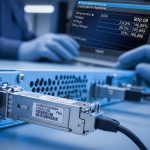
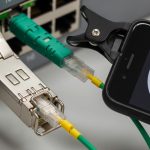
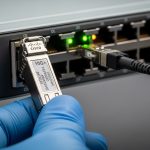
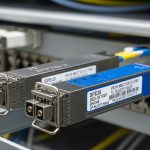
If you have ever swapped an SFP and watched the link flap or stay down, you already know the real challenge is not “which transceiver fits,” but matching transceiver specifications to your switch, fiber plant, and optics budget. This guide helps network admins, data center techs, and field engineers choose SFP modules with confidence by translating datasheet details into install-ready decisions. You will also get a troubleshooting checklist for the most common failure modes.
Prerequisites: what you need before you compare transceiver specifications
Before you open a vendor page, collect the details that determine whether the optics will negotiate correctly. In the field, I typically start with the switch model, port speed, and the optical type already in use, then confirm fiber type and measured attenuation.
Verify switch and port requirements
Check the exact switch model and the port type (for example, SFP vs SFP+ vs SFP28). Many enterprise switches accept SFP, but only support specific optics families per port due to electrical lane mapping and vendor firmware. Record the port speed mode (for example, 1G, 10G) and whether the platform expects Digital Optical Monitoring (DOM).
Expected outcome: You know the required line rate and whether DOM is mandatory for monitoring dashboards.
Confirm fiber type, connector, and distance
Inspect the patch panel and cable plant: single-mode (OS2) versus multi-mode (OM3/OM4), connector family (LC is most common for SFP optics), and approximate run length. If you have a loss budget worksheet from your cabling vendor, use it; otherwise, measure with an optical power meter and light source or an OTDR.
Expected outcome: You have a target wavelength family (for example, 850 nm for multimode, 1310 nm/1550 nm for single-mode) and a verified reach requirement.
Decide on DOM and temperature requirements
DOM support affects compatibility and monitoring. Also verify the operating temperature range you need: many indoor cabinets assume 0 to 70 C, but distribution blocks, rooftops, or unconditioned closets may require an extended spec such as -40 to 85 C depending on the module.
Expected outcome: You filter out modules that might pass link training but fail in temperature extremes.

Core transceiver specifications you must match for SFP success
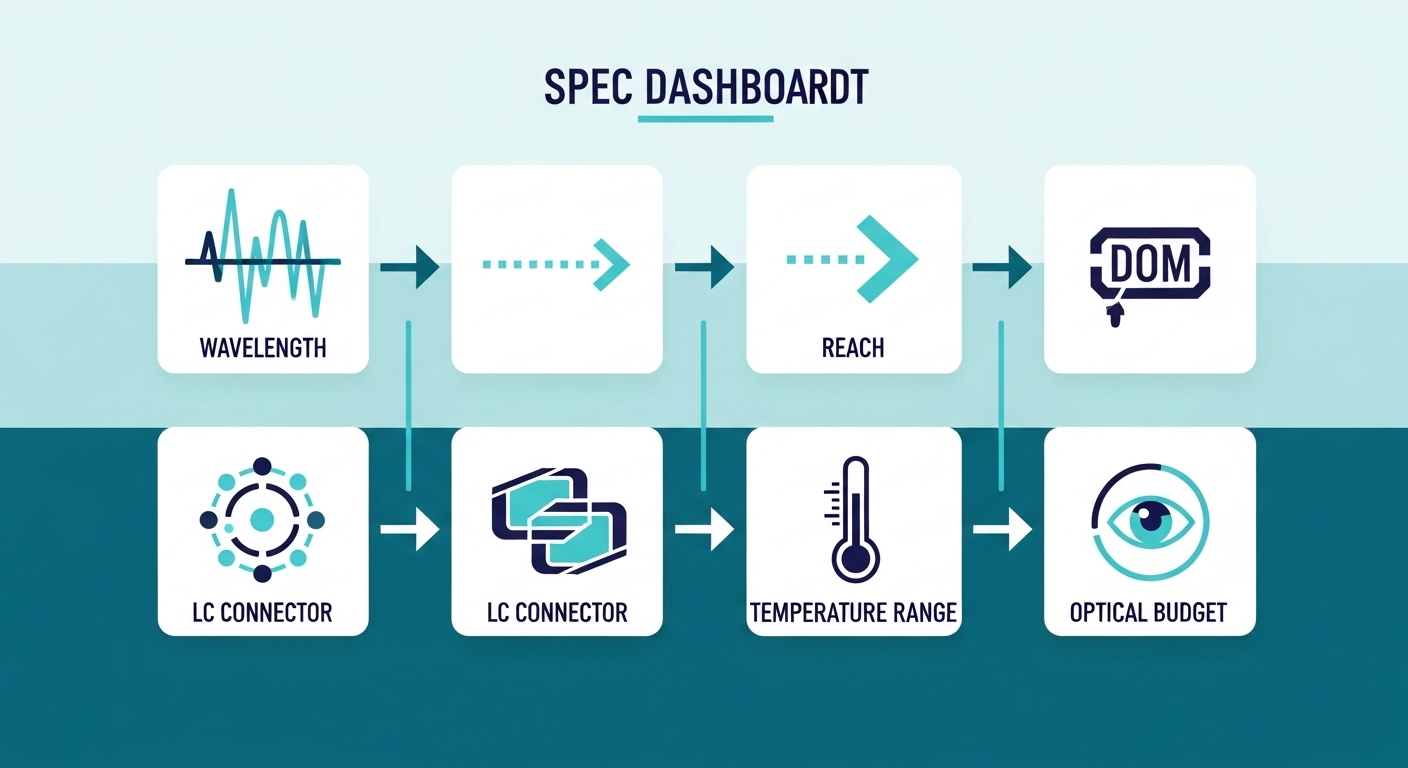
SFP modules are small, but the specification checklist is large. The fastest way to avoid surprises is to match wavelength, reach, fiber type, connector, and electrical interface features first, then validate power and DOM behavior.
Match wavelength and fiber type to the application
For SFP optics, wavelength typically determines which fiber type and reach class applies. Common patterns: 850 nm for multimode (short reach), 1310 nm for single-mode (mid reach), and 1550 nm for longer single-mode links. Even if a module “lights up,” the wrong fiber class can cause excessive attenuation and frequent CRC errors.
Confirm data rate, FEC expectations, and link training behavior
Most 1G SFPs use IEEE 802.3z/802.3ab style links; 10G SFP+ uses IEEE 802.3ae. While SFP optics usually do not use explicit FEC like some newer pluggables, you still need to ensure the switch port can support the optics electrical characteristics and speed mode. If your platform supports auto-negotiation for speed (some do, some do not), confirm what it negotiates.
Note: Always align to the switch vendor’s compatibility list when available; [Source: IEEE 802.3] and vendor datasheets provide the baseline.
Check DOM, TX power, RX sensitivity, and optical budget
DOM typically reports temperature, bias current, and received optical power. For practical selection, focus on RX sensitivity and TX launch power, then compare against your link’s loss budget including connectors and splices. A simple budget often starts with fiber attenuation (dB/km) times length, plus margin for aging and cleaning quality.
Validate physical and electrical constraints
Confirm connector type (often LC), maximum supply current, and any safety constraints for laser class. Also verify module form factor (SFP, not SFP+, and not a different pluggable family). Many “looks similar” failures are actually form-factor or pinout mismatches.
Side-by-side SFP spec comparison: example classes that engineers buy
The table below compares common SFP optics classes used in real networks. Treat it as a decision aid for transceiver specifications, not as a universal rule—always verify the exact model number against your switch vendor guidance.
| Example SFP optics | Wavelength | Typical reach | Fiber type | Connector | DOM | Operating temperature | Where it fits |
|---|---|---|---|---|---|---|---|
| Finisar FTLX8571D3BCL (example) | 850 nm | ~300 m (multimode) | OM3/OM4 | LC | Commonly supported | 0 to 70 C (often) | Access layer, short ToR uplinks |
| FS.com SFP-10GSR-85 (example) | 850 nm | ~400 m (OM4 class) | OM4 | LC | Varies by SKU | 0 to 70 C (often) | Dense racks with OM4 |
| Cisco SFP-10G-LR-S (example) | 1310 nm | ~10 km (single-mode) | OS2 | LC | Usually supported | 0 to 70 C (often) | Building-to-building and aggregation |
| Finisar FTLX1471D3BCL (example) | 1310 nm | ~10 km | OS2 | LC | Commonly supported | -40 to 85 C (varies) | Extended environment closets |
Reality check: exact reach depends on the switch’s receiver sensitivity, fiber modal conditions (multimode), and your measured insertion loss. For authoritative baseline behavior, refer to [Source: IEEE 802.3] and the module vendor datasheets.
Selection criteria checklist: how engineers choose transceiver specifications
When procurement or a field rollout is under time pressure, it is easy to pick the “closest” module and hope for the best. The checklist below matches how engineers actually reduce risk when selecting optics.
- Distance and link budget: compare your measured attenuation to the module’s TX/RX spec and add margin for connectors/splices.
- Fiber type and wavelength: multimode at 850 nm versus single-mode at 1310/1550 nm must align to OS2 vs OM3/OM4.
- Switch compatibility: confirm the switch model supports that transceiver class; consult the vendor compatibility list where possible.
- Data rate and electrical interface: ensure the module is the correct speed for the port (and not a mismatched pluggable family).
- DOM support and monitoring: decide whether you need DOM readings; verify what the switch expects (some platforms are picky).
- Operating temperature: match the environment; extended temperature modules can prevent intermittent link drops.
- Vendor lock-in risk: weigh OEM modules versus third-party; plan for firmware quirks and future spares.
- Power and safety: check supply current and laser class requirements per datasheet and local policy.
Pro Tip: In many deployments, the “spec that saves your outage” is not wavelength—it is measured optical power at the receiver. A short multimode run can still fail if the optics are misaligned, connectors are dirty, or OM3 vs OM4 assumptions are wrong. I recommend cleaning LC connectors and verifying RX power after every module change, even when the datasheet says the reach is fine.
Common mistakes and troubleshooting for SFP link failures
Even when you buy the right part number family, real networks introduce variables like dirty connectors, wrong fiber type, or switch-side incompatibility. Here are the top failure modes I see and how to resolve them quickly.
Failure mode 1: Link stays down or flaps immediately
Root cause: wrong module family for the port speed or mismatched pluggable type (for example, SFP in a cage expecting a different electrical standard). Another common cause is connector polarity swapped in the patch panel.
Solution: confirm port speed and module type, then verify polarity using the fiber labeling on the switch side and patch cords. Clean both LC ends with lint-free wipes and isopropyl alcohol, then re-seat the module firmly.
Failure mode 2: Link comes up, but you see CRC errors or intermittent drops
Root cause: optical budget exceeded due to higher-than-expected insertion loss, poor splicing, or aging fiber; for multimode, modal effects can also reduce effective reach.
Solution: measure received optical power (DOM if supported, otherwise a power meter). If you are near the margin, shorten the run, replace patch cords, or move to a higher-reach class. Re-check loss from connectors and splices, not just fiber length.
Failure mode 3: DOM shows readings but monitoring dashboards look wrong
Root cause: DOM implementation differences across vendors or a switch firmware that assumes specific calibration/threshold behavior.
Solution: verify DOM compatibility using vendor documentation; if your monitoring system triggers false alarms, adjust thresholds cautiously and confirm with measured optical power. If required, standardize on one vendor for a given switch model group.
Cost and ROI note: what to expect in TCO for transceiver specifications
Pricing varies by speed and reach, but typical street ranges for enterprise SFP optics often fall into a few bands: OEM modules may cost roughly $80 to $250 each, while third-party equivalents can be lower, commonly $30 to $120 depending on DOM and temperature grade. Over a 3 to 5 year period, total cost of ownership is dominated by downtime risk, spare strategy, and failure rates—not just purchase price.
ROI lens: If you operate a high-availability environment, paying more for OEM compatibility can reduce “unknown unknowns” during maintenance windows. If you have strong acceptance testing (power measurements, DOM validation, and switch compatibility verification), third-party modules can be cost-effective with controlled risk.

FAQ: buying SFP transceiver specifications in the real world
Which transceiver specifications matter most for SFP compatibility?
Start with wavelength, fiber type, and data rate. Then confirm connector and DOM support if your switch monitors optics. Finally, validate optical budget using TX/RX specs and measured insertion loss.
Can I use an SFP with the same wavelength but different reach rating?
Often yes, but only if your link budget supports it with margin. A “higher reach” module usually has similar wavelength but may differ in TX power and receiver sensitivity, so you still need to verify received power and error performance.
Do third-party transceivers work reliably?
They can, but reliability depends on switch compatibility and DOM behavior. I recommend buying from vendors that provide detailed datasheets, test reports where available, and clear return policies, then run an acceptance test before rolling out at scale.
What should I check first during troubleshooting?
First, confirm the port speed and correct module type, then check fiber polarity and connector cleanliness. Next, measure received optical power using DOM or a meter to determine whether you have a budget or alignment issue.
Is DOM required for link stability?
Usually, link stability does not require DOM. However, DOM can be critical for monitoring thresholds and early warning, especially in environments where you need proactive maintenance.
Where can I confirm standards and baseline behavior?
Use [Source: IEEE 802.3] for Ethernet physical layer behavior and your switch vendor datasheets for compatibility. For optics-specific parameters like TX power and receiver sensitivity, rely on the module manufacturer’s datasheet and any DOM documentation.
Next step: if you are standardizing optics across multiple racks, build a small acceptance test checklist and document it per switch model using transceiver compatibility checklist. That one habit prevents most “works in the lab, fails in production” scenarios.
Author bio: I have deployed and troubleshot SFP and SFP+ optics in enterprise and data center environments, including link budget validation and DOM monitoring workflows. I write from field experience focused on practical acceptance testing, measured optics, and repeatable rollout procedures.