
In modern leaf-spine and fabric designs, the optic architecture you select can decide whether your ports scale cleanly or trigger costly redesigns. This article helps data center architects, field engineers, and procurement teams perform a co-packaged optics comparison between CPO (co-packaged optics) and near-package optics. You will get practical selection criteria, a specs comparison table, and troubleshooting pitfalls grounded in switch and transceiver realities.
CPO vs near-package optics: what changes electrically and optically
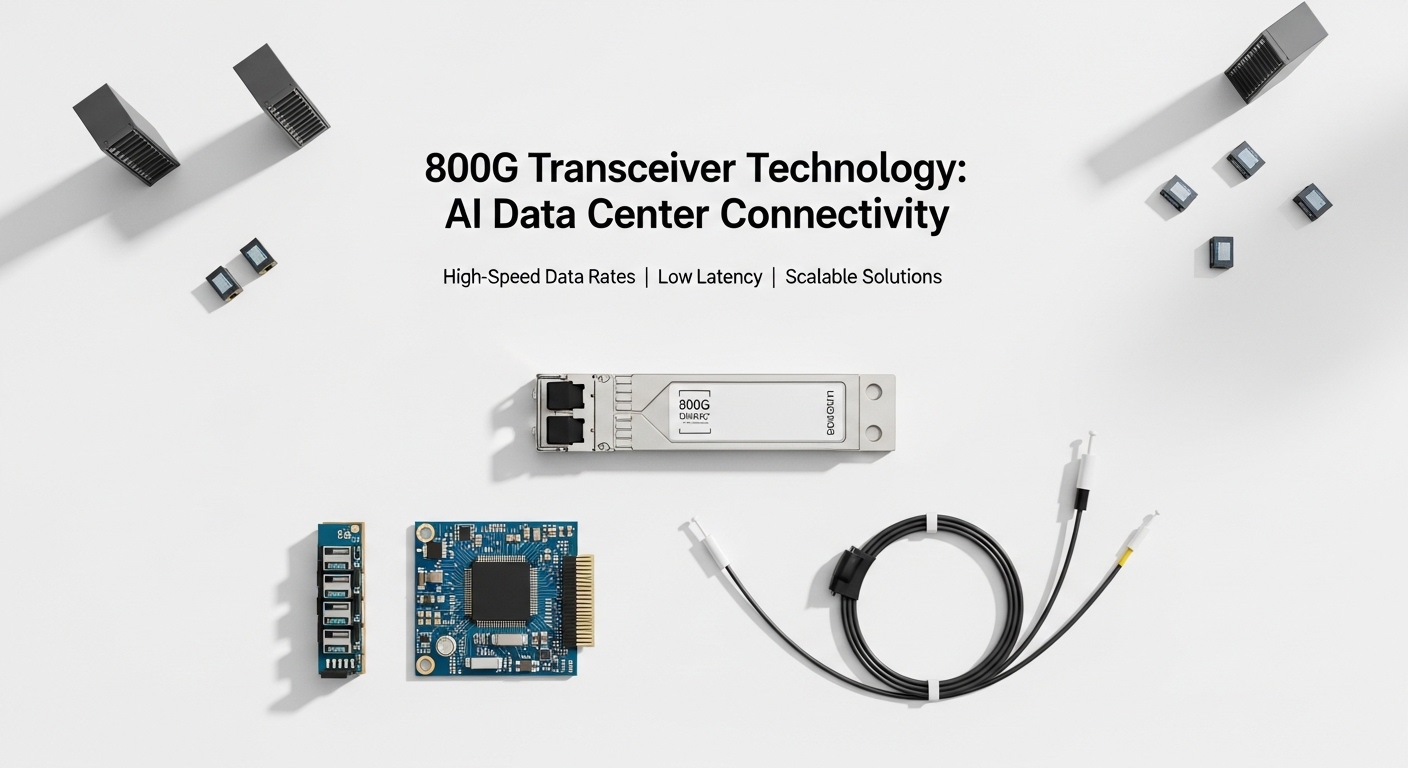
Both approaches aim to reduce optical module footprint and shorten electrical paths, but they differ in integration depth. With CPO, the optical engines are packaged extremely close to the host silicon, typically reducing the number of high-speed electrical traces and improving signal integrity headroom for high lane counts. Near-package optics usually place optics on or near the compute or line-card substrate with fewer integration steps than full CPO, which can simplify validation and change control. From an engineering standpoint, the biggest operational difference is how you manage high-speed electrical loss, thermal gradients, and serviceability across the optics boundary.
Architecture impact on latency, reach, and power
Latency differences are usually small compared with switching fabric traversal, but power and heat are measurable. Shorter electrical interconnects in CPO can reduce energy per transmitted bit, while near-package designs may trade some power efficiency for faster qualification cycles. Reach is not inherently tied to packaging, but packaging affects how reliably you can run tight eye masks at higher symbol rates. IEEE 802.3 specifications define electrical/optical performance envelopes, while vendor implementations determine whether you actually meet them at temperature extremes. See [Source: IEEE 802.3] [[EXT:https://standards.ieee.org/standard/802_3]]
Pro Tip: In field acceptance tests, teams often discover that the real constraint is not optical power alone, but transceiver temperature rise under sustained oversubscription. Even when both options meet nominal spec at 25 C, the top-of-rack airflow pattern can push one design closer to its thermal limit, causing marginal error-rate behavior before you see link-down events.
Specs comparison table: key parameters that drive fit
Use the table below to compare the practical selection dimensions. Because vendors label products differently, confirm exact wavelengths, connectors, and temperature ratings on the specific datasheet you plan to deploy.
| Spec / Decision Point | CPO (Co-packaged optics) | Near-package optics |
|---|---|---|
| Integration depth | Very high optical engine proximity to host silicon | High, but typically less integrated than CPO |
| Electrical path length | Usually shorter, fewer high-speed trace segments | Often longer than CPO, but still optimized |
| Typical data rates | Commonly 100G to 800G class in modern platforms | Commonly 100G to 400G class, platform dependent |
| Wavelengths (examples) | Often multi-lane short-reach or LR variants; confirm per SKU | Often SR and LR variants; confirm per SKU |
| Optical connectorization | May be board-integrated with standardized interfaces; verify | Often uses standard pluggable or semi-pluggable interfaces |
| Operating temperature | Verify top-of-module thermal limits; may be sensitive to airflow | May be easier to validate across thermal profiles |
| Serviceability | Often harder to swap at unit level | Often easier to replace at module or assembly level |
| Upgrade cadence | Can require platform-level changes | More flexible for incremental refresh |
Compatibility and validation: the switch and chassis reality
In procurement terms, packaging choice becomes a platform dependency problem. CPO is frequently tied to a specific system design and may not map cleanly to generic pluggable ecosystems. Near-package optics are more likely to align with existing transceiver form factors or at least with predictable vendor-qualified assemblies. Practically, you should demand a compatibility matrix from the switch vendor and require proof of optic qualification across the exact line-card revision and firmware baseline.
What to verify before ordering
- DOM and management: confirm digital optical monitoring support, alarm thresholds, and whether the platform enforces policy by vendor ID.
- Optical budget and lane mapping: ensure the platform’s lane order and any fanout optics match the intended fiber polarity and breakout plan.
- Thermal headroom: request measured performance curves or at least temperature derating guidance.
- Firmware interoperability: validate link bring-up and error-rate stability with your target switch software.
When validation is skipped, the failure mode often looks like intermittent CRC or FEC uncorrectable bursts that correlate with high utilization. That is why acceptance testing should include sustained traffic runs at realistic oversubscription ratios, not just link-up at idle.
Cost and ROI: how packaging affects TCO, spares, and downtime
Pricing varies heavily by generation and system vendor, but you can plan for different cost drivers. CPO may reduce power and potentially lower total power-per-port, yet it can increase the cost of spares because replacements may be less modular. Near-package optics are often easier to stock as spares, and the supply chain may be more diversified, which can reduce procurement risk. For ROI modeling, include power, cooling impact, field swap labor, mean time to repair, and requalification effort for each architecture.
Realistic budget signals from field programs
Teams commonly find that the “cheapest” optic line item is not the lowest TCO once you account for downtime windows, expedited shipping, and the cost of re-running burn-in and acceptance. If your facility targets strict energy budgets, even a modest per-port power delta can justify architecture changes at scale, but only if thermal validation is credible. For reference on transceiver power and interfaces, consult vendor datasheets for specific SKUs such as Cisco SFP-10G-SR or Finisar optical families; always map to your system’s supported optics list. Examples of vendor product pages: Cisco product documentation and Finisar product information.
Selection criteria checklist for a co-packaged optics comparison
Use this ordered checklist to decide between CPO and near-package optics for your specific deployment.
- Distance and optical format: confirm SR versus LR needs, wavelength plan, and fiber plant constraints.
- Switch and line-card compatibility: require a written optics support statement per chassis and revision.
- Budget and TCO model: include power, cooling, spares, and acceptance testing costs.
- DOM support and telemetry: verify monitoring fields, thresholds, and alerting integration.
- Operating temperature and airflow: demand thermal validation data or perform local thermal characterization.
- Vendor lock-in risk: assess whether replacements are limited to one OEM and whether lead times are acceptable.
- Service strategy: define whether you can swap optics quickly at the unit level without requalification.
Common mistakes and troubleshooting tips
Below are concrete failure modes engineers encounter during rollout of either architecture.
-
Mistake: assuming link-up at room temperature guarantees stable operation at peak load.
Root cause: thermal gradients shift eye diagrams and margin at higher transmitter temperatures.
Fix: run sustained traffic tests at your worst-case utilization and top-of-rack airflow profile; log BER/CRC counters continuously. -
Mistake: misinterpreting connectorization and fiber polarity during installation.
Root cause: lane mapping and polarity conventions differ across breakout harnesses and semi-integrated assemblies.
Fix: verify polarity with a continuity and mapping test before enabling production traffic; maintain a documented labeling standard. -
Mistake: ignoring DOM alarm thresholds and vendor policy enforcement.
Root cause: some platforms enforce vendor IDs and manage diagnostics differently; alarms can be suppressed until thresholds are crossed.
Fix: confirm DOM telemetry visibility in your monitoring stack and validate that threshold values match your operational expectations. -
Mistake: mixing optics across firmware revisions without a compatibility check.
Root cause: firmware can change FEC behavior, lane ordering, or training parameters.
Fix: lock optic firmware compatibility in the change management process and test in a staging rack first.
If you see intermittent errors, prioritize telemetry correlation: temperature, optical power levels, and retraining events. Do not “swap randomly” without capturing counter deltas, because you may mask a systematic airflow or polarity issue.
Which option should you choose?
If you are building a new generation system where power efficiency and high port density matter most and you can tolerate platform-level integration constraints, select CPO. If you need faster iteration, easier spares strategy, and broader compatibility across chassis revisions, select near-package optics. For hybrid programs, many operators start with near-package optics for early deployments, then evaluate CPO after thermal and service workflow maturity is proven.
FAQ
Q: What does “co-packaged optics” practically mean for operations?
A: It means the optical engine is integrated much closer to the host silicon or line-card substrate,
